Roborank
Your Search Console and your site, inside the chat you already use.
Claude SEO
Connect Roborank to the AI you already pay for. Ask it what to fix on your site, and it answers from your real Search Console data and can queue the fix for you to approve.
Free to start. No credit card needed.
Do your SEO from Claude or ChatGPT
Ask Claude or ChatGPT how to improve your traffic and you get good general advice. What you don't get is your queries, your pages, which ones are slipping, or the ability to change anything. You end up copying data out of Search Console, pasting it into chat, and pasting the answer back into WordPress.
Roborank is an MCP server, which is the standard way to plug tools into an AI app. Once it's connected, the assistant reads your sites the same way the Roborank dashboard does, and it can propose changes that go live after you approve them.
What you can ask it
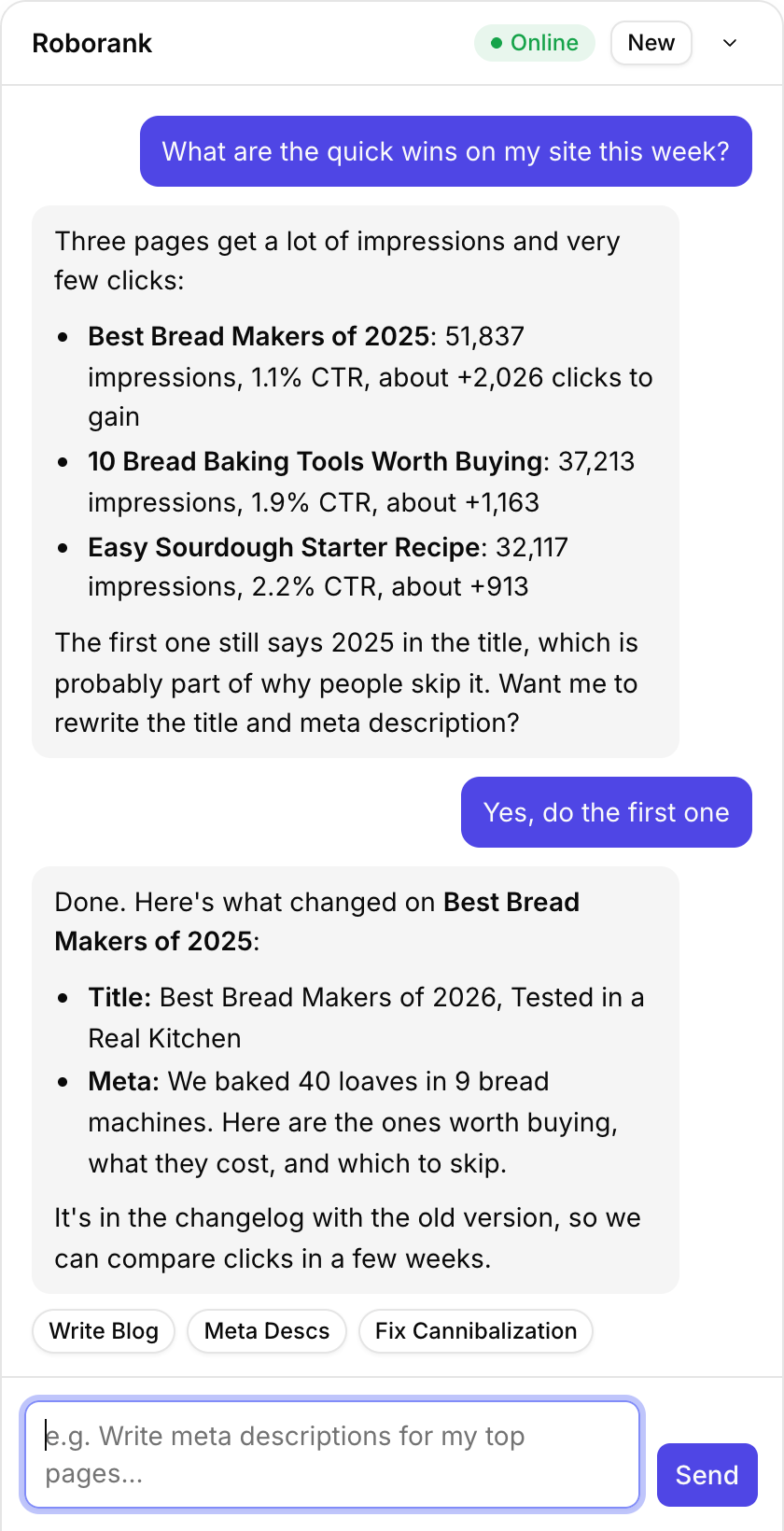
- "What are the quick wins on my site this week?"
- "Which pages lost the most clicks in the last 28 days, and why?"
- "Rewrite the titles on my five worst click-through pages."
- "Are any of my pages competing for the same keyword?"
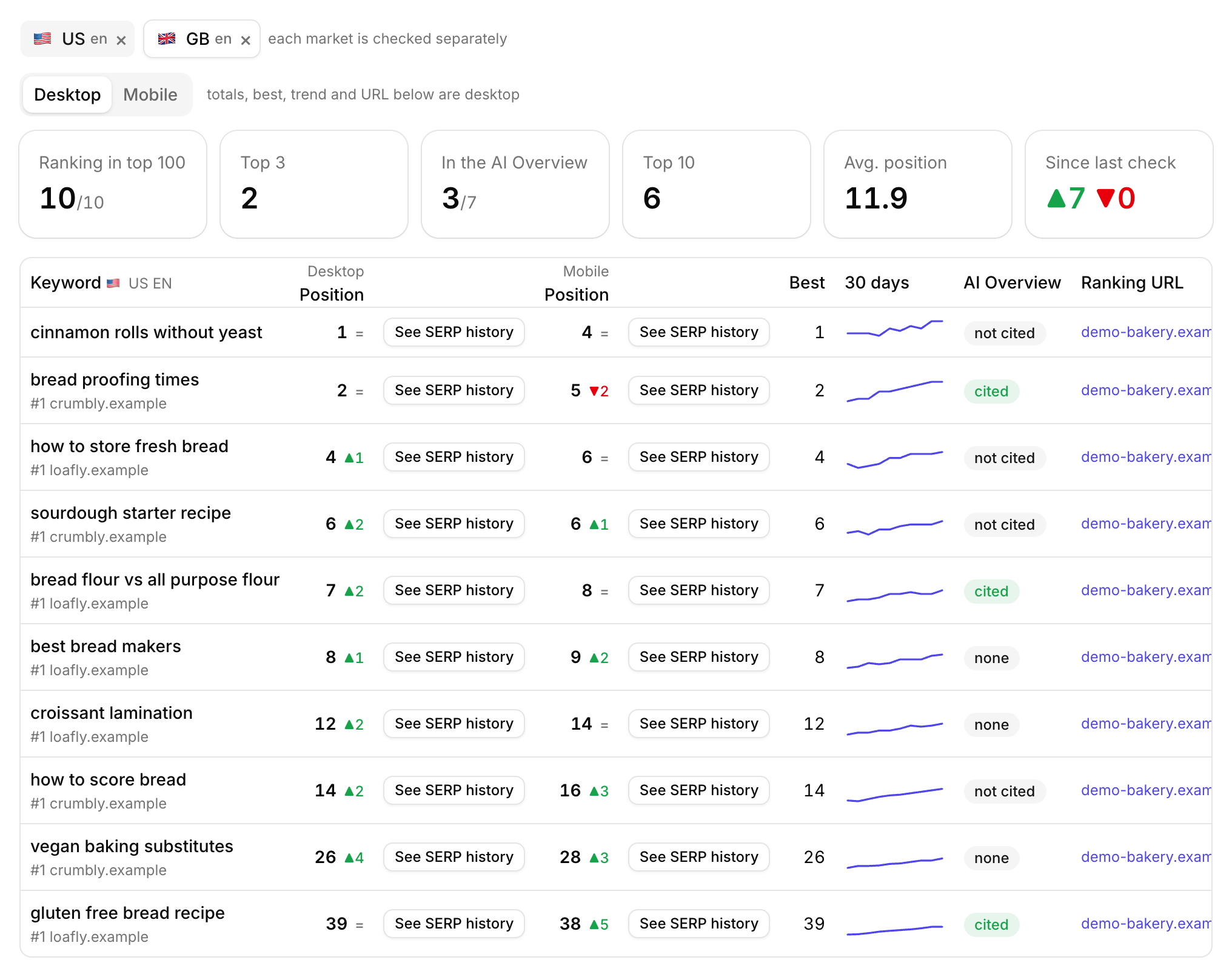
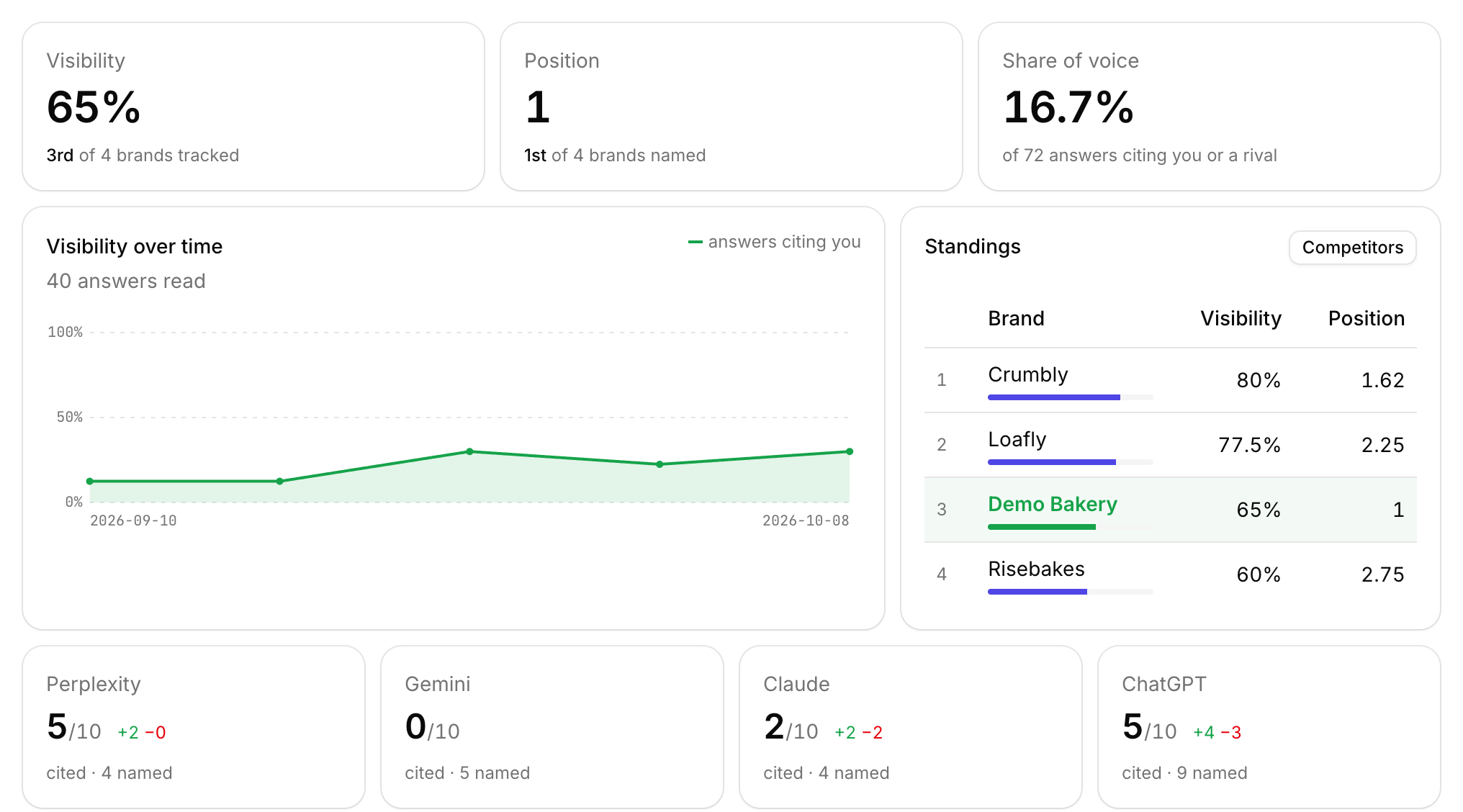
- "Is ChatGPT citing us for our main questions? Who gets cited instead?"
- "Draft a post for the keyword my competitors rank for and we don't."
Reading is free and works from your synced data.

What it connects
| Feature | What it does |
|---|---|
| Site data | Overview, quick wins, decay, cannibalization, consolidation, internal links, top pages |
| Search Console | The queries behind each page, with clicks and positions |
| Tracking | AI visibility and rank tracking |
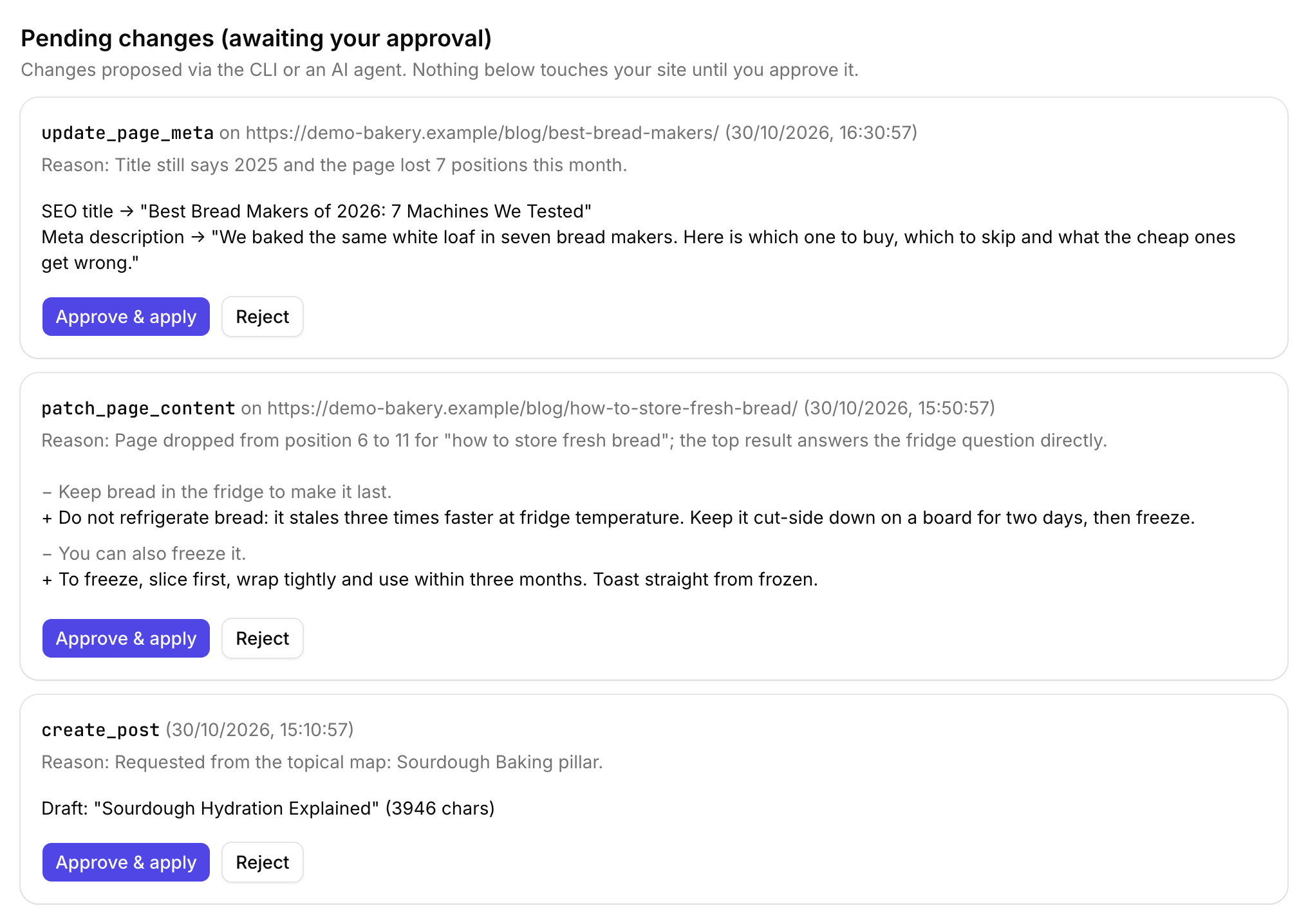
| Writes | Meta, content patches and new drafts, queued for your approval |
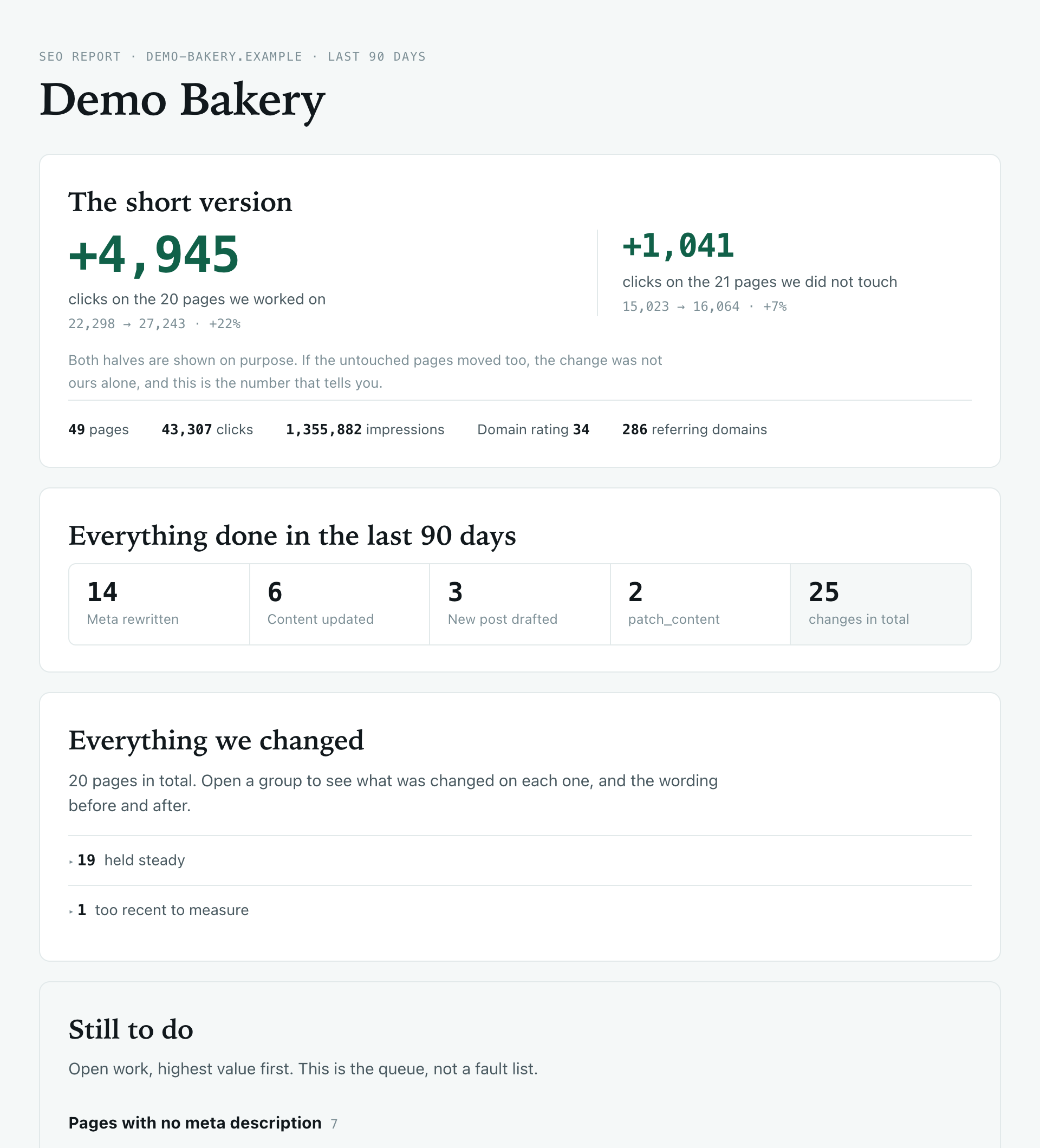
| Changelog | Every change with a before and after, tagged with the app it came from |
| CLI | The same tools from the terminal, for scripts and static sites |

It can't break your site, by design
Letting an AI write to your website should make you a little nervous, so the defaults are strict.
- Writing is off until you switch on remote access and remote edits for that site
- Approval is on by default, so nothing touches your site until you click approve
- New posts and pages are always saved as drafts
- No deletes, and no access to plugins, themes or users

How do you set it up?
claude.ai, Claude Desktop, ChatGPT and grok.com sign in to Roborank, so there's nothing to paste. In Claude, go to Settings, Connectors, Add custom connector, and use this URL:
https://mcp.roborank.io/mcpClaude Code, Cursor, VS Code and Codex use a token you create in Roborank Settings. In Claude Code it's one line:
claude mcp add --transport http roborank https://roborank.swatseo.net/mcp \
  --header "Authorization: Bearer rbk_..."
Or the CLI, if you'd rather script it:
npm install -g roborank
roborank login --token rbk_...
roborank quick-wins --site example.com
The setup guide has the exact config for every app.

Your AI subscription does the thinking
When you work through Claude or ChatGPT, the conversation runs on the plan you already pay for. Roborank supplies the data and the write access, your assistant does the reasoning.
It's handy for static sites too: Claude Code can apply the patch to your local HTML files and log the change back to Roborank. And if you'd rather not use chat at all, the agent in the Roborank dashboard does the same work.
Create your account, connect Search Console, then add Roborank as a connector in Claude or ChatGPT.
Start free with Search ConsoleSEO changes written to live sites
sites worked on, WordPress, Webflow and more
change logged with a before and after
1. What is an MCP server?
MCP (Model Context Protocol) is the standard way to give an AI app access to outside tools and data. Claude, ChatGPT, Cursor and most coding assistants support it. Roborank runs one, so those apps can read your SEO data and propose changes.
2. Does it work with the normal claude.ai and ChatGPT apps, or only developer tools?
Both. claude.ai, Claude Desktop, ChatGPT and grok.com connect by signing in with your Roborank email, no token needed. Claude Code, Cursor, VS Code, Windsurf, Codex and Gemini CLI use a personal token.
3. Can Claude publish things on my site without me?
Not with the default settings. Writes are off until you turn them on per site, every change waits in an approval queue, new content is always a draft, and nothing can be deleted.
4. Which sites can I connect?
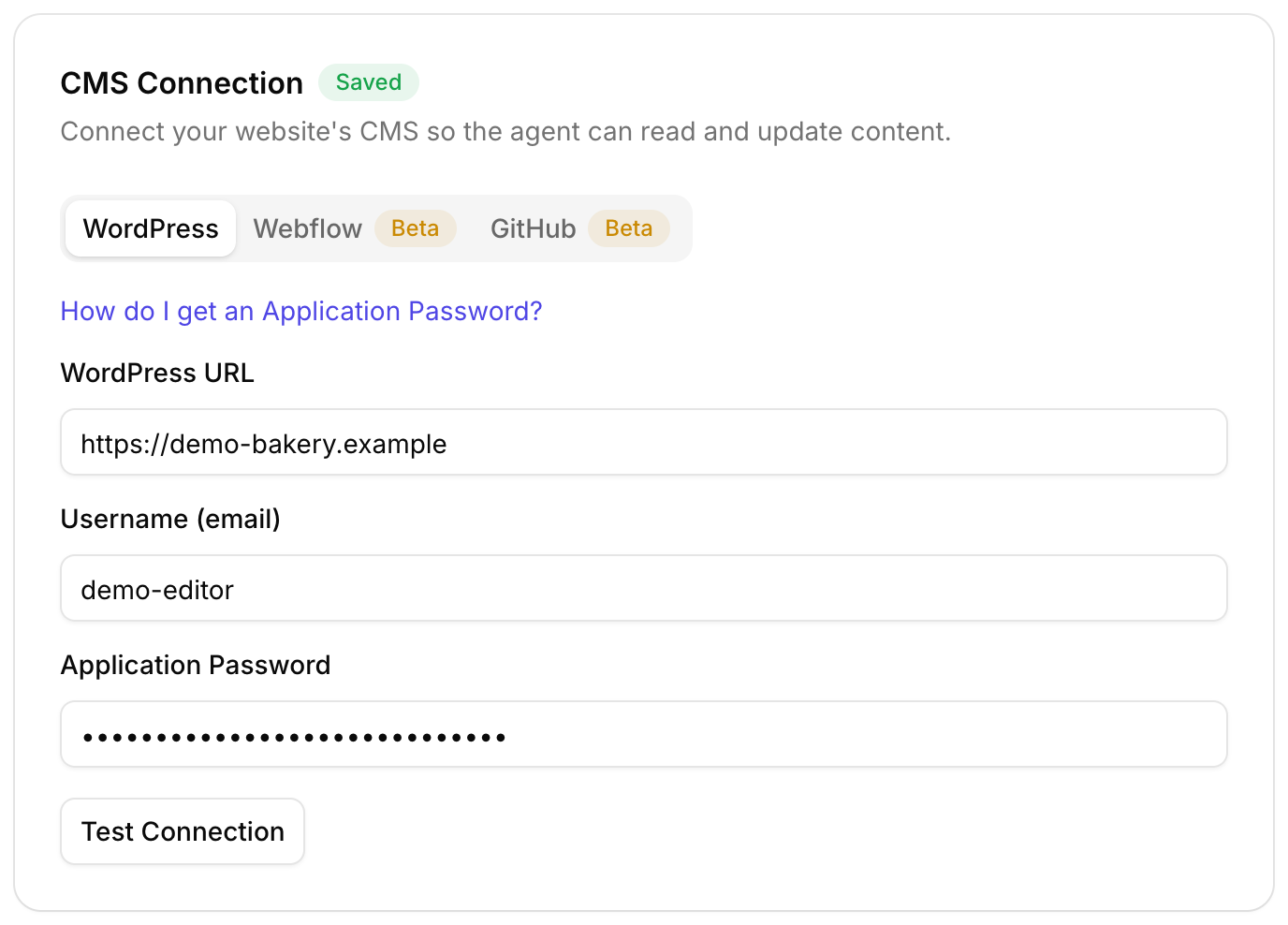
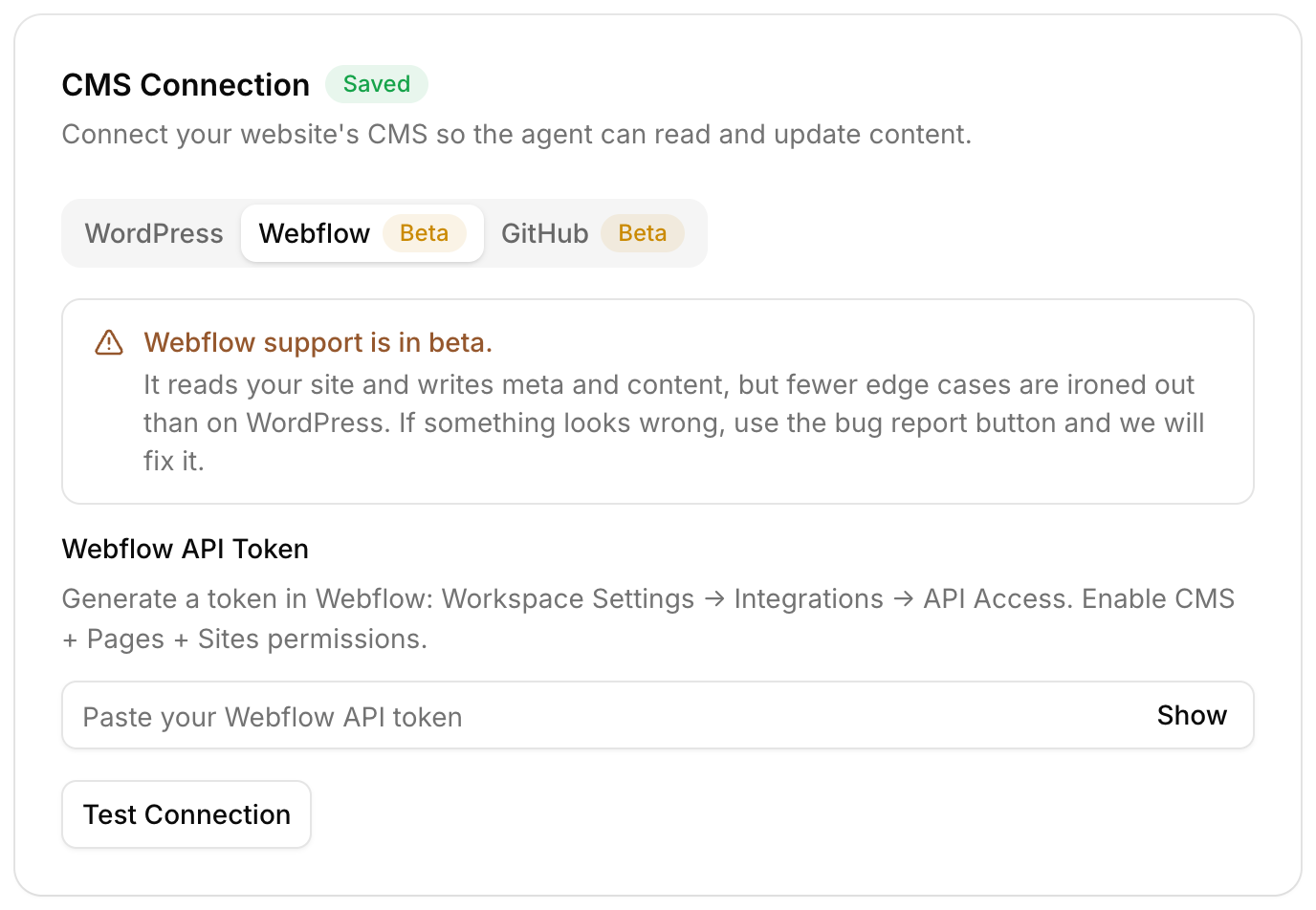
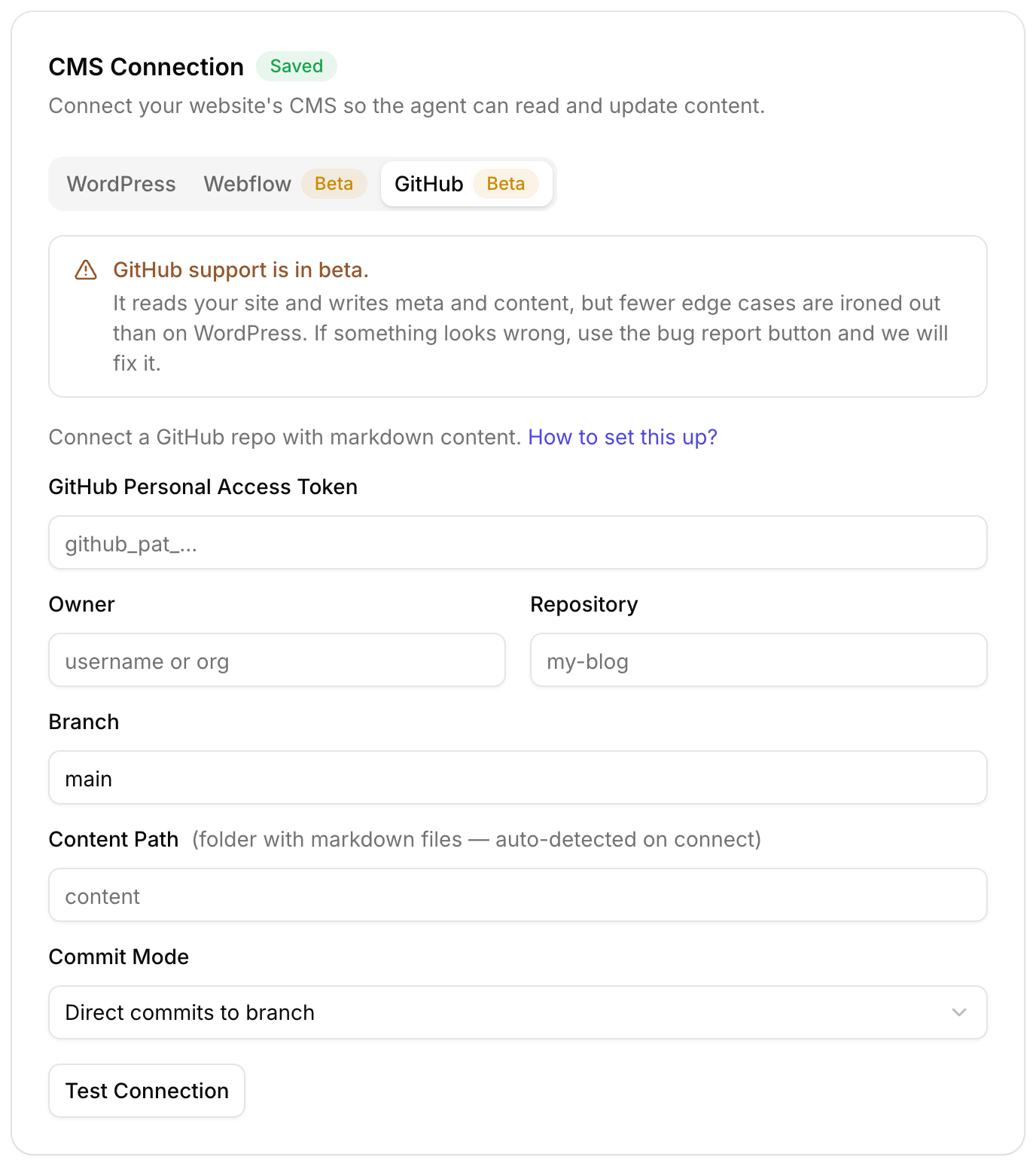
WordPress, Webflow and GitHub sites, plus plain HTML sites, where the assistant gets a patch to apply to your files locally.
5. How do I disconnect it?
Connected apps show up in Roborank Settings, for example "Claude (connected app)". Delete it there and the access is gone. Tokens can be revoked from the same page.
More features