Roborank
SEO edits that actually show up on Elementor pages.
Elementor SEO
Elementor keeps your page text inside its own widgets, not in the normal WordPress content. Roborank reads and edits it there, so the change is live on the page and your layout stays exactly as it was.
Free to start. No credit card needed.
Why AI tools miss Elementor pages
When you build a page in Elementor, WordPress still has a normal content field for it, but nothing displays it. The real text lives in Elementor's own data, inside each heading, text editor and button widget.
So a tool that edits pages through the normal WordPress content will happily change that field, see that it changed, and report success, while the live page stays exactly the same. We found this the hard way on our own site: an edit was "applied", the modified date updated, and nobody visiting the page could see any difference.

Is Elementor SEO friendly?
Yes. Google reads an Elementor page like any other page. What usually holds them back is the text:
- Headings that don't say what the page is about
- Thin copy that never answers the question the page ranks for
- Missing meta descriptions, so Google writes its own
- Outdated years, prices and facts left over from the first draft
That's the part Roborank fixes, starting with the pages that have the most clicks to gain in your Search Console.

What it edits on an Elementor site
| Feature | What it does |
|---|---|
| Titles and meta | Written to Yoast or Rank Math, even where widget text isn't editable |
| Headings and paragraphs | Find and replace on text inside known widgets |
| Missing answers | Added to the questions the page already ranks for |
| Stale facts | Outdated years, prices and details in the text |
| Internal links | Links between your pages |
| Layout | Never touched: structure, styling and spacing stay as they are |
Who is it for?
- WordPress sites built with Elementor, free or Pro
- Agencies handing clients Elementor builds they still have to rank
- Mixed sites where some pages use Elementor and some the block editor
Roborank checks each page, so pages not built with Elementor are edited the normal WordPress way.

How does it work?
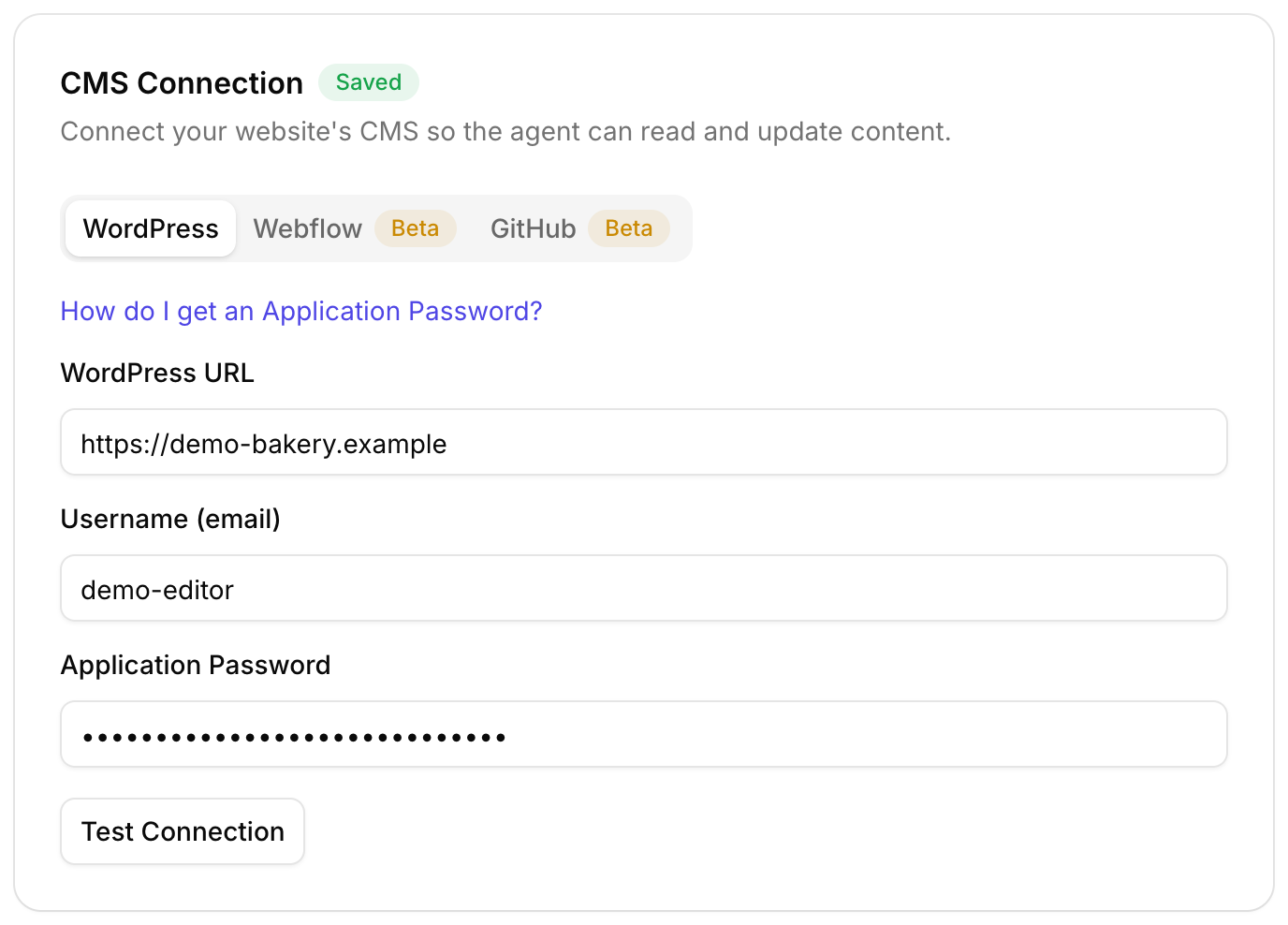
- Install the free connector plugin on your WordPress site
- Sync your site, and Roborank learns which pages use Elementor
- The agent reads the widget text, so it works from what's really on the page
- It edits through Elementor and clears Elementor's cache, so the change shows right away
- If the text is gone, it stops and tells you instead of saving a page that didn't change
Full page rewrites aren't offered on Elementor pages, because replacing the whole body would throw away your design.

You stay in control
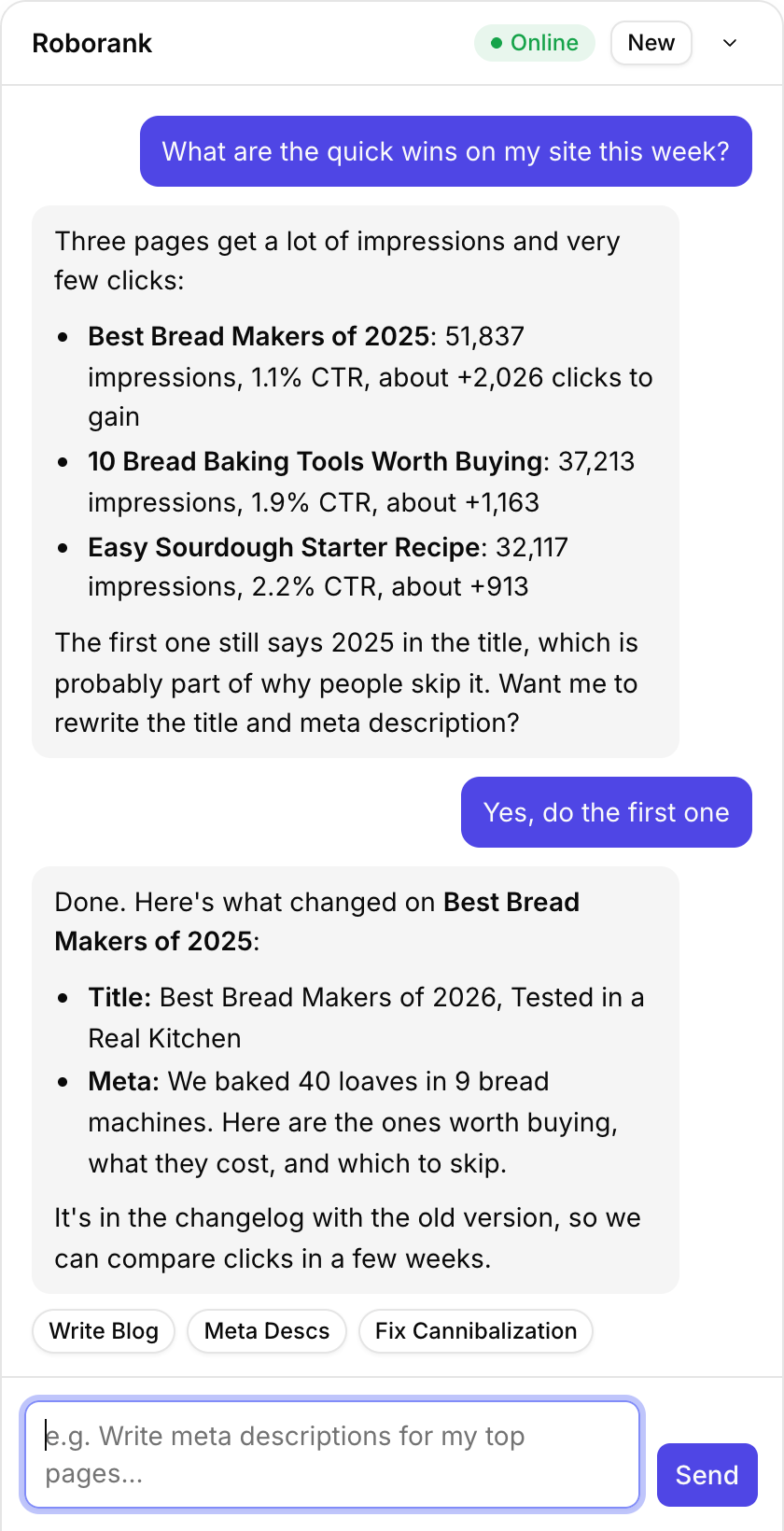
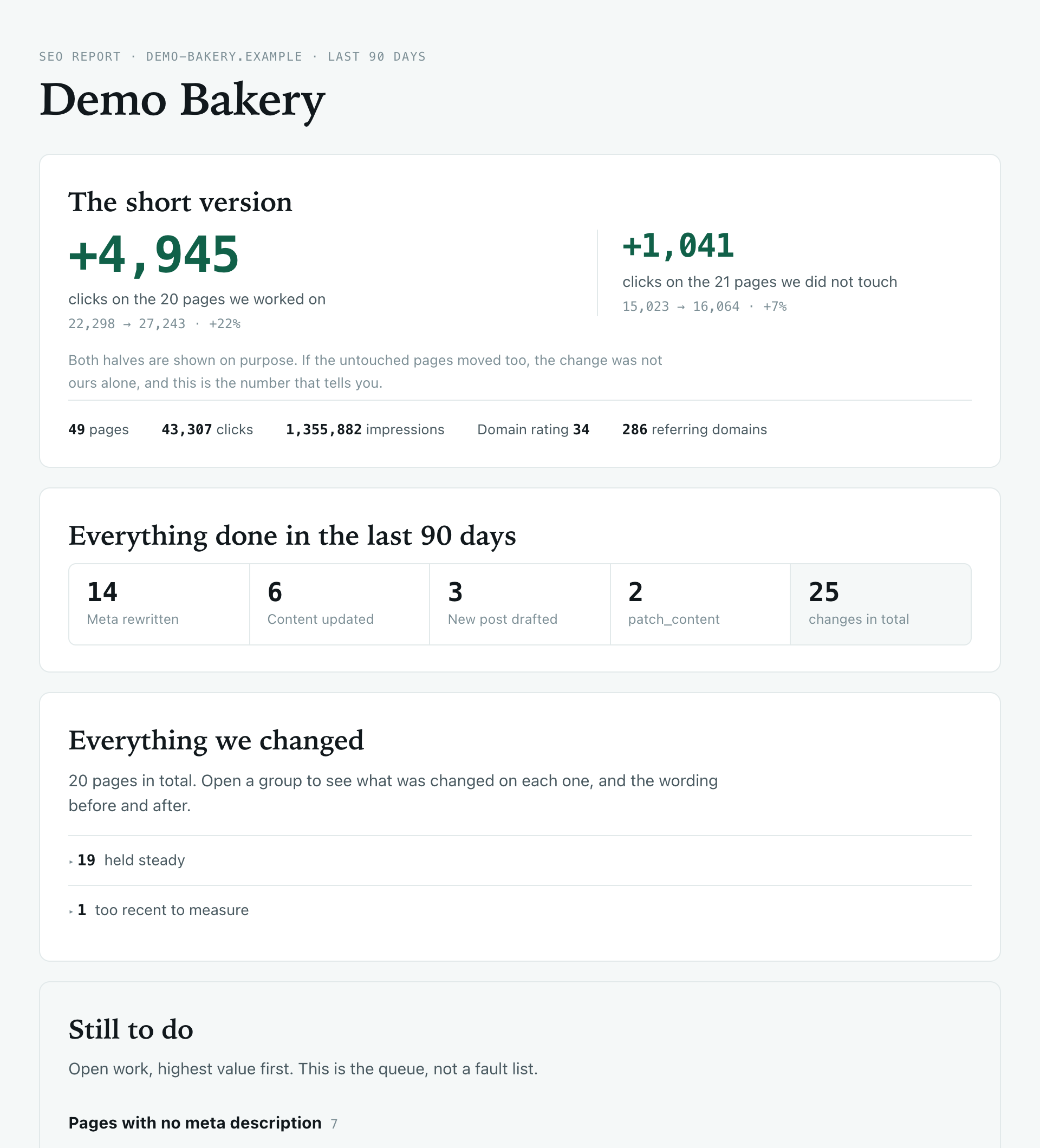
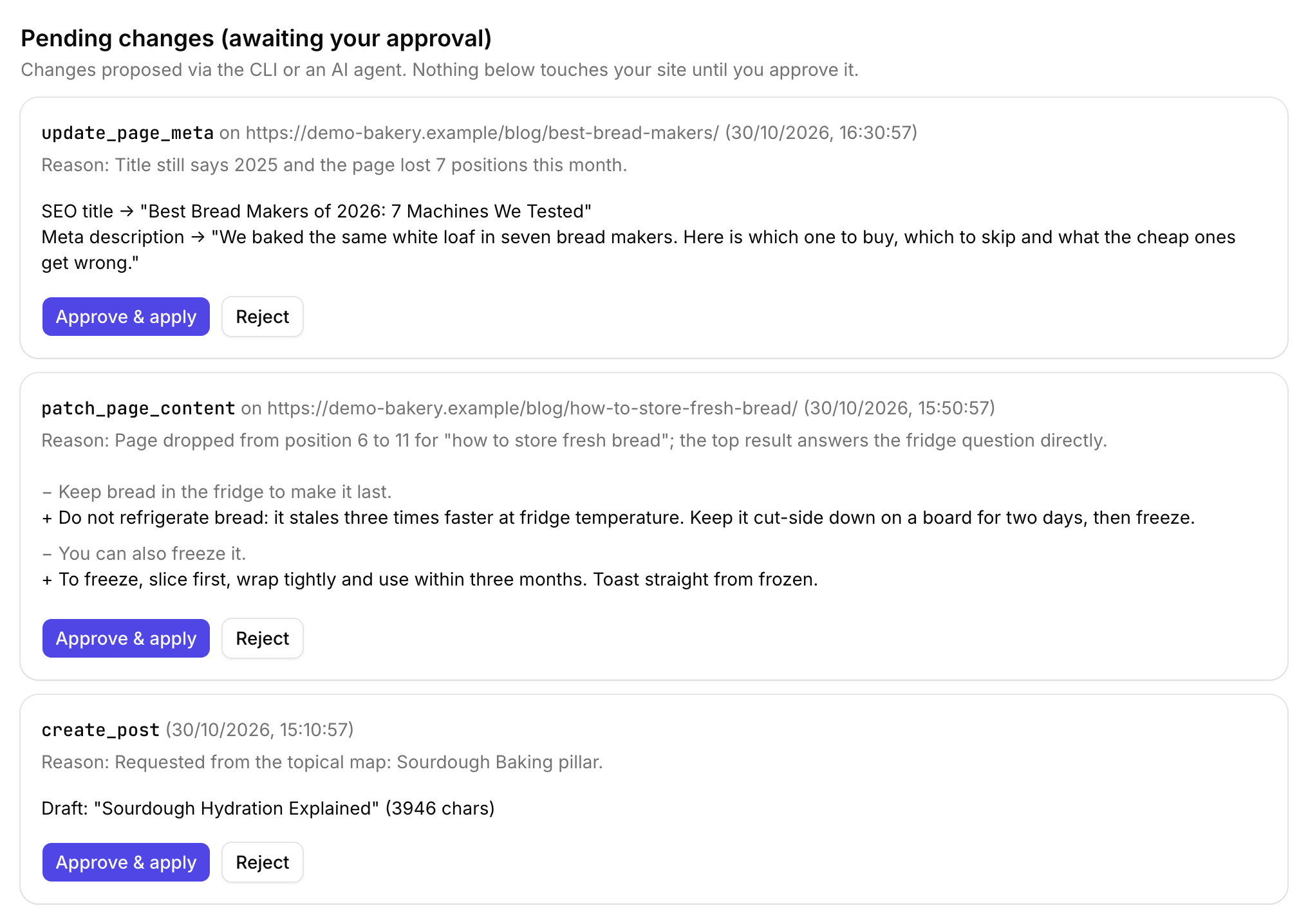
Every edit is logged with what the text said before and after, and why the agent changed it. Changes requested from Claude, ChatGPT or the CLI wait for your approval before they touch the site, and new posts are always saved as drafts.
If you'd rather work from Claude or ChatGPT, Elementor pages behave exactly the same there.

Connect your WordPress site and Search Console, and see the first pages worth fixing.
Start free with Search ConsoleSEO changes written to live sites
sites worked on, WordPress, Webflow and more
change logged with a before and after
1. Do I need a plugin?
Yes, the free Content Agent Connector plugin. It lets Roborank read and edit the text in Elementor widgets and save it through Elementor. If your plugin is older than the version that supports Elementor, Roborank tells you to update it rather than making an edit that would not show up.
2. Will it mess up my design?
No. It only changes text inside known widgets. It never moves, adds or removes widgets, and it never touches styling or layout.
3. Does it work with Elementor Pro?
It edits the text in the page's Elementor data, which is the same for free and Pro pages. Text inside widgets Roborank does not know about is left alone.
4. Can it update titles and meta descriptions too?
Yes, those are written to Yoast or Rank Math as on any WordPress page, and they work even on an Elementor page where the widget text is not editable.
5. What about pages that are not built with Elementor?
They are edited the normal WordPress way. Roborank checks each page, so a site that mixes Elementor and the block editor works fine.
More features