Roborank
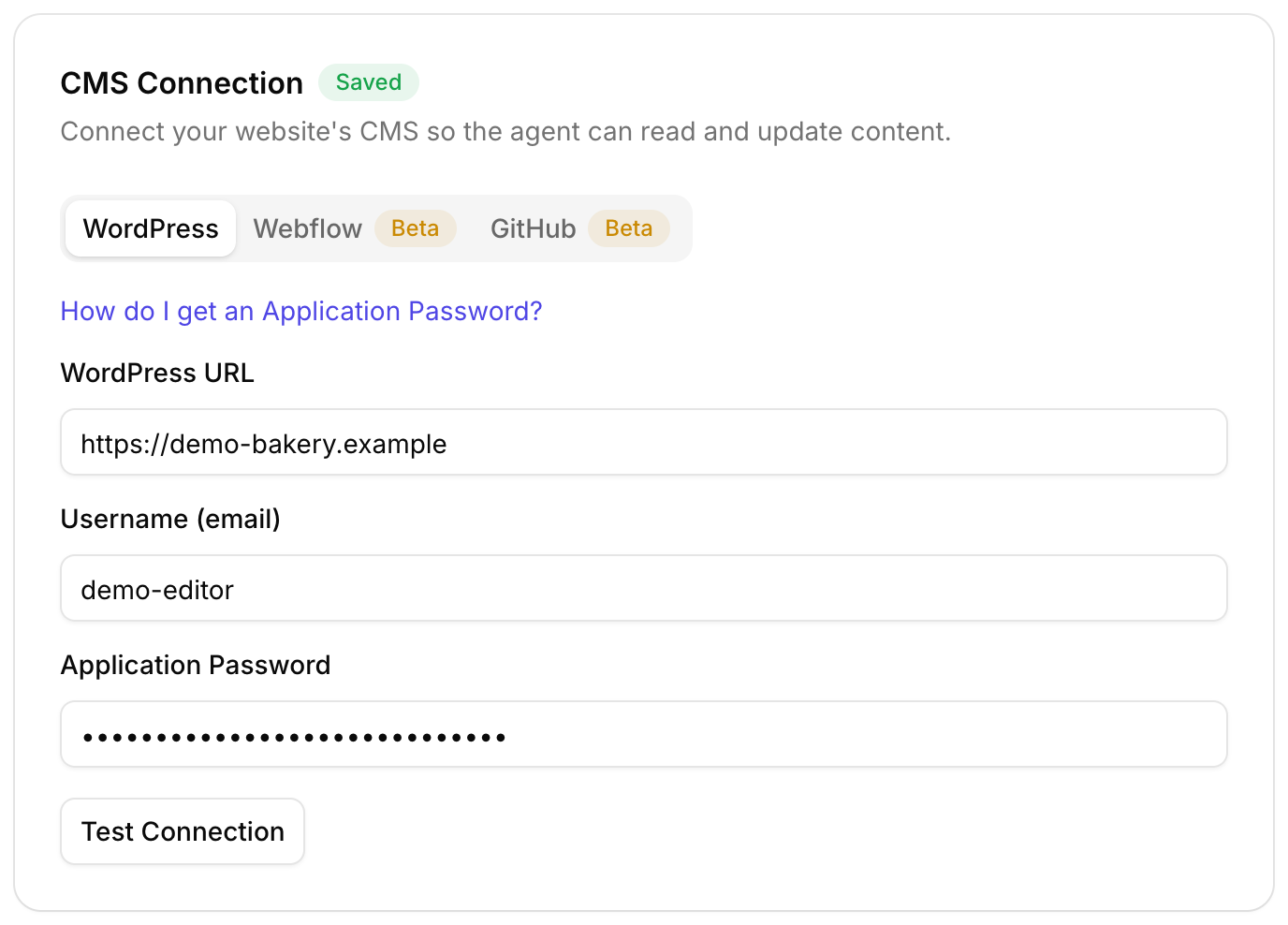
No CMS, no passwords. Just your domain.
SEO for Static HTML Websites
Roborank connects to a plain HTML site with nothing but its domain. It crawls the site, finds what to fix, and hands Claude Code, Cursor or the CLI the exact edits to make in your files.
Free to start. No credit card needed.
HTML SEO without a CMS
A hand-built site, an exported site, the output of a generator you don't want to touch: there's no admin panel to log into, so most SEO tools stop at the report.
Roborank doesn't need one. Give it the domain and it crawls the site, sitemap first, reading each page's title, description, headings and links. When it's time to change something, it writes out the exact find-and-replace edits, and your coding assistant applies them to the files on your machine.

Why static sites need this
- Titles and descriptions copied from page to page when the site was built
- Pages nothing links to, buried where Google rarely looks
- Menus counted as links, hiding which pages really get linked from the content
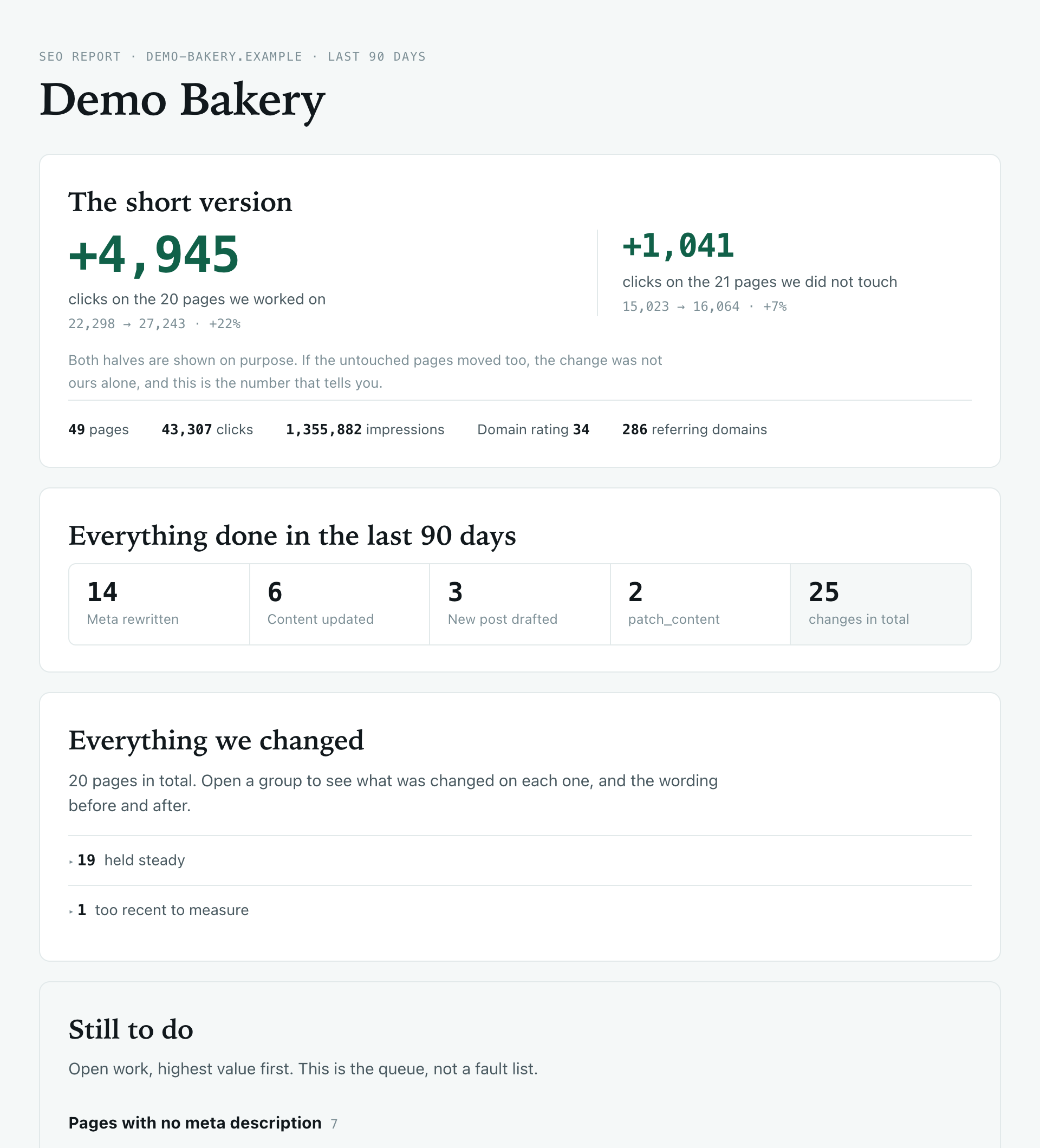
- No one place to see what's been changed and when
The crawl separates links in your content from links in repeated blocks like menus and footers, so the internal link counts mean something.

What it does on an HTML site
| Feature | What it does |
|---|---|
| Connect | By domain, with no passwords or tokens for your site |
| Crawl | Sitemap first, then link discovery, up to about 120 pages |
| Read | Titles, descriptions, headings, content and internal links |
| Write | A patch plan: the exact edits for your assistant to apply locally |
| Log | Each applied edit is recorded in your Roborank changelog |
| Refresh | Re-crawl after you deploy to see the new state |
Who is it for?
- Developers with a hand-coded site or a portfolio
- Small businesses whose site was built once and handed over as files
- Anyone using Claude Code or Cursor who wants SEO fixes next to the code
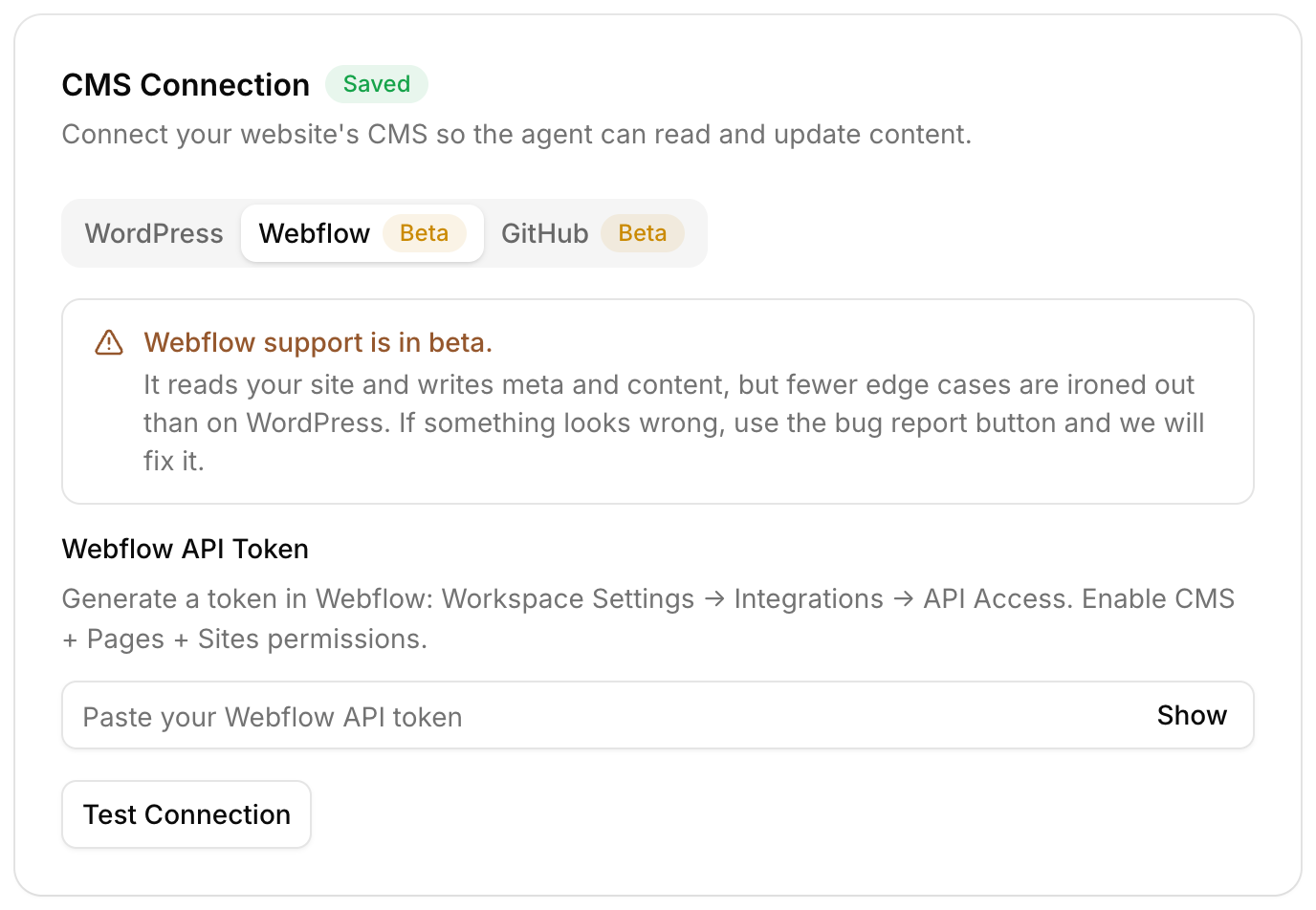
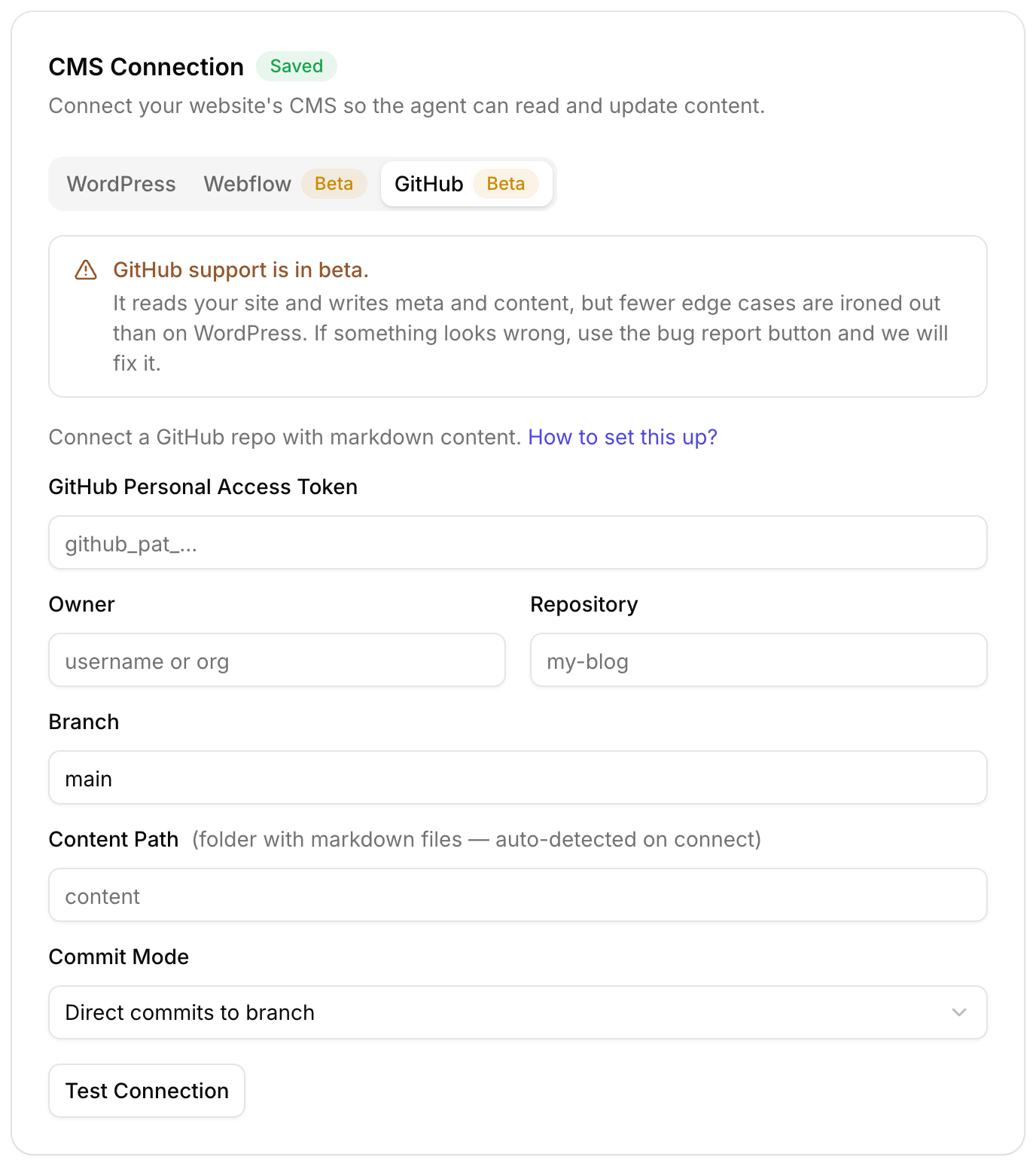
If your site is markdown in a GitHub repo, the GitHub connection can commit the edits itself instead.

How does it work?
- Install the CLI or connect Roborank to Claude Code
- Add the site by domain, and Roborank crawls it
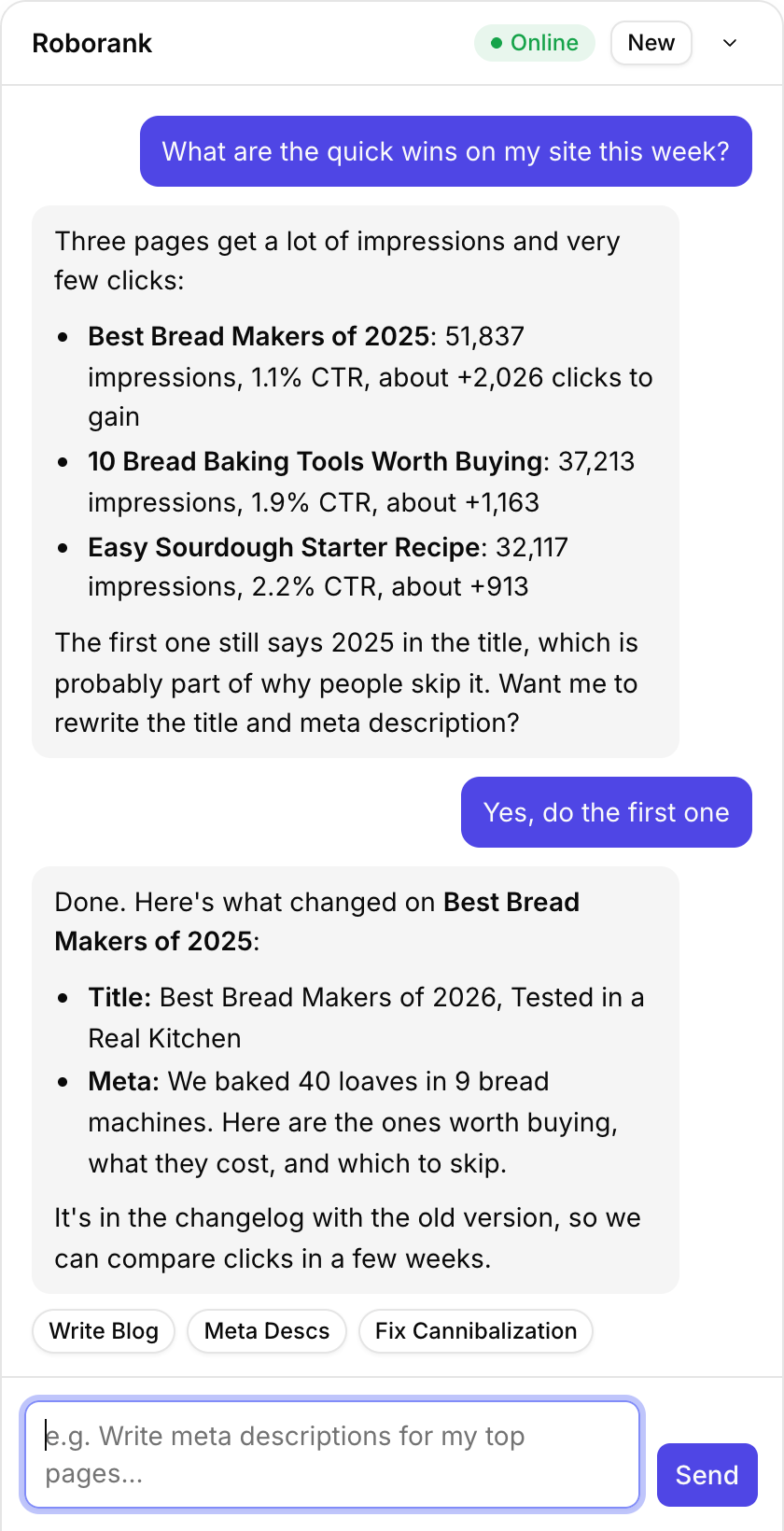
- Ask what to fix, like the quick wins or the internal links
- Your assistant applies the edits to your local files
- It logs each change back to Roborank, then you deploy as usual
npm install -g roborank
roborank login --token rbk_...
roborank add-site --domain example.com
Track what it did
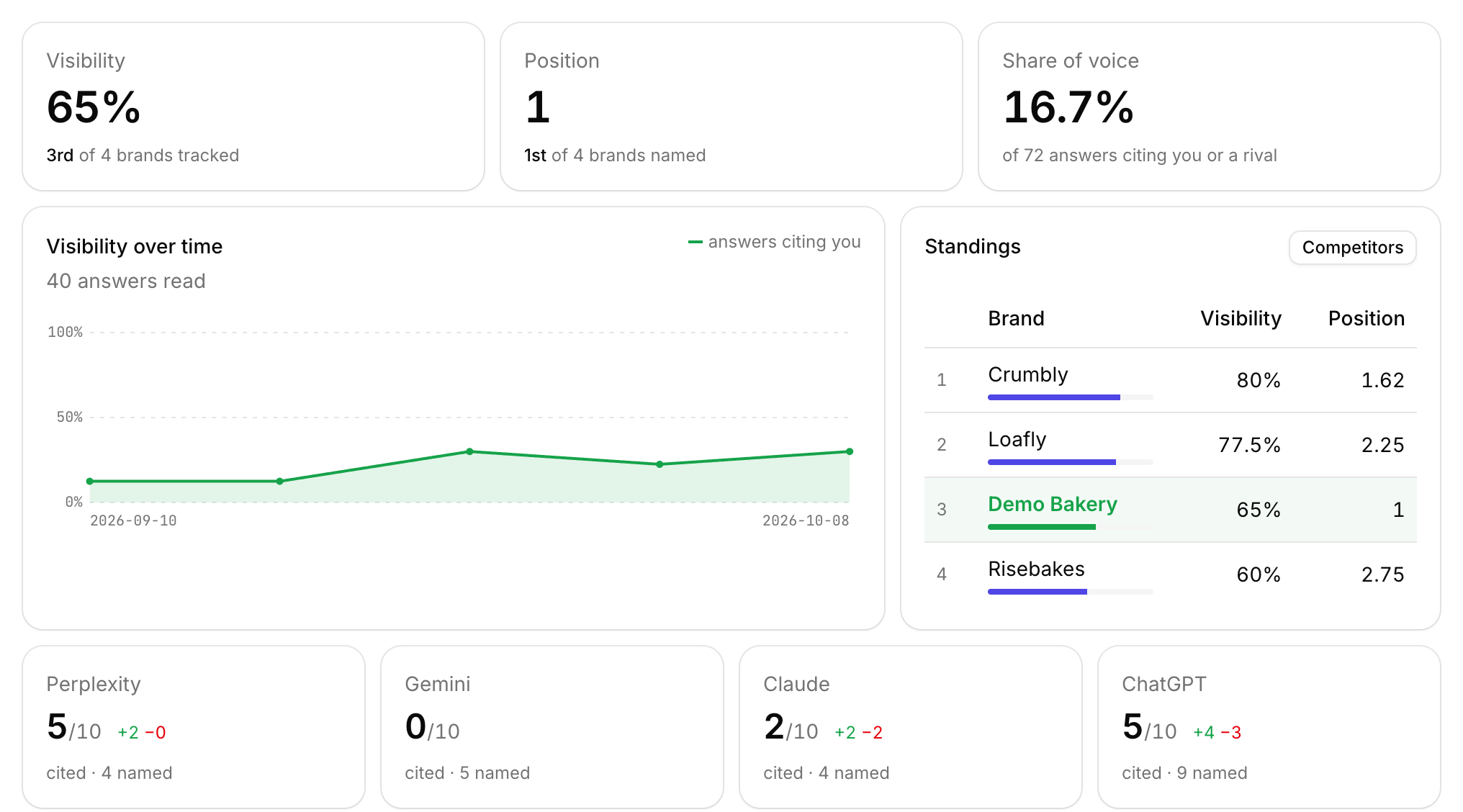
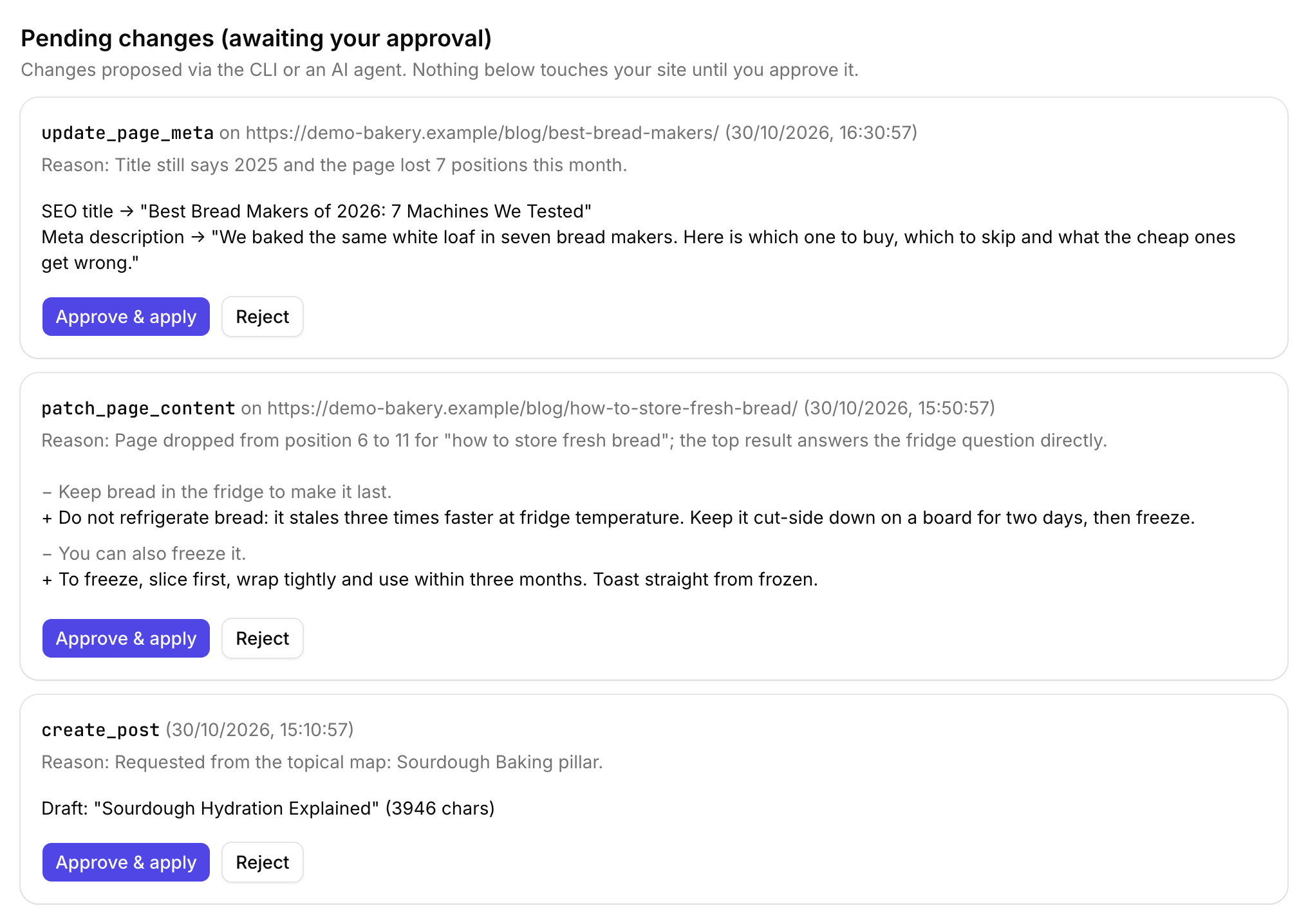
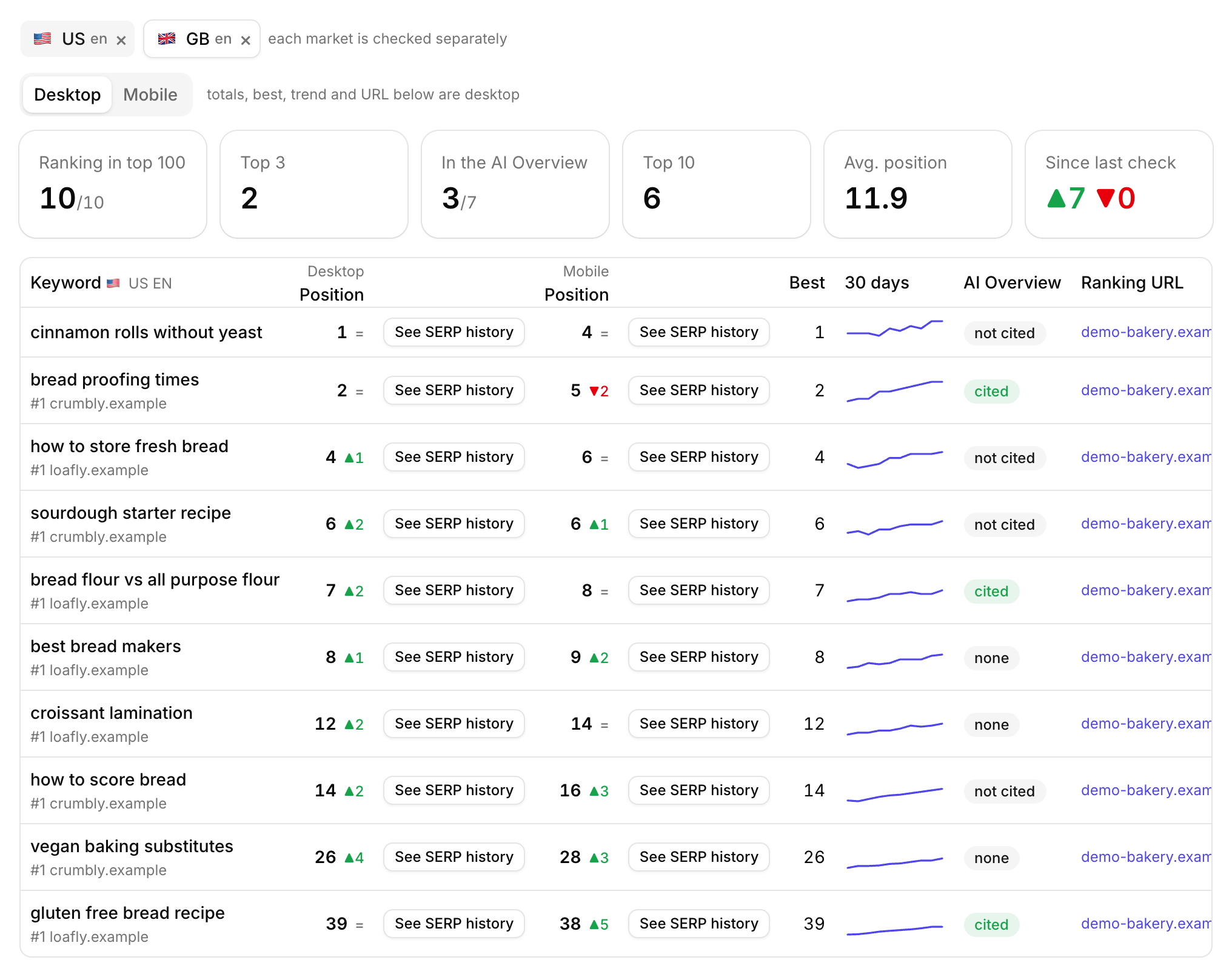
Once the edits are live, the rank tracker shows where the pages move on Google, and the AI visibility tracker shows whether ChatGPT and friends start citing them.
Want a fix list before connecting anything? Run the free SEO audit.
Add your site by domain and see what to fix first.
Start free with Search ConsoleSEO changes written to live sites
sites worked on, WordPress, Webflow and more
change logged with a before and after
1. Do I need to give Roborank access to my server?
No. Roborank only reads the public site. The edits are applied by Claude Code, Cursor or you, on your own machine, and you deploy them the way you always do.
2. Which tools can apply the edits?
Claude Code, Cursor and other coding assistants that support MCP, or the Roborank CLI from your own scripts. Each edit is an exact find-and-replace, so you can also apply it by hand.
3. How many pages does it crawl?
Up to about 120 pages per crawl, starting from your sitemap and falling back to following links.
4. Does it work with sites built by a generator?
Yes, it reads whatever HTML the site serves. If the source is markdown in a GitHub repo, the GitHub connection is a better fit because it edits the source files directly.
5. What is the best way to do SEO for a static website?
Get the basics right on every page (a specific title, a real meta description, one clear H1, content that answers the search), link your pages to each other from the content, and keep a sitemap. Then fix the pages Search Console shows are close to getting clicks first.
More features