Roborank
Google positions, AI Overviews and the actual results page.
Rank Tracking Software
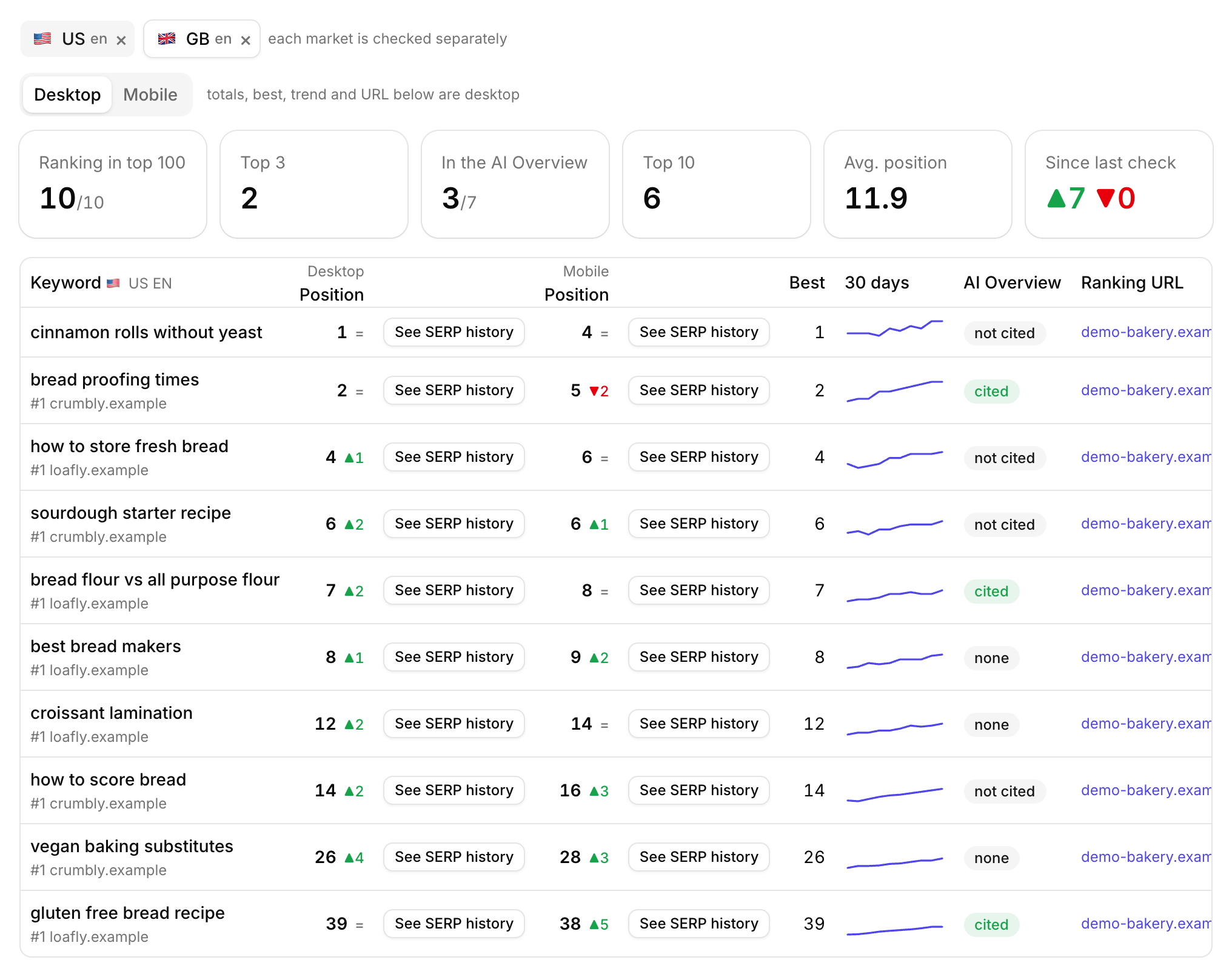
Track where your keywords rank on desktop and mobile, in every country and language you care about. See whether Google's AI Overview cites you, and open a picture of the results page with your listing highlighted.
Free to start. No credit card needed.
A rank tracker that keeps the page, not just the number
Most rank trackers give you a number. You're 6th. But 6th under an AI Overview, a video carousel and four ads is a very different place from 6th on a clean page, and the number alone can't tell you which one you got.
So Roborank keeps the page too. For any keyword you rank for, you can open a screenshot of that Google results page, scrolled to your listing, with your result left bright and everything else dimmed. You see what the searcher sees, including who is above you.
Why daily rank tracking still matters
- Catch drops early, before a month of lost clicks shows up in Search Console
- See what changed on the page, not only that your number moved
- Know if the AI Overview cites you or takes the click for itself
- Prove your work, keyword by keyword, after you change a page
You don't have to guess what to track either. The Rankings Monitor shows the queries that are moving in your Search Console, and every row has a Track button, or you can add them all at once.

What the rank tracker does
| Feature | What it does |
|---|---|
| Desktop and mobile | Two separate positions per keyword, each with its own history, best position and trend |
| Countries and languages | Up to eight country and language pairs per site, each checked and stored on its own |
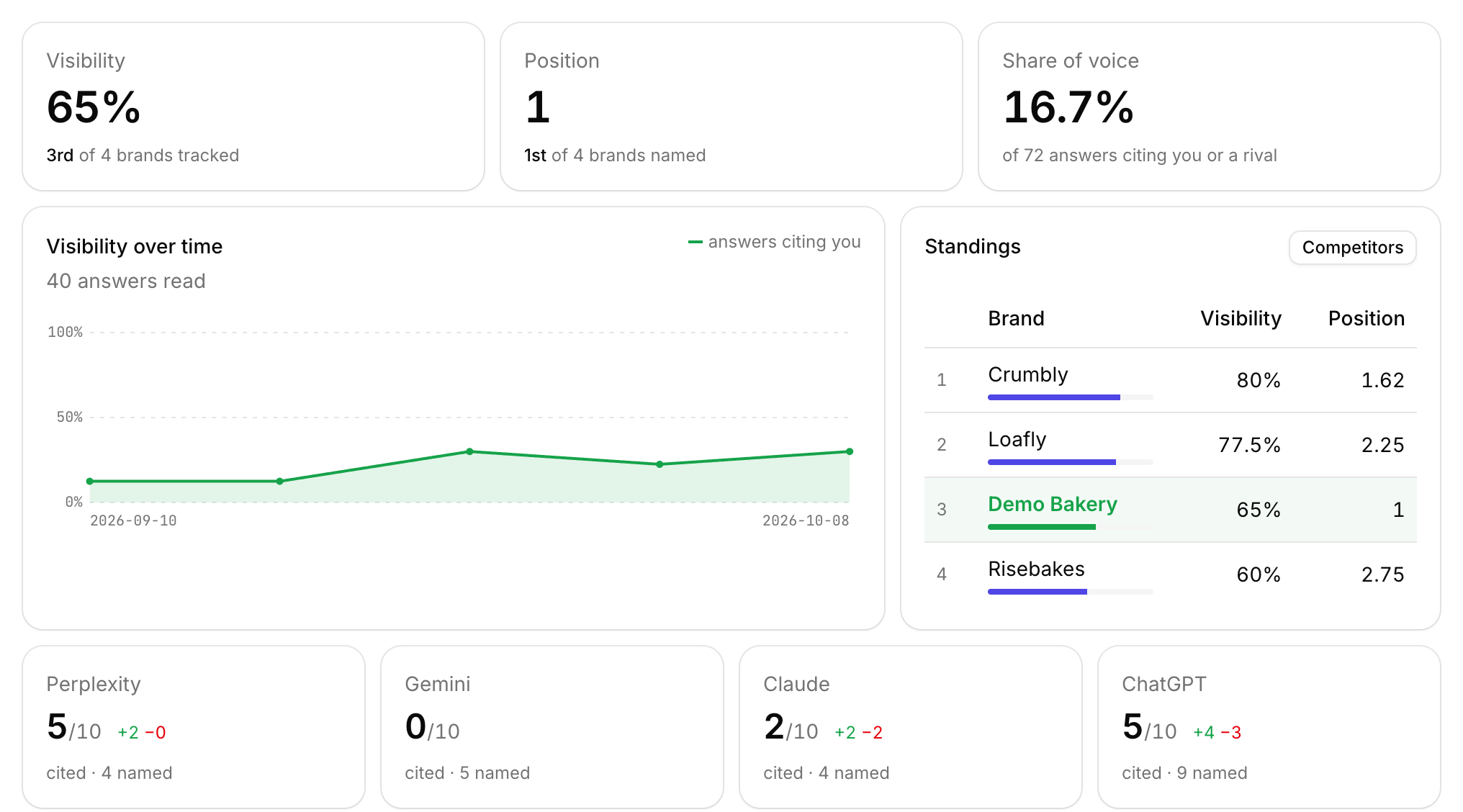
| AI Overview tracking | Whether Google showed one, whether it cited you, and which sites it cited instead |
| SERP screenshots | The results page from the day of the check, opened at your listing |
| Top result | The site ranking #1 for each keyword, right under it |
| Cadence | Daily, weekly or manual, plus a Check now button that comes back in under a minute |

Who uses it?
- Site owners who want to know where they rank without opening five tools
- Agencies tracking each client site with its own keywords, markets and devices
- International sites that rank differently in every country and language
- Mobile-first businesses, because Google ranks the same page differently on a phone
For agency rank tracking, every client gets its own tracker and you switch between sites from one account. When a client asks why a page dropped, you can open the results page from that day.
How does it work?
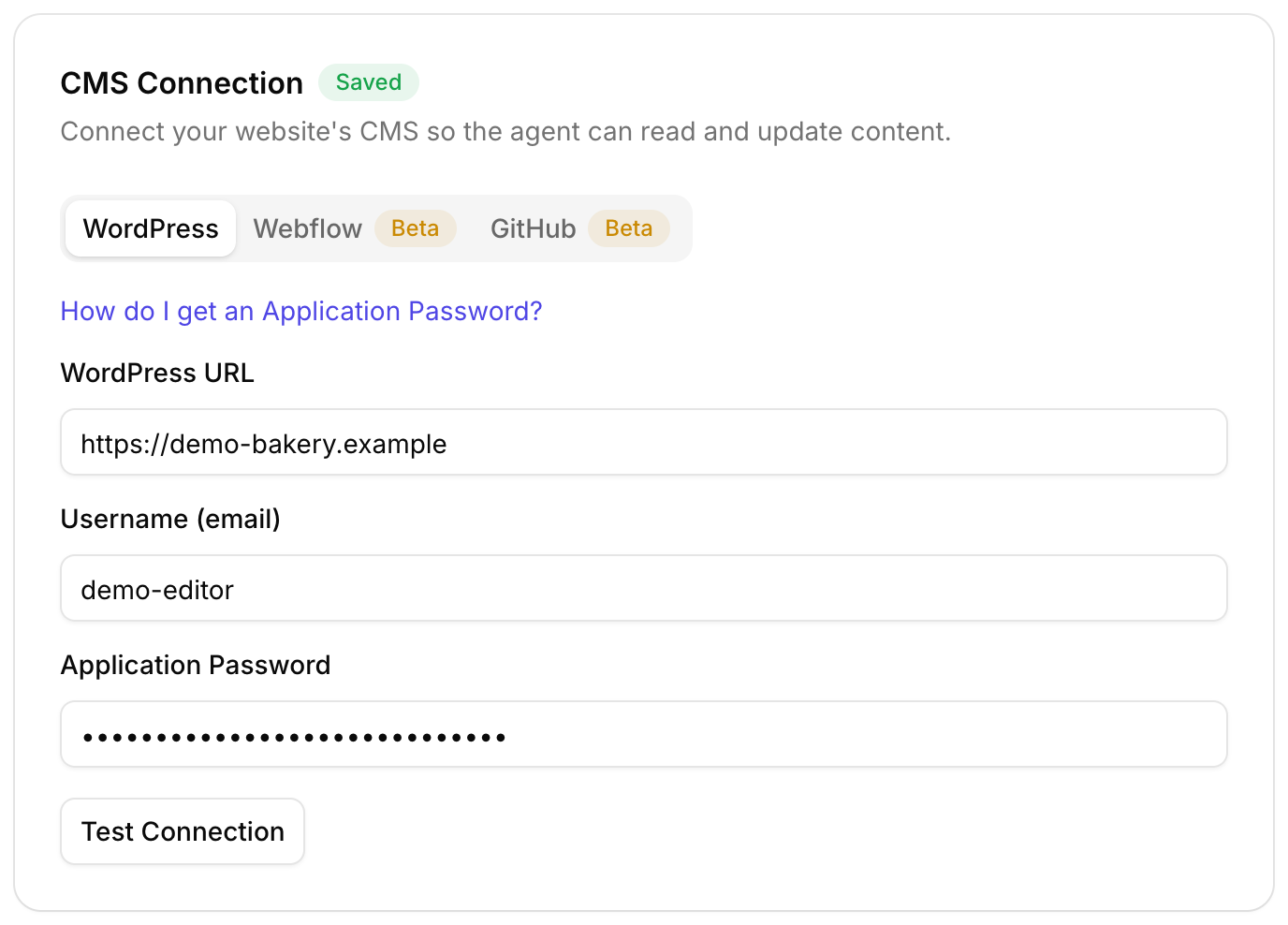
- Connect Search Console so Roborank knows your real queries
- Track the keywords that matter, up to 200 per site
- Add your markets, like the US in English and Portugal in Portuguese
- Pick desktop, mobile or both, and a daily, weekly or manual check
- Open the results page whenever a position moves
A site that ranks for nothing in a market gets a warning, because the wrong country is usually the reason.

Rankings next to the fixes
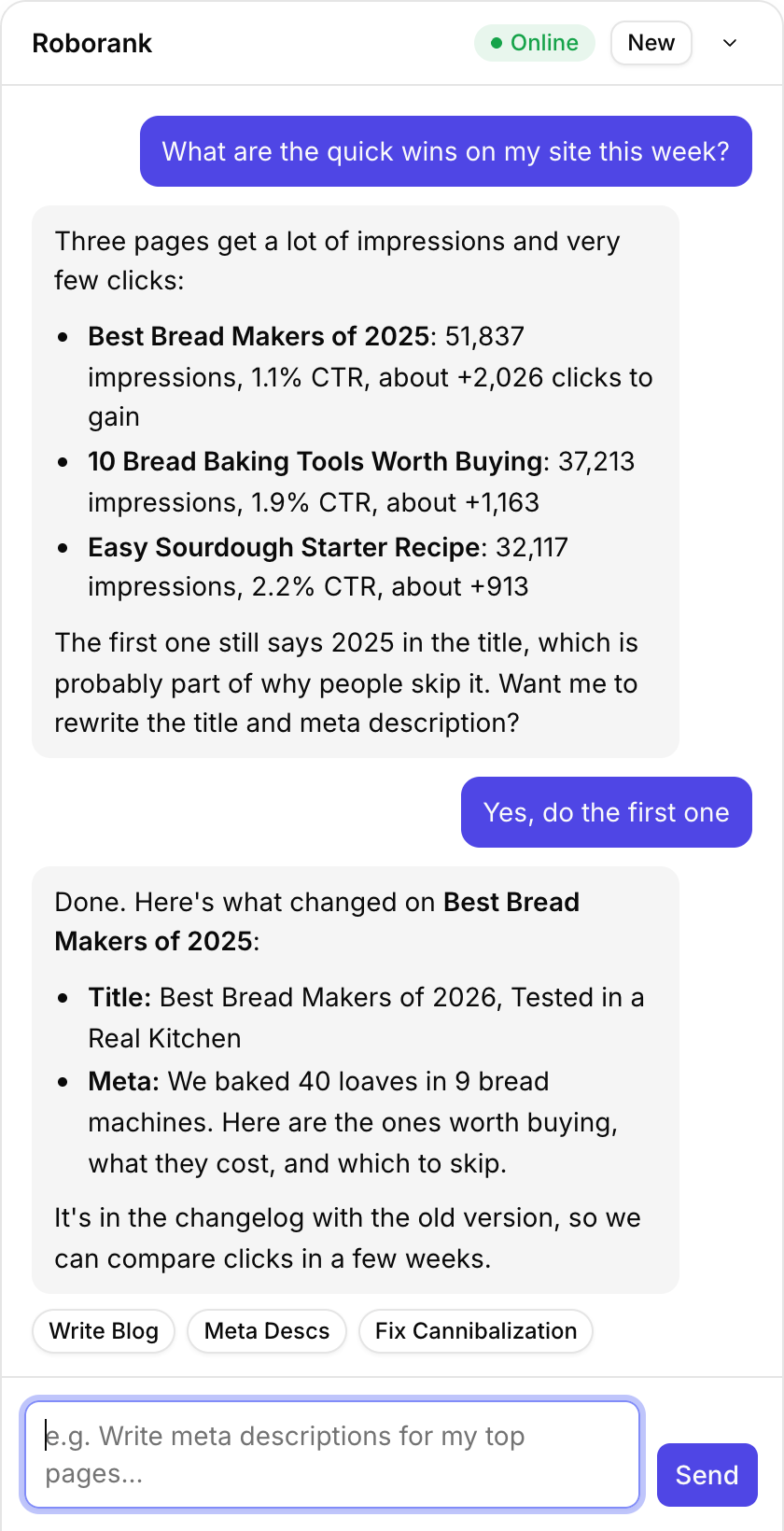
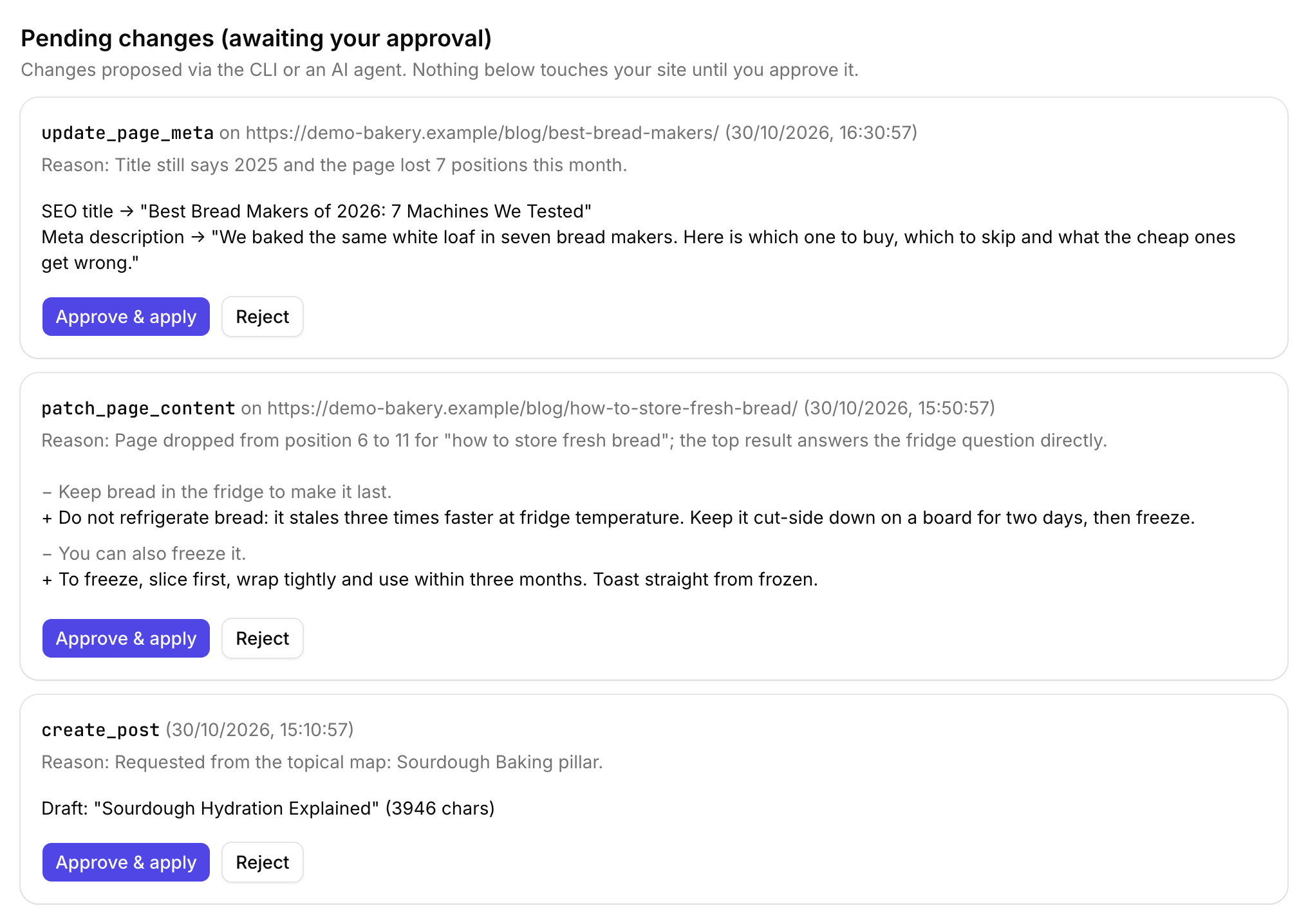
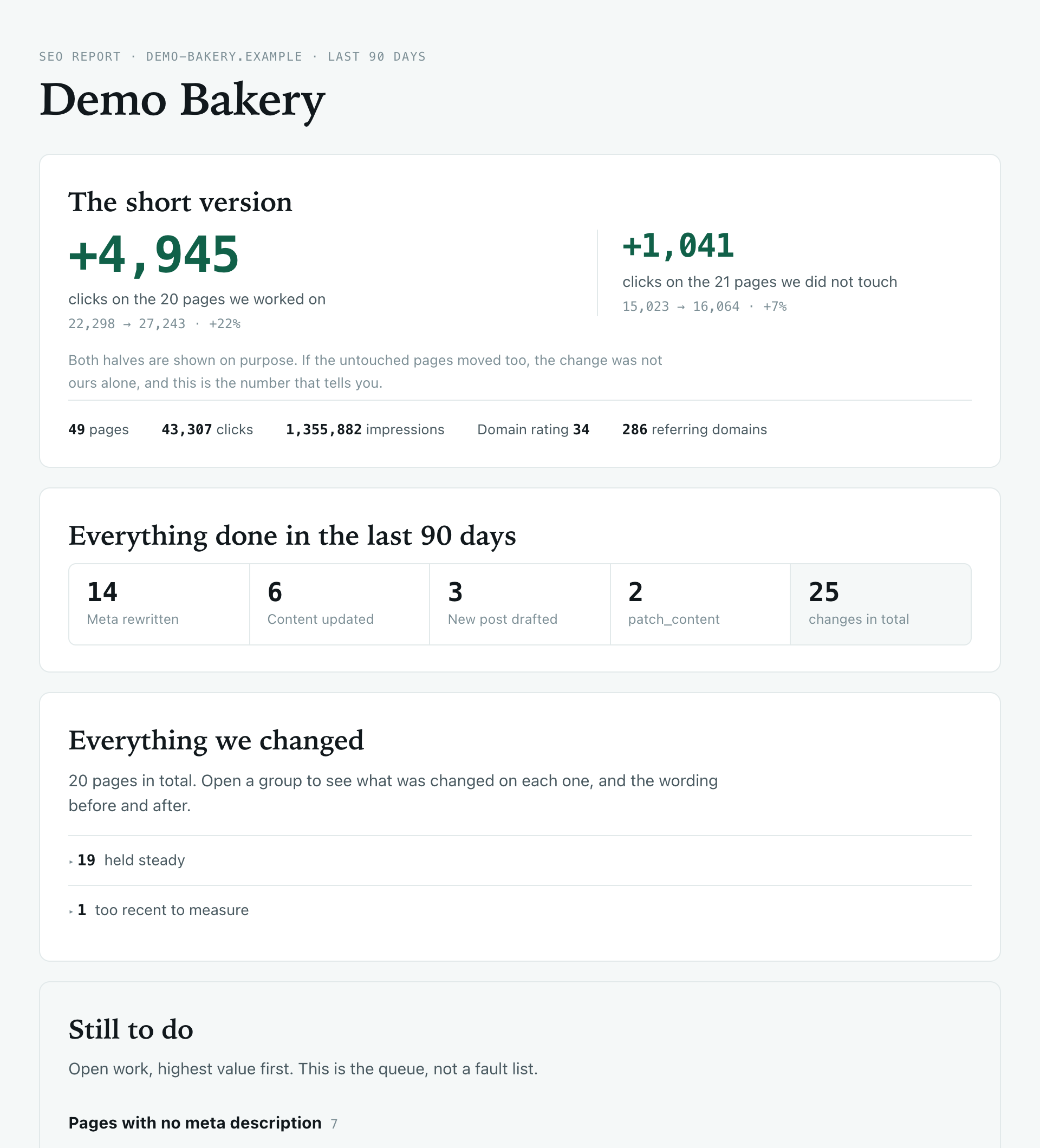
Roborank is also the agent that fixes pages, so the work and the rankings live in one place, which is what the client report is built from. Every change is in the changelog, so when a keyword jumps you can see what was done to the page.
Want the same thing for ChatGPT and Perplexity? That's the AI visibility tracker, in the same dashboard. Or connect Roborank to Claude or ChatGPT and ask "which tracked keywords dropped this week?".

See where you really rank, on the page your customers actually see.
Start free with Search ConsoleSEO changes written to live sites
sites worked on, WordPress, Webflow and more
change logged with a before and after
1. Does it track Google AI Overviews?
Yes. Every rank check also records whether Google showed an AI Overview for that keyword, whether it cited your site, and which sites it cited instead.
2. Can I track mobile rankings separately from desktop?
Yes. Desktop and mobile are two separate positions, each with its own history, best position and trend.
3. How often are rankings checked?
You choose daily, weekly or manual for each site, and you can press Check now at any time. Right now the scheduled check runs when you open the dashboard and a check is due, so it does not run while nobody is logged in.
4. How many keywords can I track?
Up to 200 keywords per site, in up to eight country and language pairs, on desktop, mobile or both, with about 13 months of history.
5. What are the SERP screenshots?
A picture of the Google results page for that keyword on the day it was checked, opened at your listing with everything else dimmed. One is kept per keyword per device per day, so you can go back and see what the page looked like when your position changed.
6. Does it track Bing?
No, Google only for now.
More features