Roborank
Static pages and CMS items, fixed in the right field.
Webflow SEO
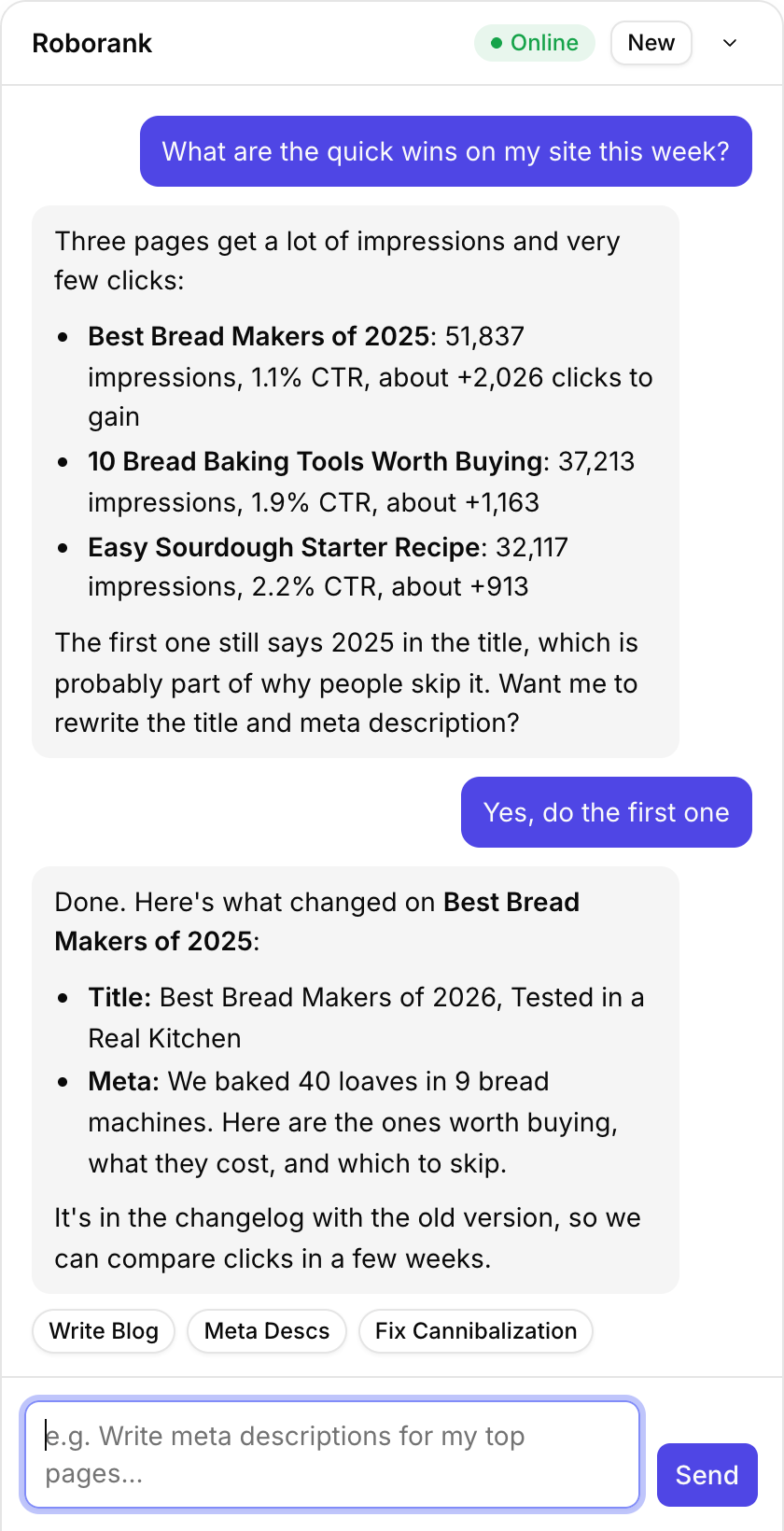
Connect your Webflow site and Search Console, and Roborank finds the pages and CMS items worth fixing, writes the new titles, meta descriptions and copy, and puts them in the fields your site actually uses.
Free to start. No credit card needed.
Webflow SEO without the copy and paste
Webflow is great to design in and slow to do SEO in at scale. Every CMS item has its own SEO title and description, every static page has its own settings panel, and finding which ones matter means jumping between Webflow and Search Console all afternoon.
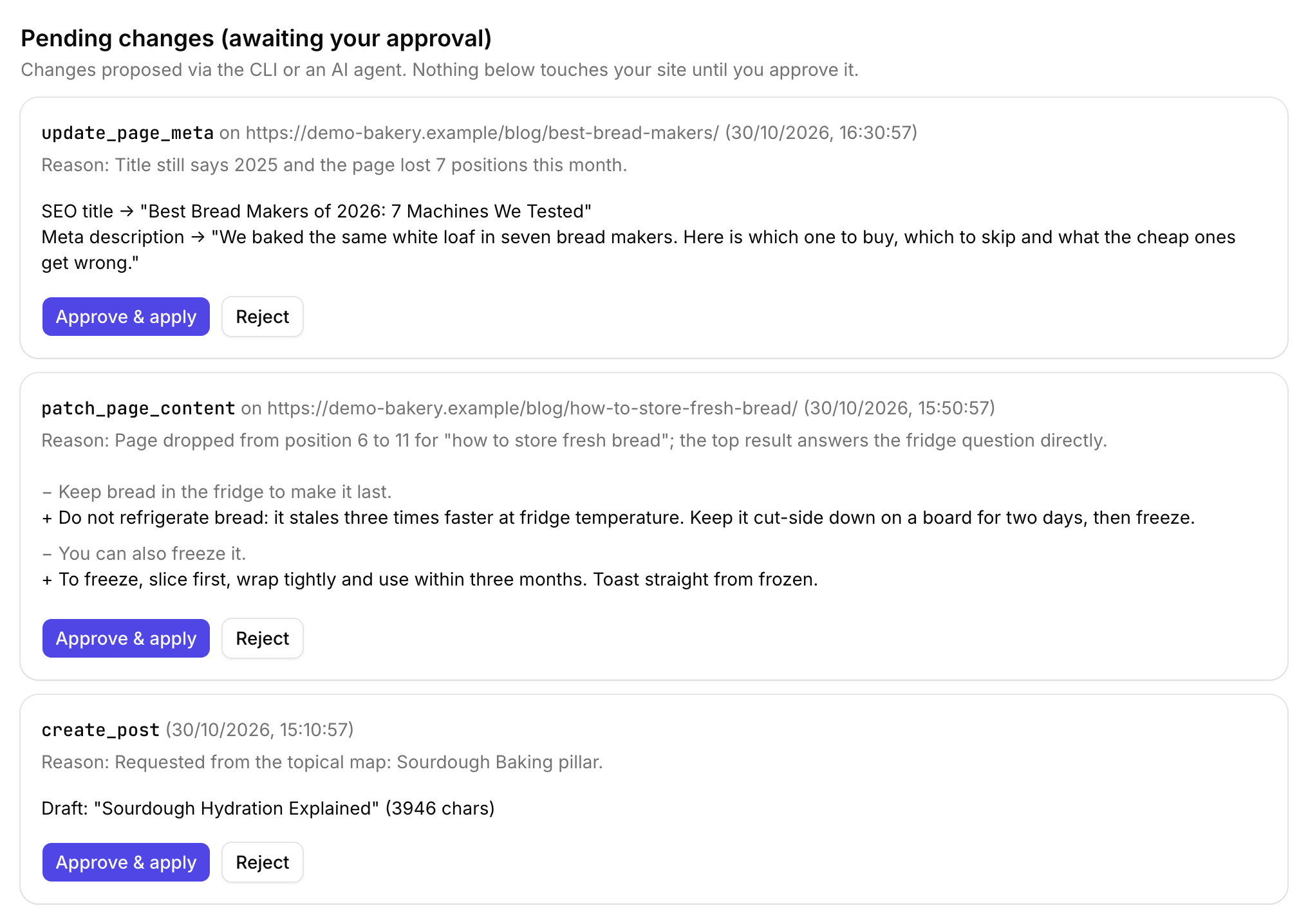
Roborank reads both. It sees your static pages and your CMS collections, matches them to the queries they get, and drafts the change where it belongs.
Why Webflow SEO is easy to get wrong
- Every site names its fields differently: "SEO Title", "Meta title", "Title tag"
- The template decides which field becomes the title tag, and the API doesn't say which
- Writing to the wrong field changes the item's visible name instead of its search snippet
- Nothing is live until the site is published
So Roborank finds the SEO fields by name, then checks a live page to prove which field feeds the title tag. If a collection has no SEO field, it tells you, rather than writing to the item's name or summary.

What it works with on Webflow
| Feature | What it does |
|---|---|
| Static pages | SEO title and meta description in each page's settings |
| CMS collections | Blog posts and any other collection, with their SEO fields detected |
| Rich text | Body content edited in place |
| New items | Created as drafts in the collection |
| Publishing | Changes stay staged until the site is published, by the agent or by you |
| Field check | Proves against the live page which field feeds the title tag |
Who is it for?
- Webflow agencies who build the site and then get asked about traffic
- SaaS marketing teams with a Webflow blog and no time to tune each post
- Founders who built their own site and want it to rank
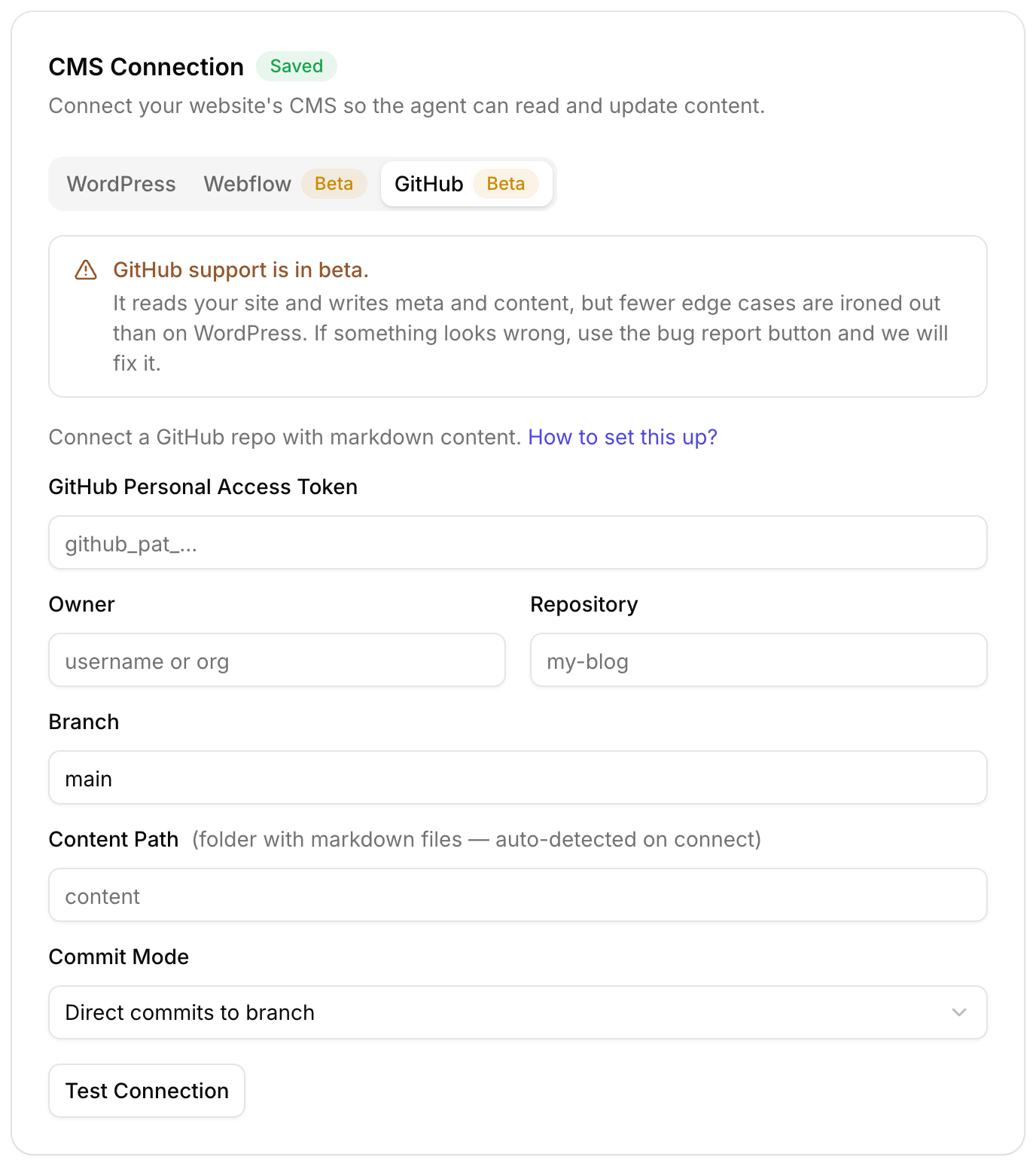
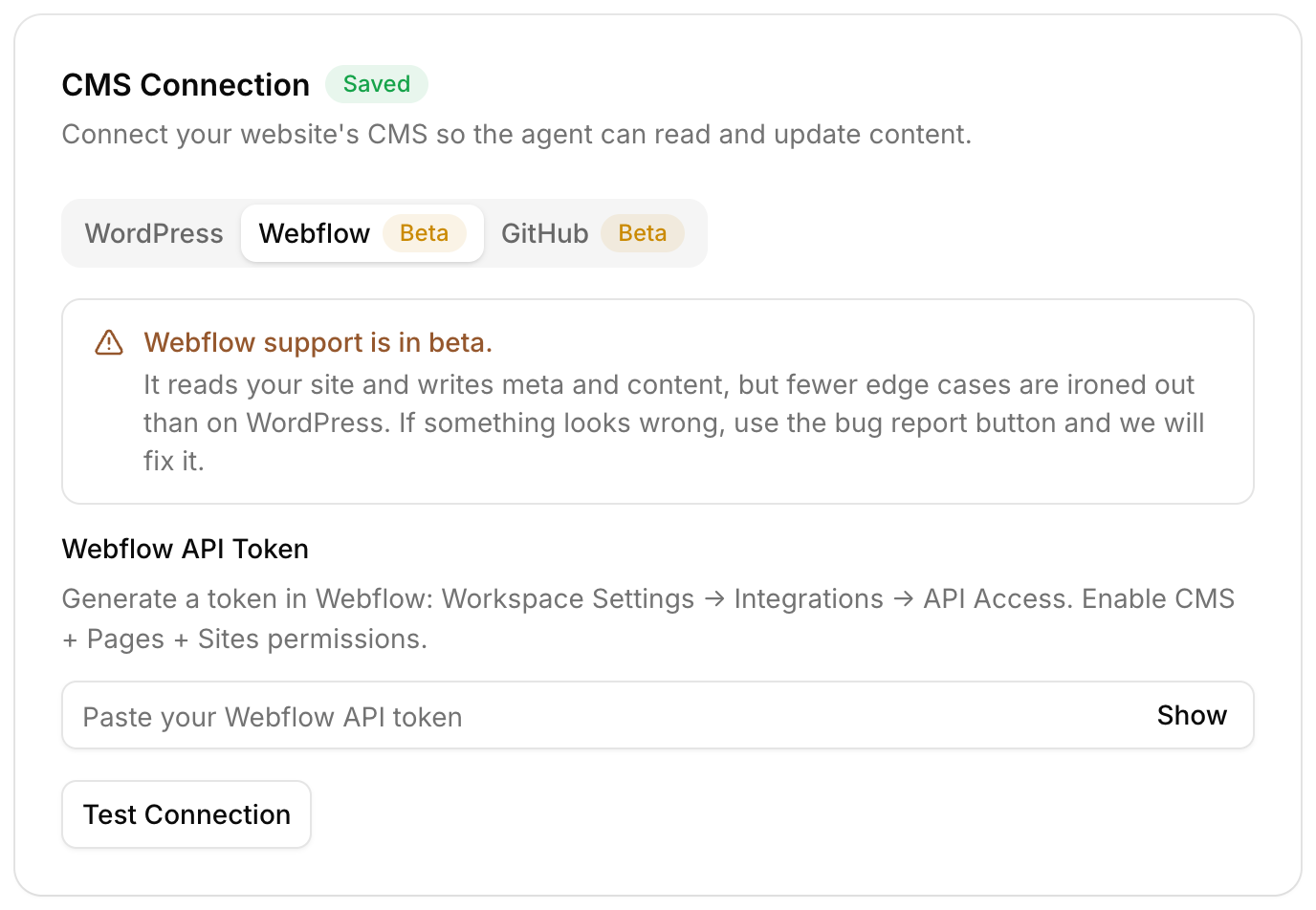
Webflow support is in beta. It reads your site and writes meta and content, but fewer edge cases are ironed out than on WordPress. If something looks off, the bug button goes straight to us.

How do you connect Webflow?
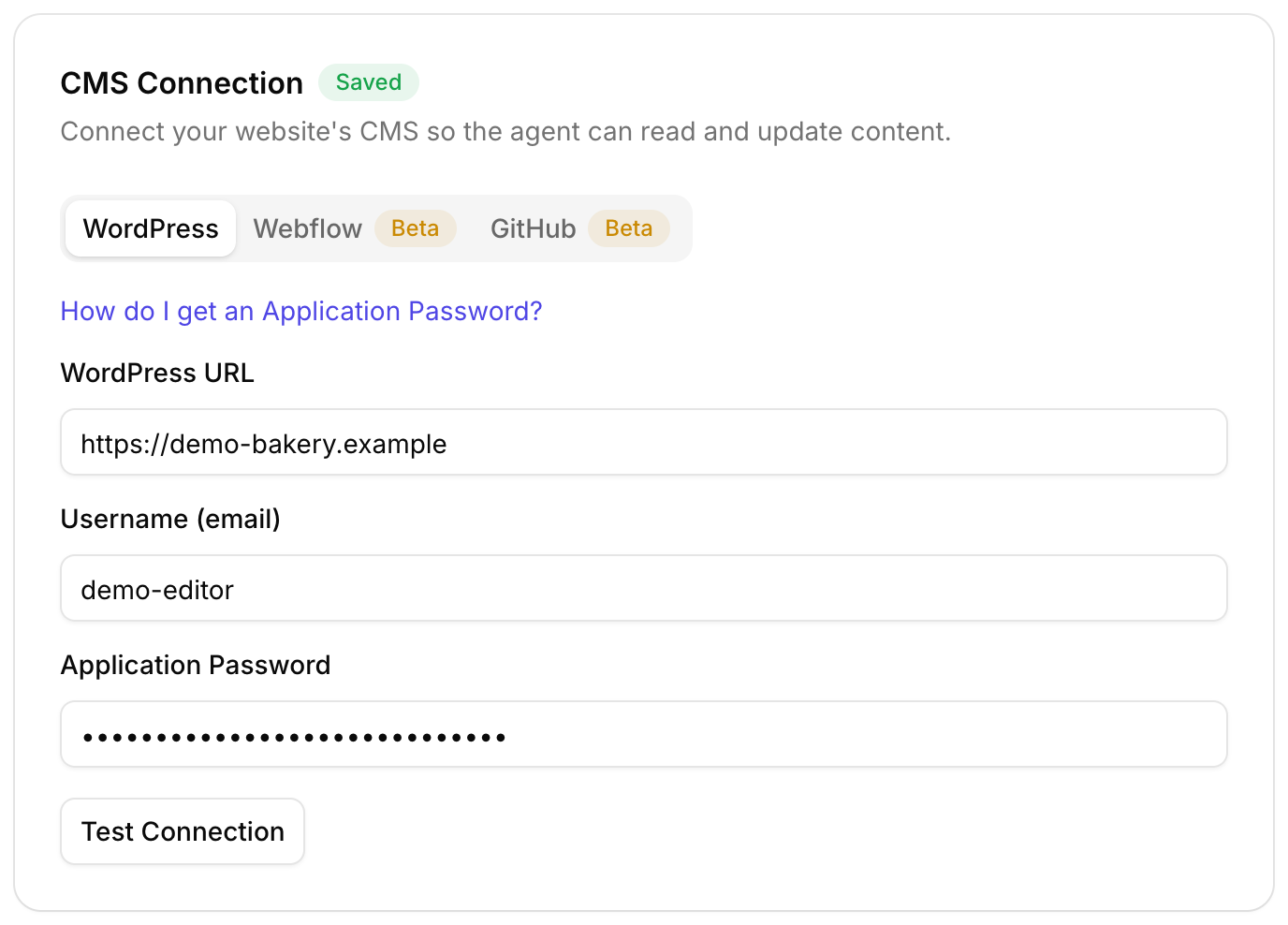
- Create an API token in Webflow under Workspace Settings, Integrations, API Access
- Give it CMS, Pages and Sites access
- Paste it into Roborank and pick your site
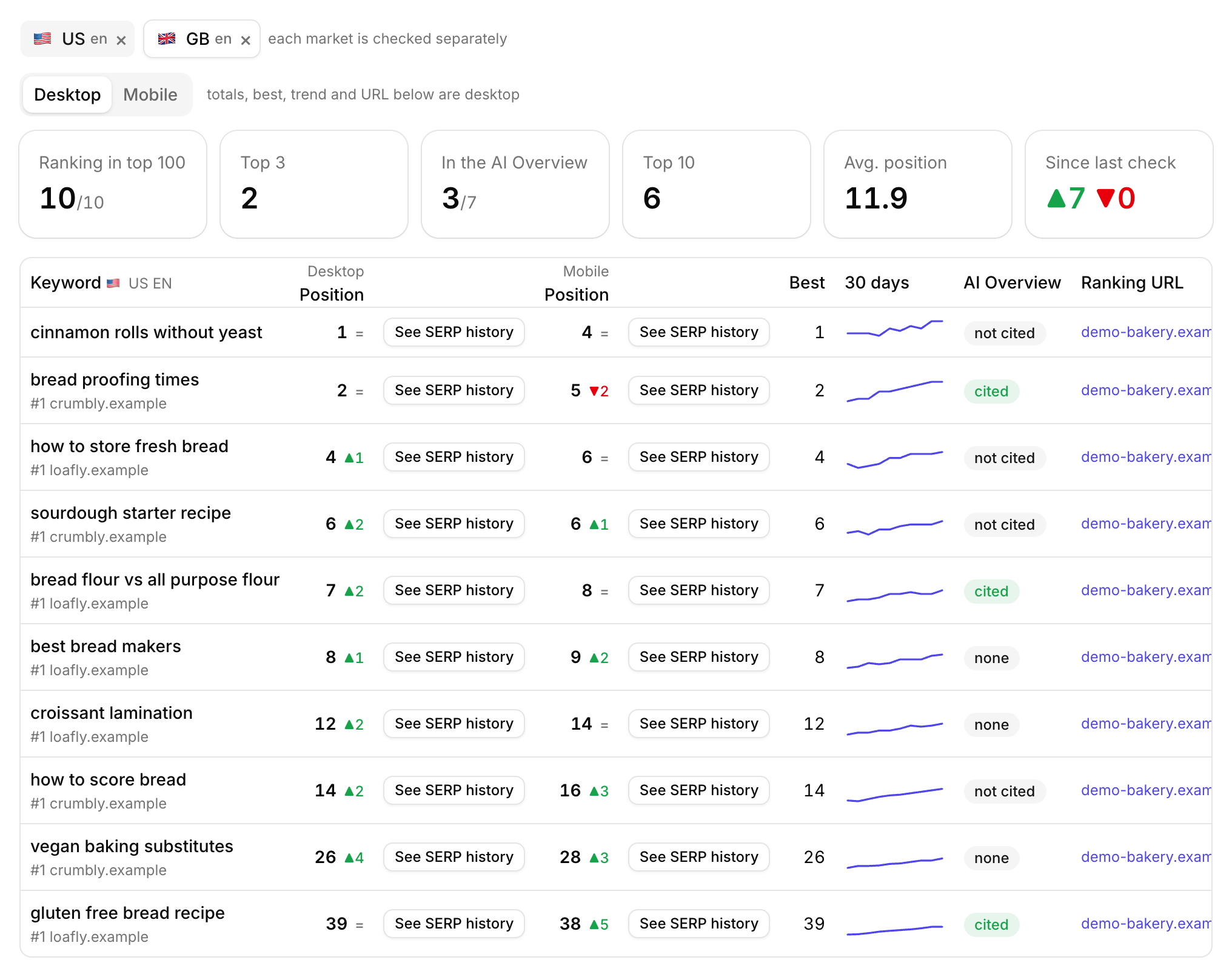
- Connect Search Console so the work starts from real queries
- Approve the first fixes, then publish

Work from wherever you like
Use the agent in the dashboard, ask the SEO chat, or connect Claude or ChatGPT. Track the results with the rank tracker and the AI visibility tracker.
Want a fix list first? Run the free SEO audit on your Webflow site.
Connect your Webflow site and Search Console, and see which pages to fix first.
Start free with Search ConsoleSEO changes written to live sites
sites worked on, WordPress, Webflow and more
change logged with a before and after
1. Is Webflow good for SEO?
Yes. Webflow outputs clean pages and gives every page and CMS item its own SEO fields. What usually holds a Webflow site back is what is in those fields, and the copy on the page. That is the part Roborank works on.
2. Does it work with CMS collections or only static pages?
Both. Static pages get their SEO settings updated, and CMS items get their SEO title, meta description and rich text fields updated.
3. What if my collection has no SEO title field?
Roborank says so and does not write anything, rather than putting the new title into the item name or summary, which would change what visitors see.
4. Do changes go live straight away?
Webflow stages changes until the site is published. The agent can publish for you when you ask, or you publish from Webflow as usual.
5. Is Webflow support finished?
It is in beta. It reads your site and writes meta and content, with fewer edge cases ironed out than on WordPress.
More features