Roborank
Yoast, Rank Math, ACF and Elementor. Your site, actually fixed.
WordPress SEO
Roborank connects to your WordPress site and your Search Console, finds the posts and pages worth fixing, and makes the change for you, in your SEO plugin and in the content itself.
Free to start. No credit card needed.
AI SEO for WordPress that does the edits
SEO plugins tell you a post needs a better meta description. They don't tell you which of your 300 posts are worth the effort this week, and they don't write the fix. So the green lights stay orange and the posts that could get clicks keep sitting on page two.
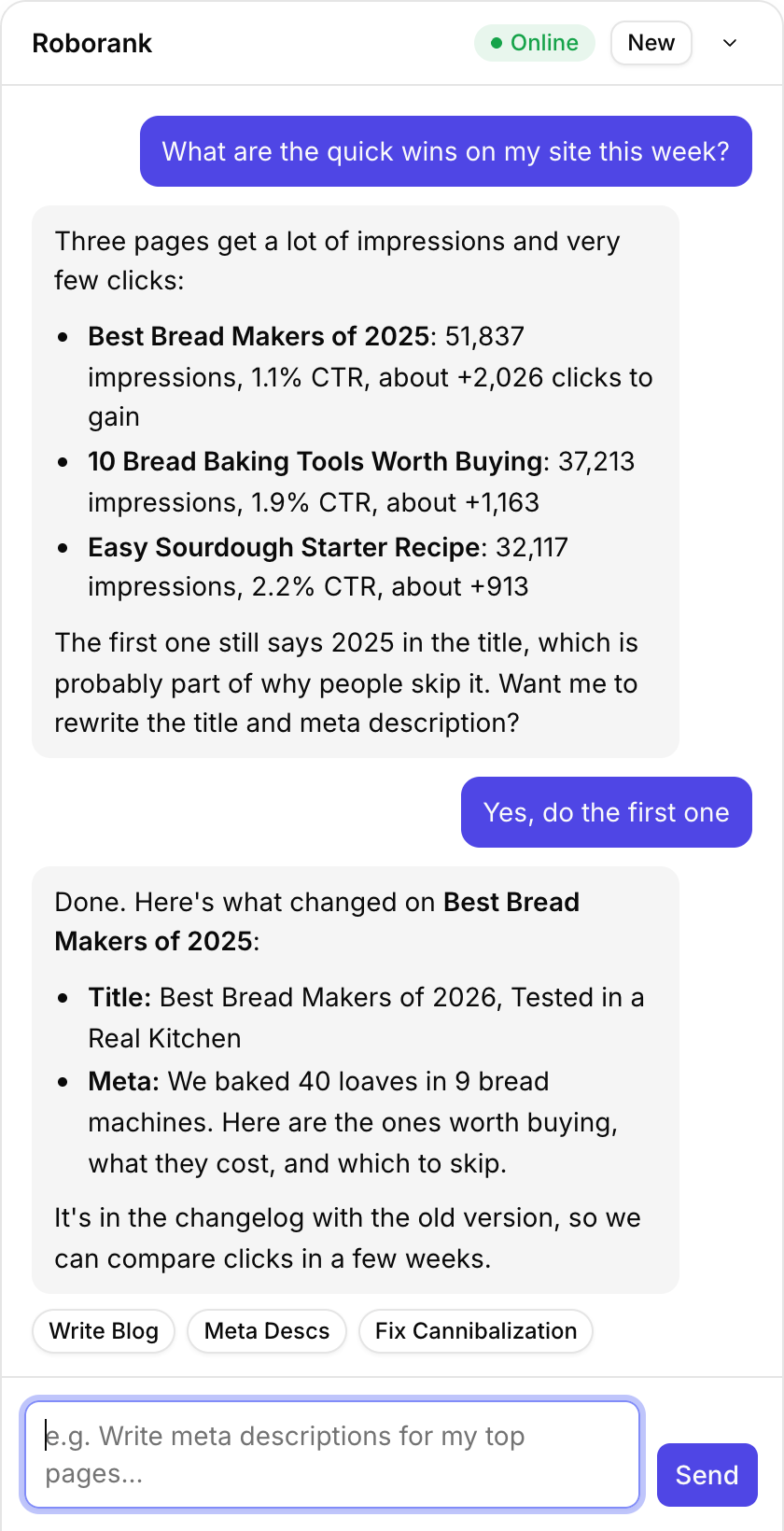
Roborank starts from your Search Console, finds the pages with the most to gain, and then edits them in WordPress the way you would: the SEO title and meta in your plugin, the text in the post, the links between your pages.
Why WordPress sites leave clicks on the table
- Old titles with last year in them, on pages Google still shows thousands of times
- Missing meta descriptions, so Google writes its own
- Posts that rank but never answer the question people search
- Orphan posts nothing links to, and pages competing for the same query
None of it is hard to fix. There's just a lot of it, and it's spread across years of posts.

What it works with on WordPress
| Feature | What it does |
|---|---|
| Yoast and Rank Math | SEO titles and meta descriptions written to your plugin's own fields |
| Posts, pages and custom post types | Read and edited through the WordPress REST API |
| ACF fields | For sites whose content lives in custom fields instead of the editor |
| Elementor | Text edited inside the widgets, so it shows up on the page |
| Images and embeds | Kept: an edit that would drop one is blocked |
| New posts | Saved as drafts for you to check and publish |
Who is it for?
- Bloggers and publishers with years of posts that need a refresh
- Small businesses whose site was built once and never touched again
- Agencies running several WordPress clients from one account
- SEOs tired of opening wp-admin forty times a day
Seven automations keep running in the background: a meta fixer, a decay watchdog, a stale content refresher, a cannibalization checker, a content calendar, an internal linker and a monthly learning report.

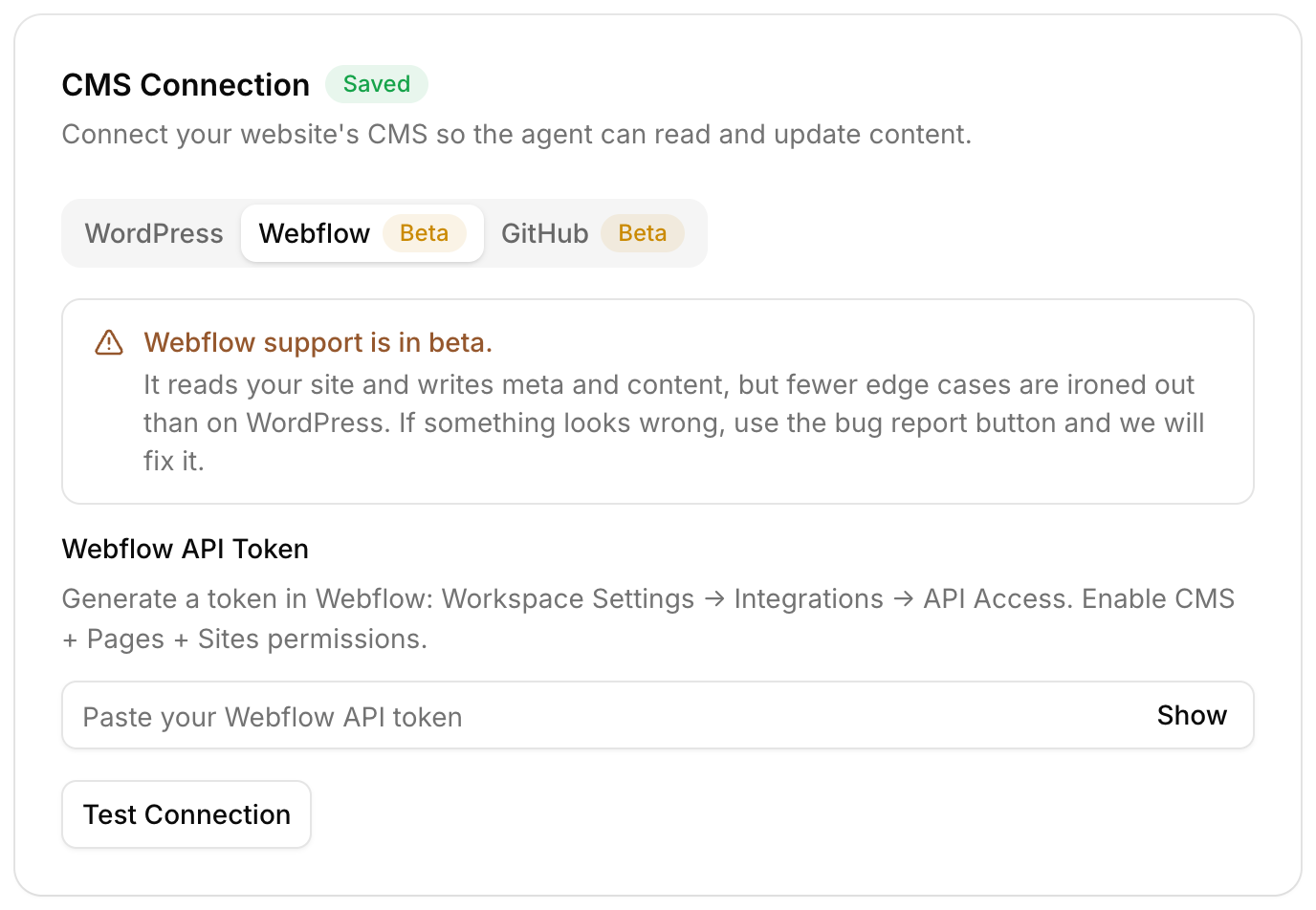
How do you connect WordPress?
- Create an Application Password in your WordPress profile, so you never share your real login
- Install the free connector plugin, which lets Roborank read and write your SEO plugin fields, ACF and Elementor text
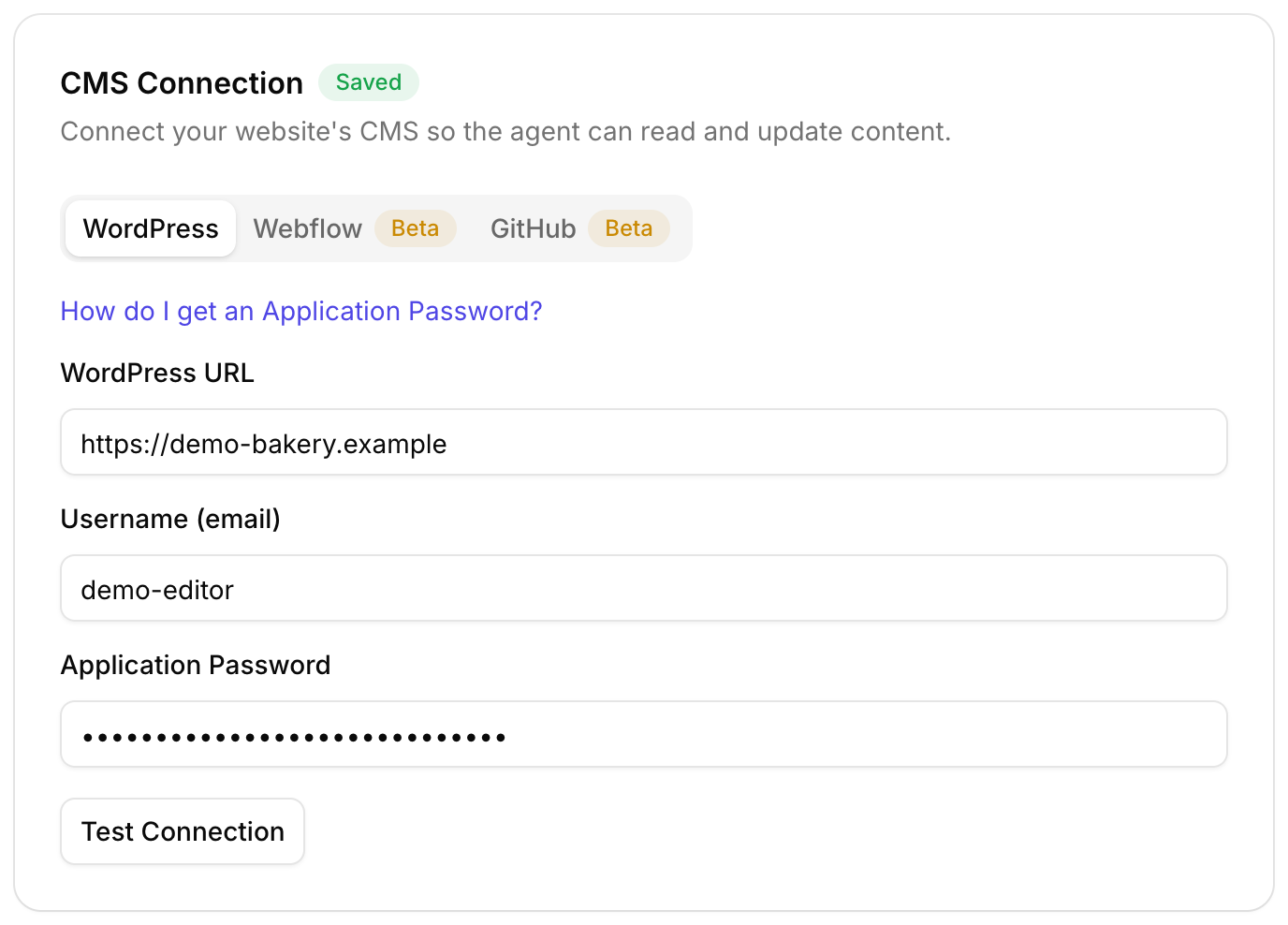
- Paste your site URL, username and the Application Password into Roborank
- Connect Search Console so the work starts from real queries
- Pick your first fixes and approve them
An Application Password can be revoked from WordPress at any time, which cuts Roborank off straight away.

Do it from the dashboard, or from chat
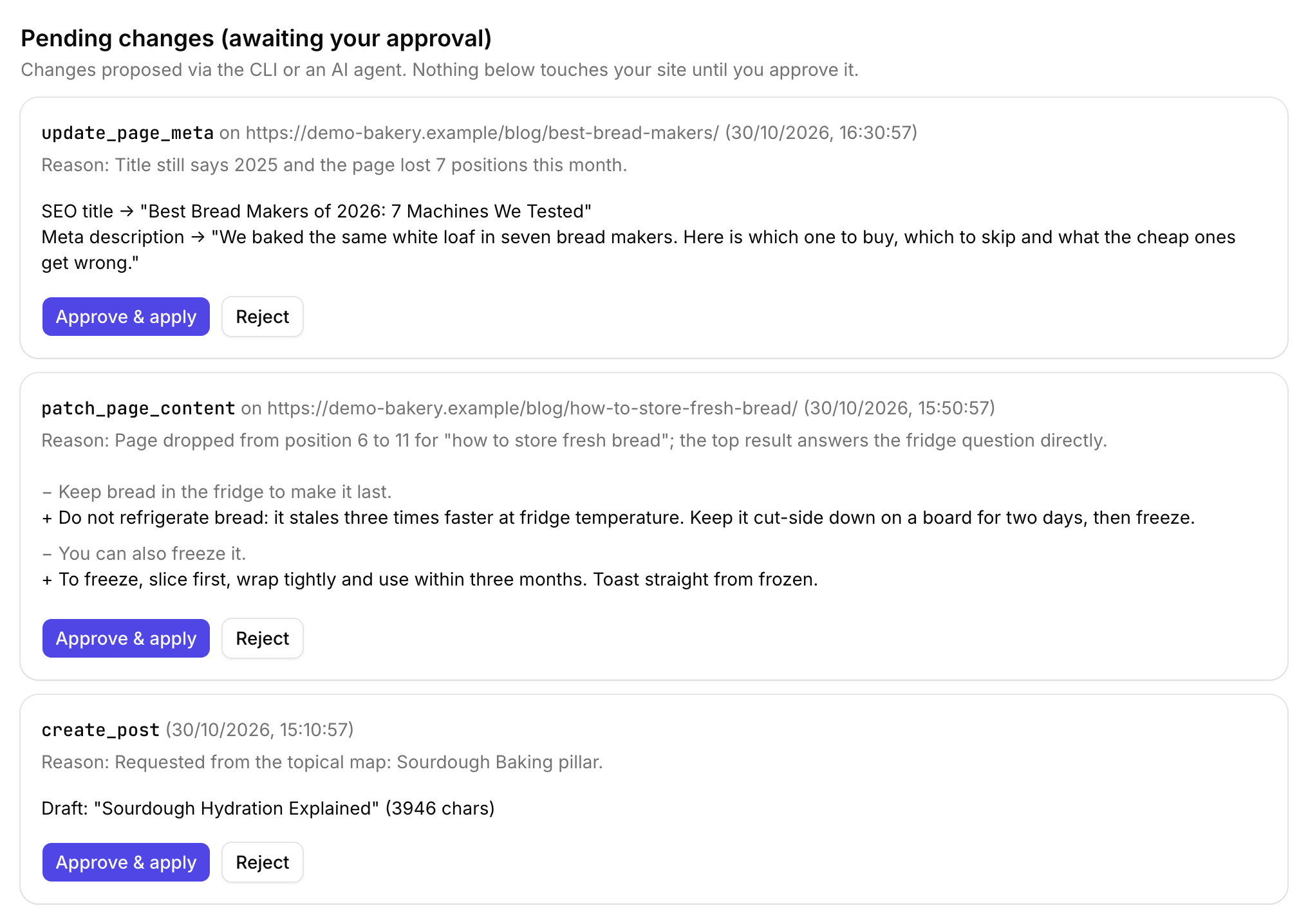
Work through the agent in the dashboard, ask the SEO chat to make a change, or connect Claude or ChatGPT and do it from there. Every route writes to the same changelog.
Not sure where to start? Run the free SEO audit on your WordPress site first.

Connect your WordPress site and Search Console, and see the first fixes in a couple of minutes.
Start free with Search ConsoleSEO changes written to live sites
sites worked on, WordPress, Webflow and more
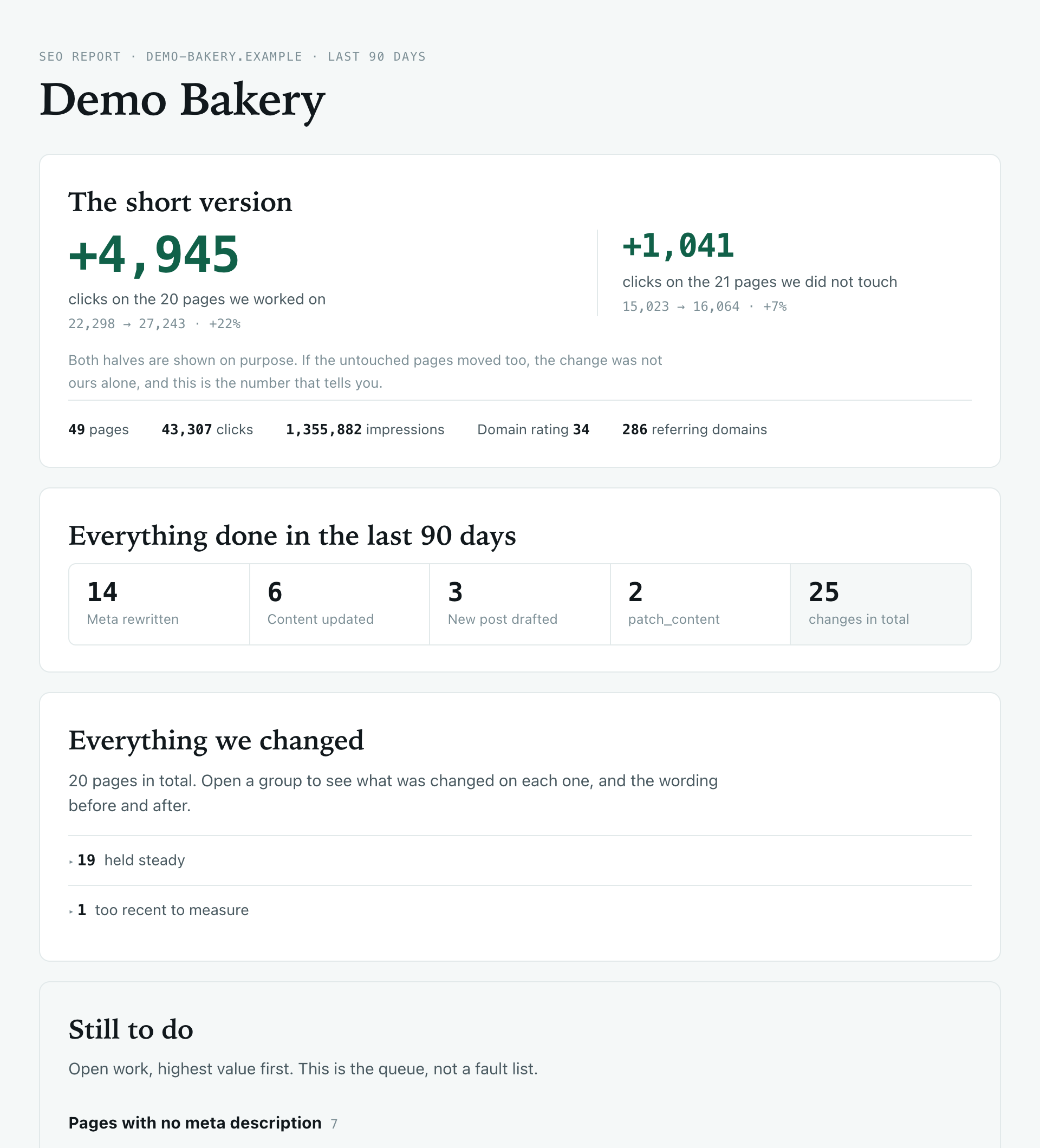
change logged with a before and after
1. Is this a WordPress SEO plugin?
Not exactly. Roborank runs outside your site and works through the WordPress REST API. The small free connector plugin only exposes your SEO plugin fields, ACF and Elementor text to that API. It keeps working alongside Yoast or Rank Math, it does not replace them.
2. Does it work with Yoast and Rank Math?
Yes. Titles and meta descriptions are written to their own fields, so they show up in the plugin exactly as if you had typed them.
3. Do I have to give you my admin password?
No. You create a WordPress Application Password, which you can revoke from your profile at any time.
4. Will it publish things on its own?
New posts and pages are saved as drafts. Edits made from Claude, ChatGPT or the CLI wait in an approval queue, and every change is logged with a before and after.
5. Does it work with Elementor and page builders?
Elementor, yes: text is edited inside the widgets. Other page builders store text in their own formats, so titles and meta work everywhere, but body edits are most reliable on the block editor, the classic editor and Elementor.
More features