Roborank
Ask about your site. Get the change made.
AI SEO Assistant
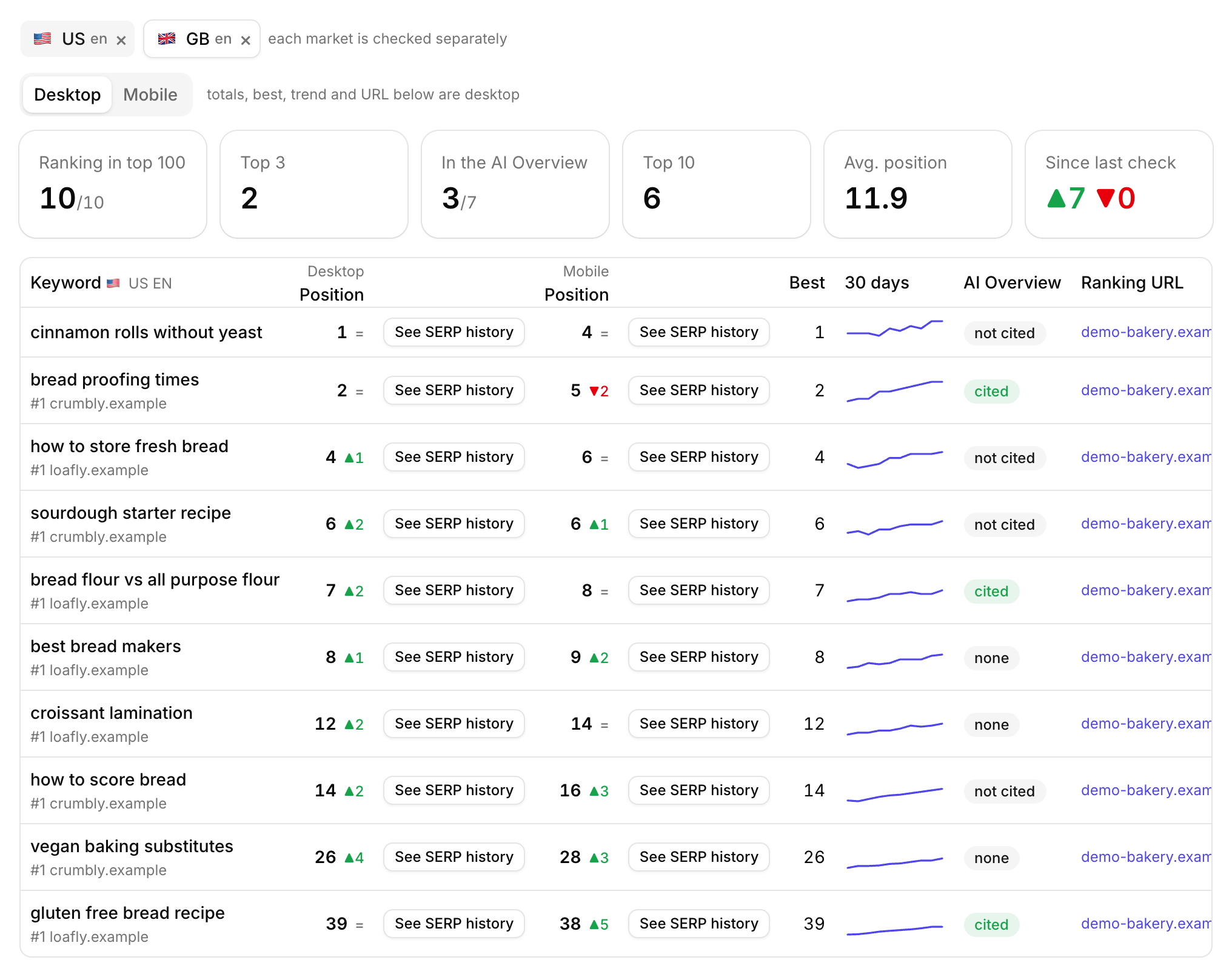
A chat that already knows your Search Console data, your pages and your competitors. Ask it what to fix, and it reads the page, makes the change in your CMS and logs it with a before and after.
Free to start. No credit card needed.
An SEO assistant that has seen your site
Ask a general chatbot about your SEO and you get general advice. It hasn't seen your queries, it doesn't know which pages are slipping, and it can't change anything. So you copy numbers out of Search Console, paste them in, and paste the answer back into WordPress.
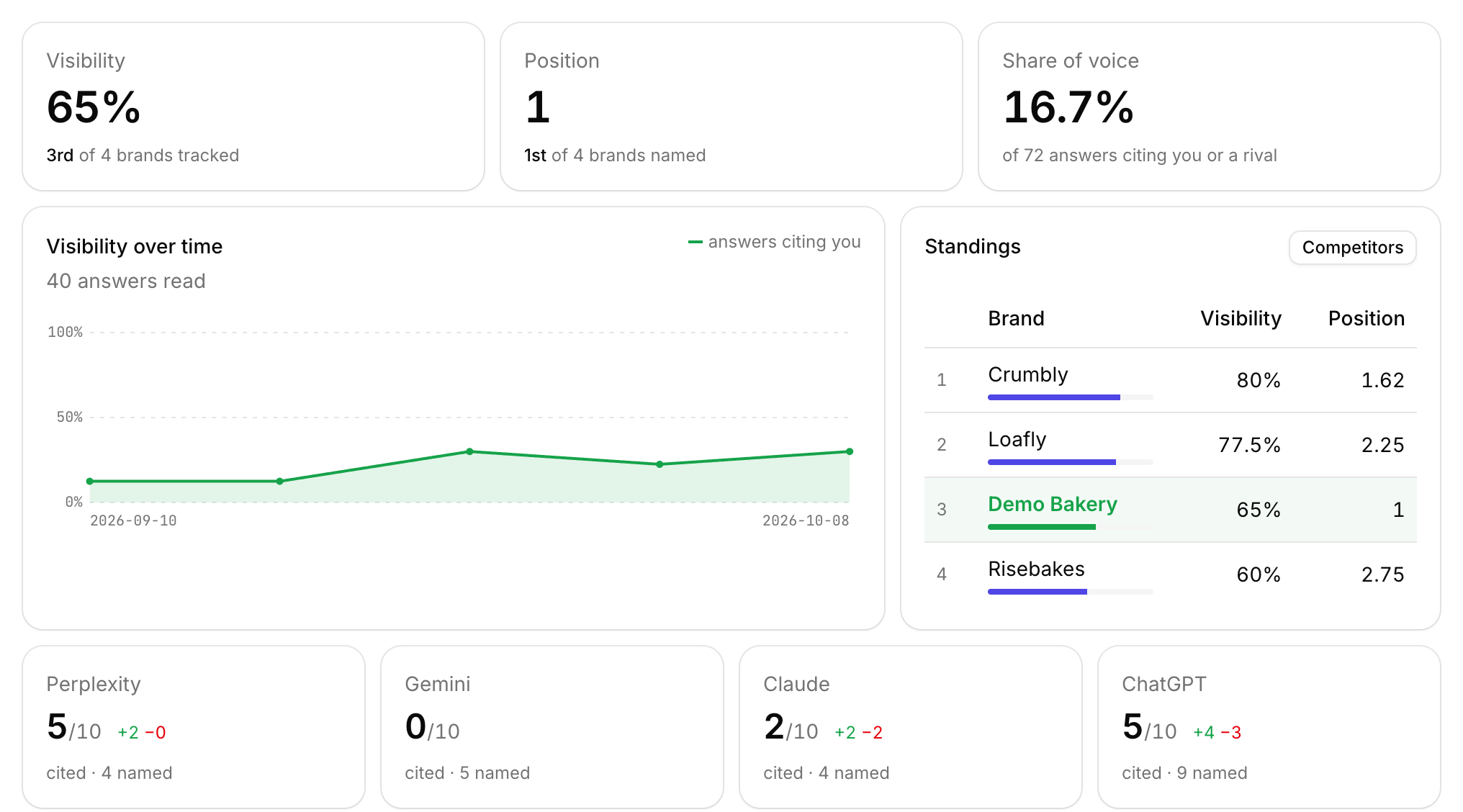
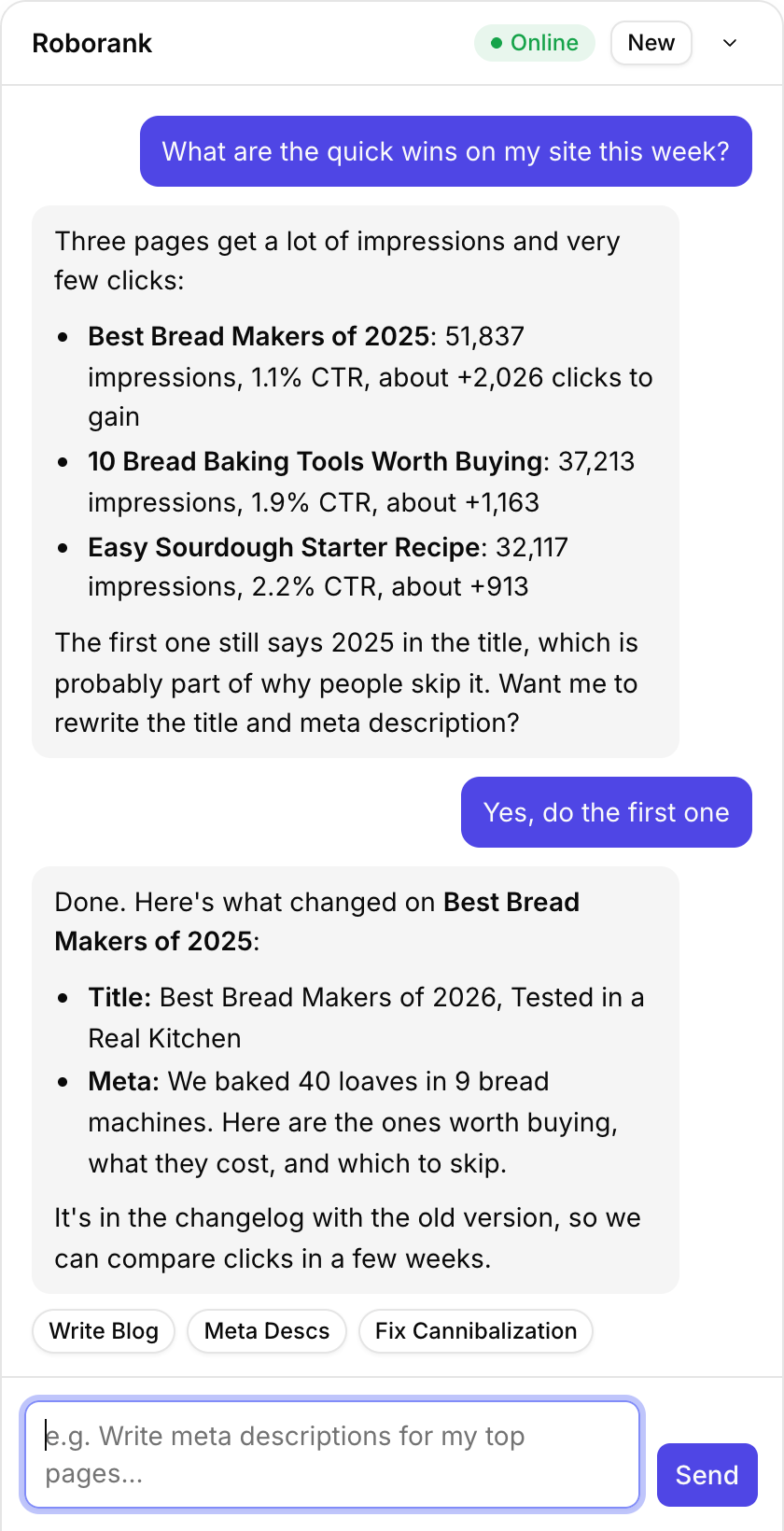
The Roborank assistant sits inside your dashboard, next to your data. It reads your Search Console, your pages and your changelog before it answers, so "what should I fix this week?" gets an answer about your site, with your numbers.
Why chat beats clicking through reports
- Ask in your own words, like "why did the sourdough post drop?", instead of hunting for the right report
- It checks before it answers, reading the live page and the queries it ranks for
- It does the work, not just the explanation: titles, meta, content edits and drafts
- It remembers the thread, so "do the same for the next two" just works
Every list in the dashboard has a way in. "Ask Agent" on an Action Plan task opens the chat with the task already written out for you.

What you can ask it to do
| Feature | What it does |
|---|---|
| Find the quick wins | Pages with lots of impressions and few clicks, with the clicks you could gain |
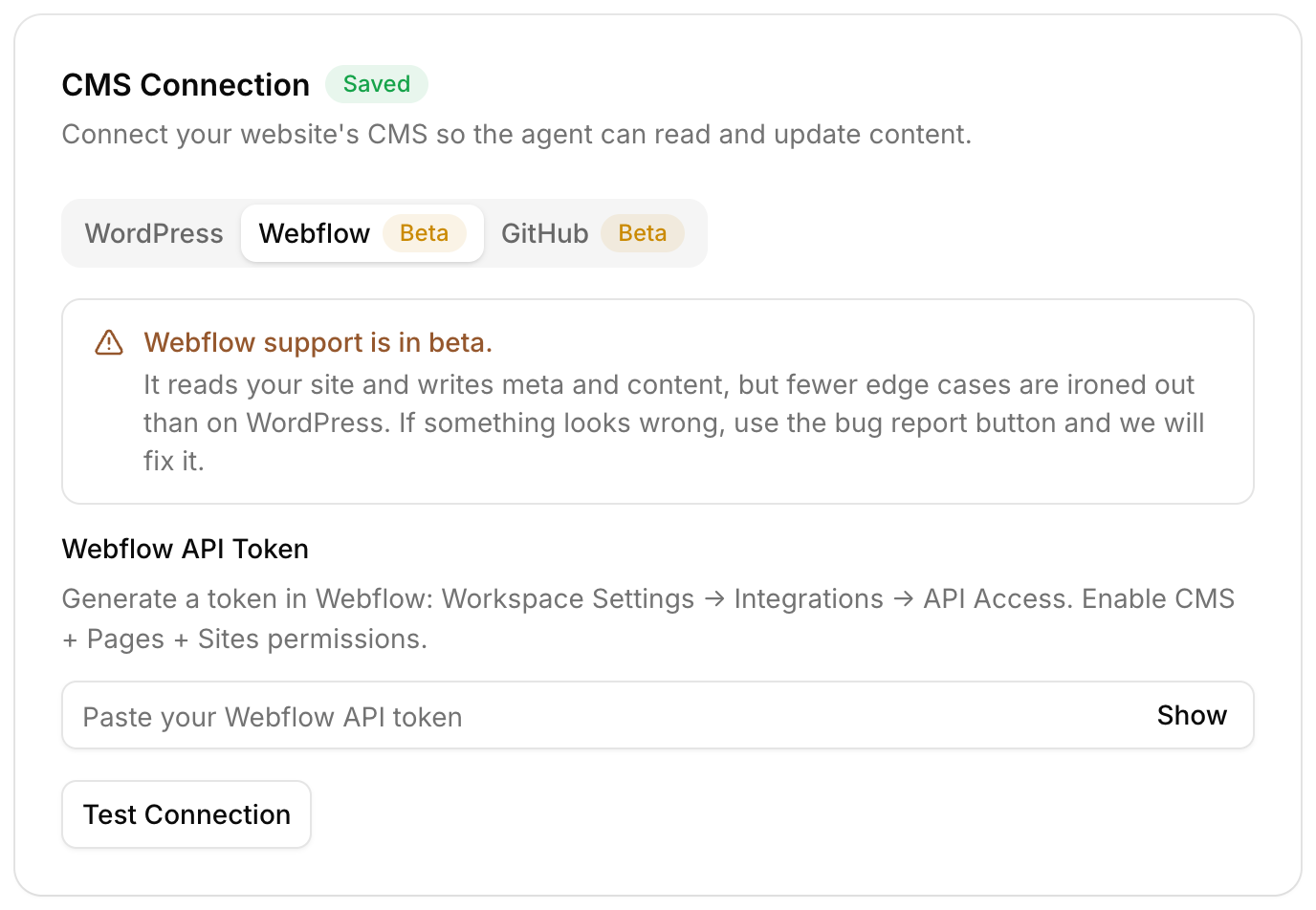
| Fix titles and meta | Rewrites them into Yoast or Rank Math, or Webflow's SEO fields |
| Edit a page | Find and replace on the live content, keeping every image and embed |
| Sort out cannibalization | Finds pages competing for one query and plans which one should win |
| Check a keyword | Real search volume, difficulty and CPC before you write anything |
| Write a post | Drafts it in your CMS, saved as a draft unless you tick Publish directly |

Who uses an AI SEO assistant?
- Site owners who know what they want but not where the setting is
- Writers and editors who want a page fixed without learning an SEO tool
- SEOs who'd rather type one sentence than make twenty edits by hand
- Agencies switching between client sites all day
Each site has its own conversation, so you can pick up where you left off on any client.

How does it work?
- Connect your site and Search Console
- Open the chat from any screen in the dashboard
- Ask a question, or tap Write Blog, Meta Descs or Fix Cannibalization to start
- Watch it work: it says what it's doing, like "Reading page content..." or "Checking search queries..."
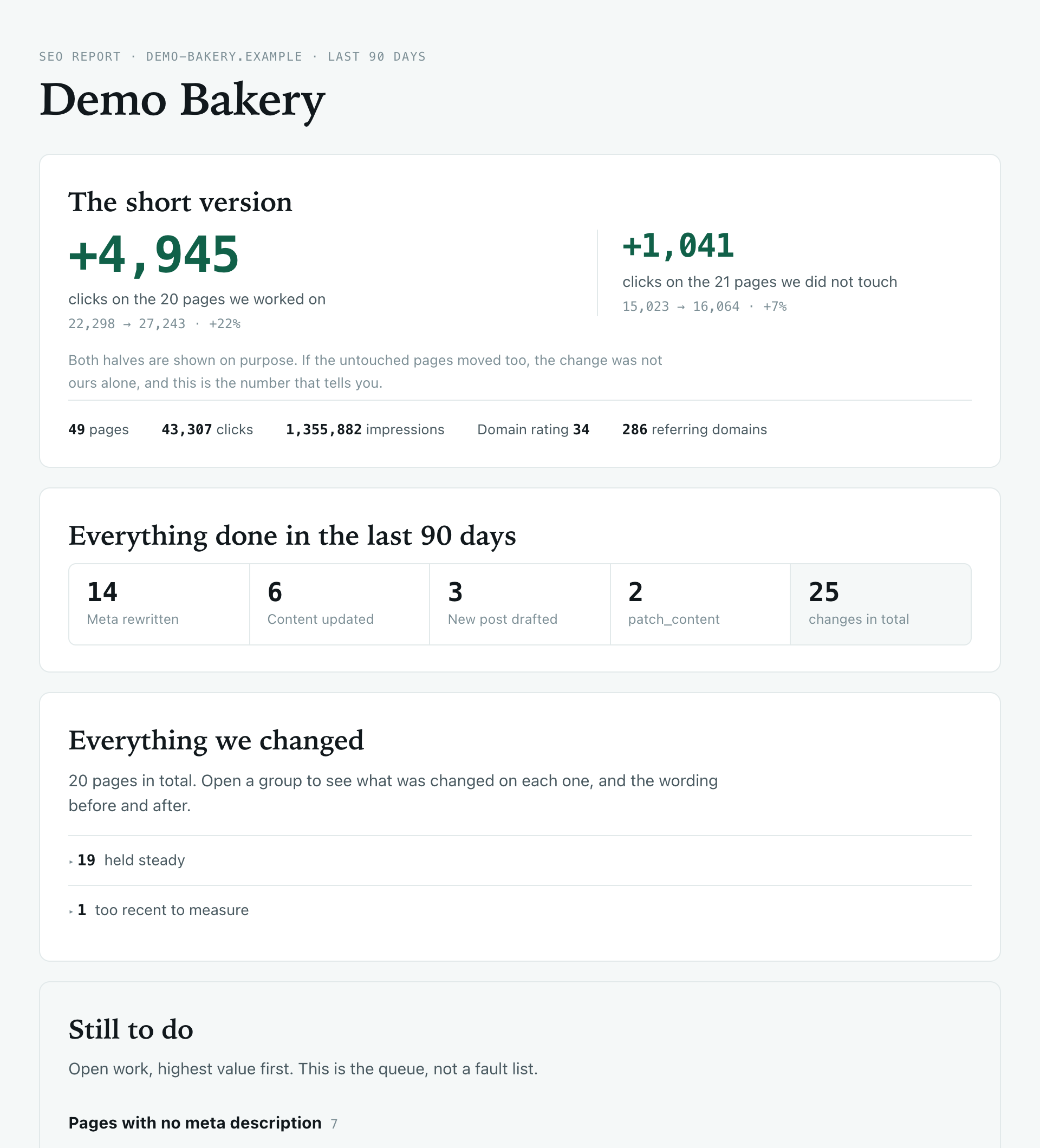
- Check the changelog, where every change lands with the old and new version
You can stop it mid-answer, and before it writes anything it checks the connection to your site first.

Prefer your own AI app?
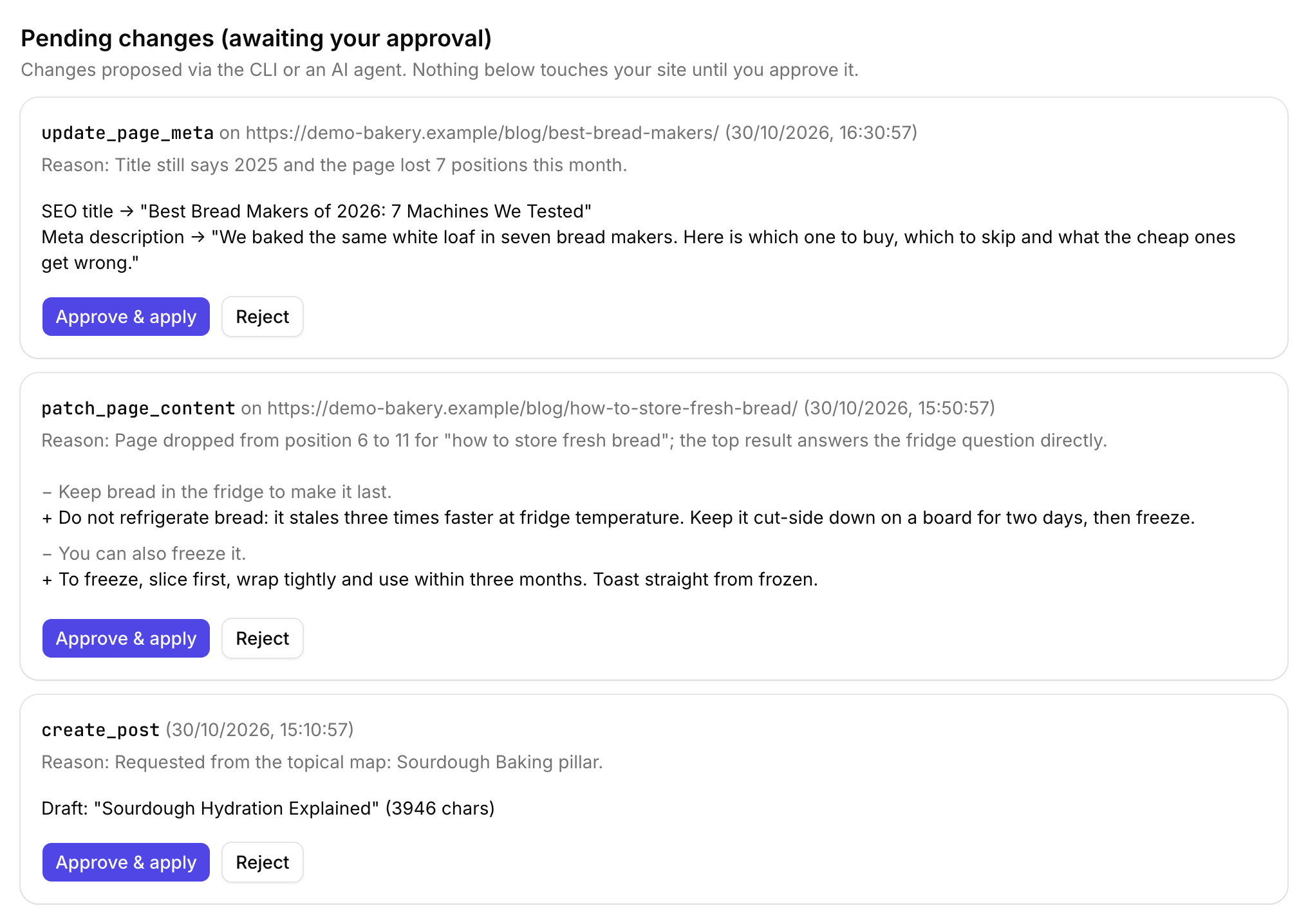
The same tools work from Claude, ChatGPT, Cursor or Claude Code, with changes waiting for your approval in Roborank. And if you'd rather not chat at all, the agent brings you the fixes already drafted.
Want a fix list for a site you haven't connected yet? Start with the free SEO audit.
Connect Search Console and ask your first question about your own site.
Start free with Search ConsoleSEO changes written to live sites
sites worked on, WordPress, Webflow and more
change logged with a before and after
1. Is it just ChatGPT with my data pasted in?
No. It calls tools: it reads your Search Console queries for a page, fetches the live page content, checks cannibalization and keyword data, and writes changes to your CMS. Its answers come from what those tools return, not from a guess.
2. Will it change my site without asking?
It makes the change you ask for, and every one is logged with a before and after. New posts and pages are saved as drafts unless you tick Publish directly. Edits that would drop an image or embed from a page are blocked.
3. Which sites does it work with?
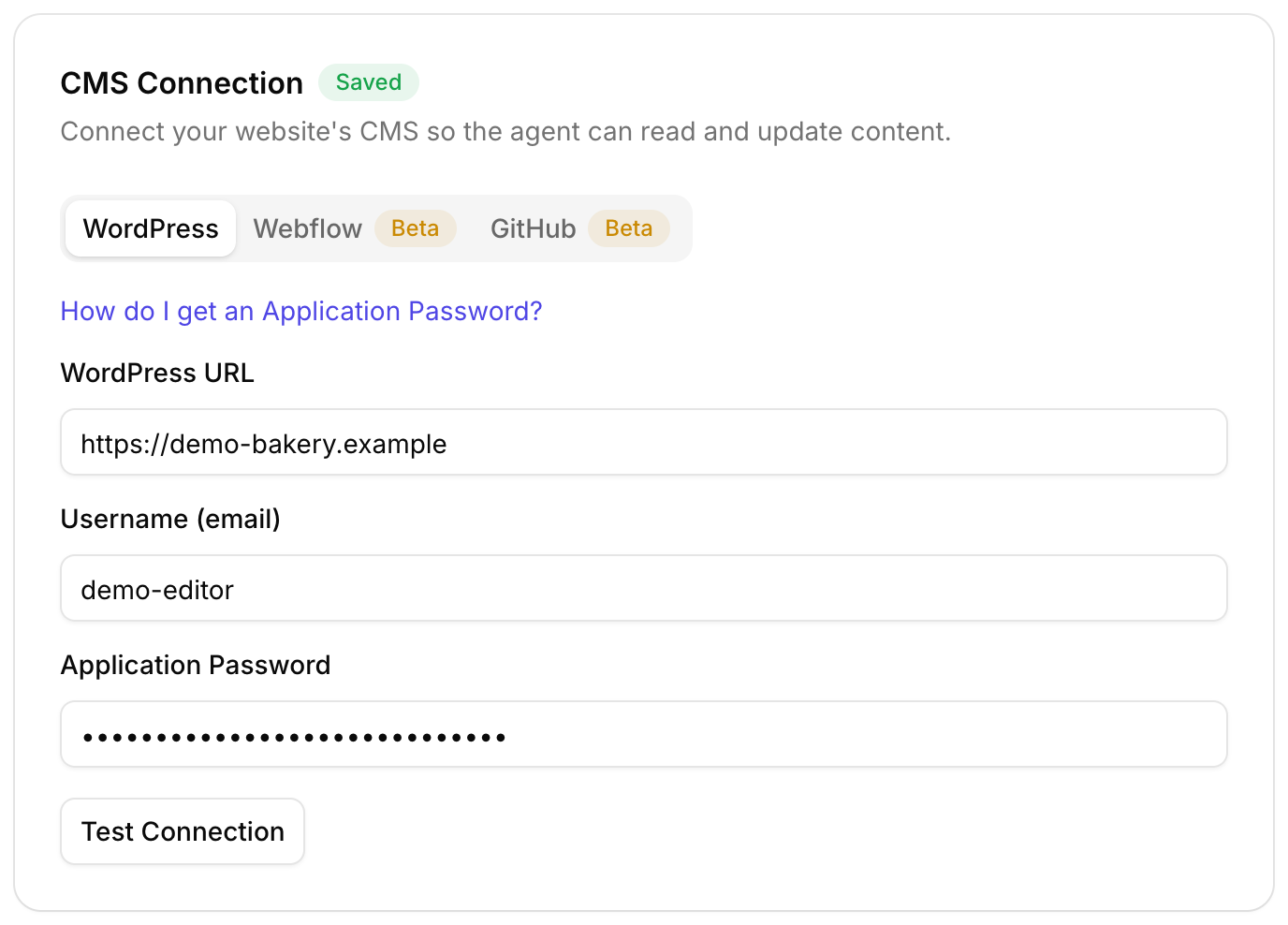
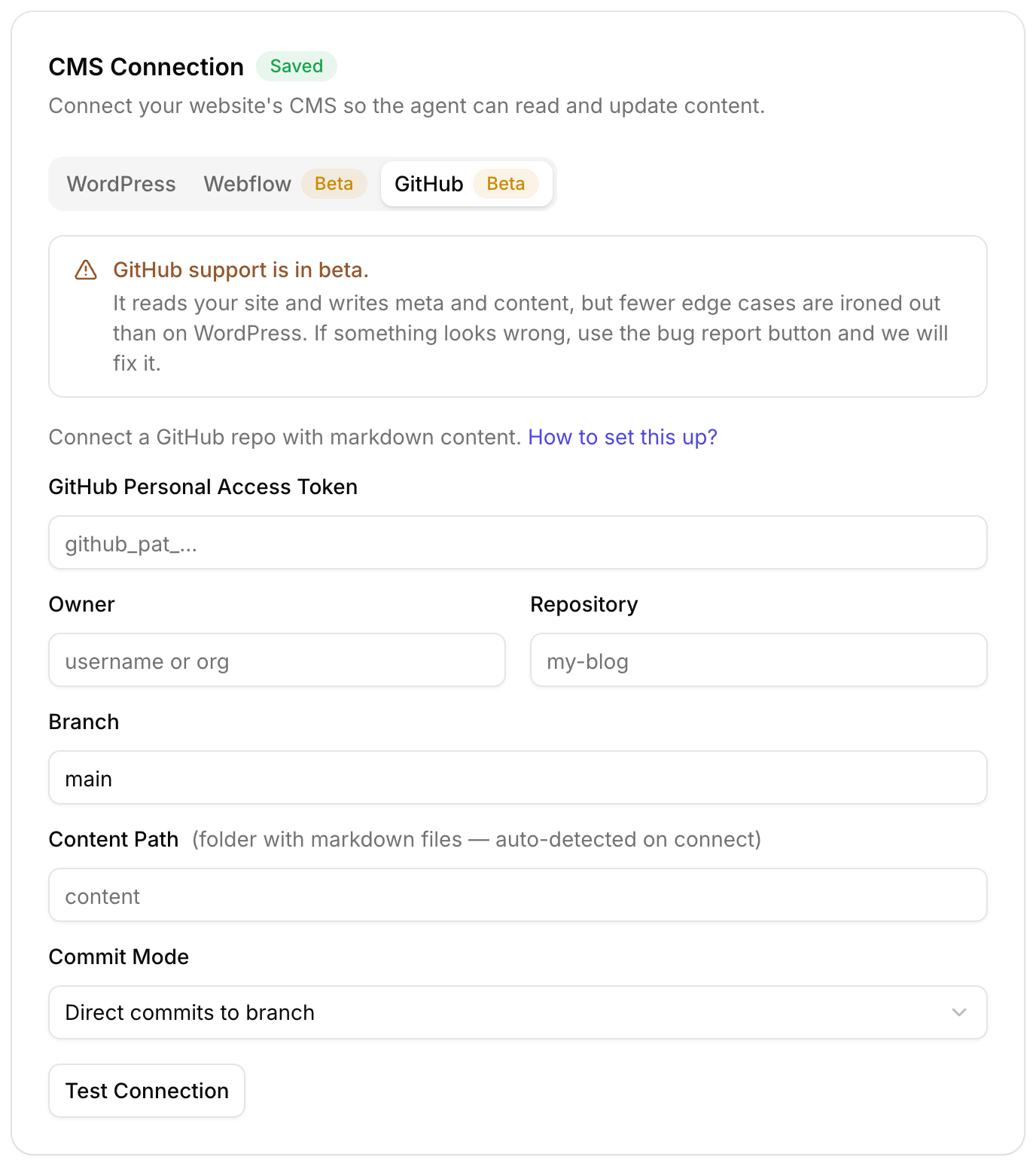
WordPress, including Yoast, Rank Math, ACF fields and Elementor pages, plus Webflow and GitHub sites in beta.
4. What is the difference between the assistant and the agent?
They are the same brain. The assistant is the chat, where you ask. The agent is the part that finds the work on its own and runs the automations. Most people use both.
5. Does it keep my conversation?
Yes, each site keeps its own conversation in your browser, so you can come back to it. Press New to start fresh.
More features