Roborank
Show clients the work, not a screenshot of a chart.
White Label SEO Reports
One link per client, on a neutral address with no Roborank name anywhere. It lists every change you made, compares the pages you worked on with the ones you didn't, and shows what's still to do.
Free to start. No credit card needed.
A white label SEO report built from the work
Most SEO client reports are a traffic line. Clients nod and still have no idea what you did all month. And when traffic goes down, the same report makes it look like you did nothing.
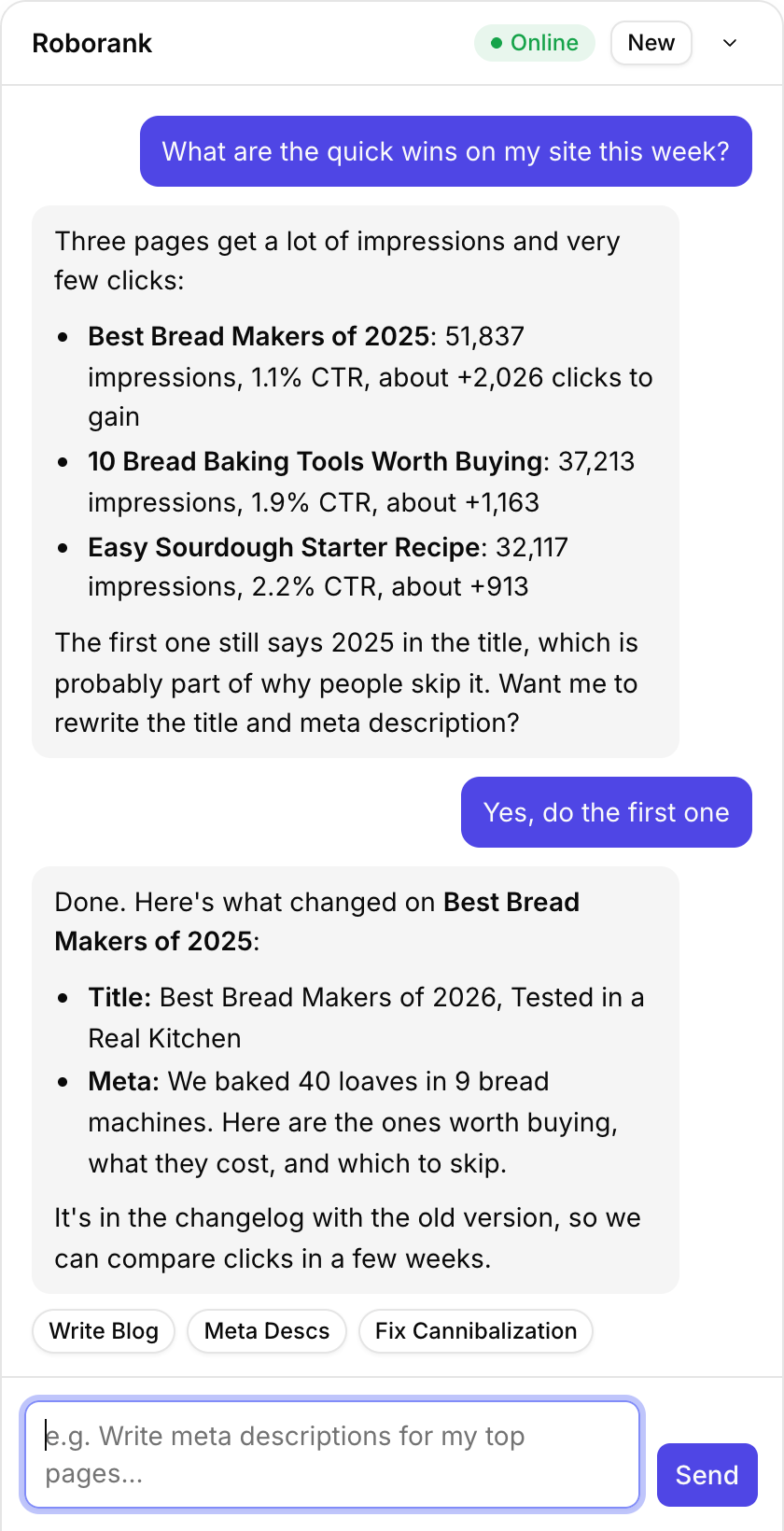
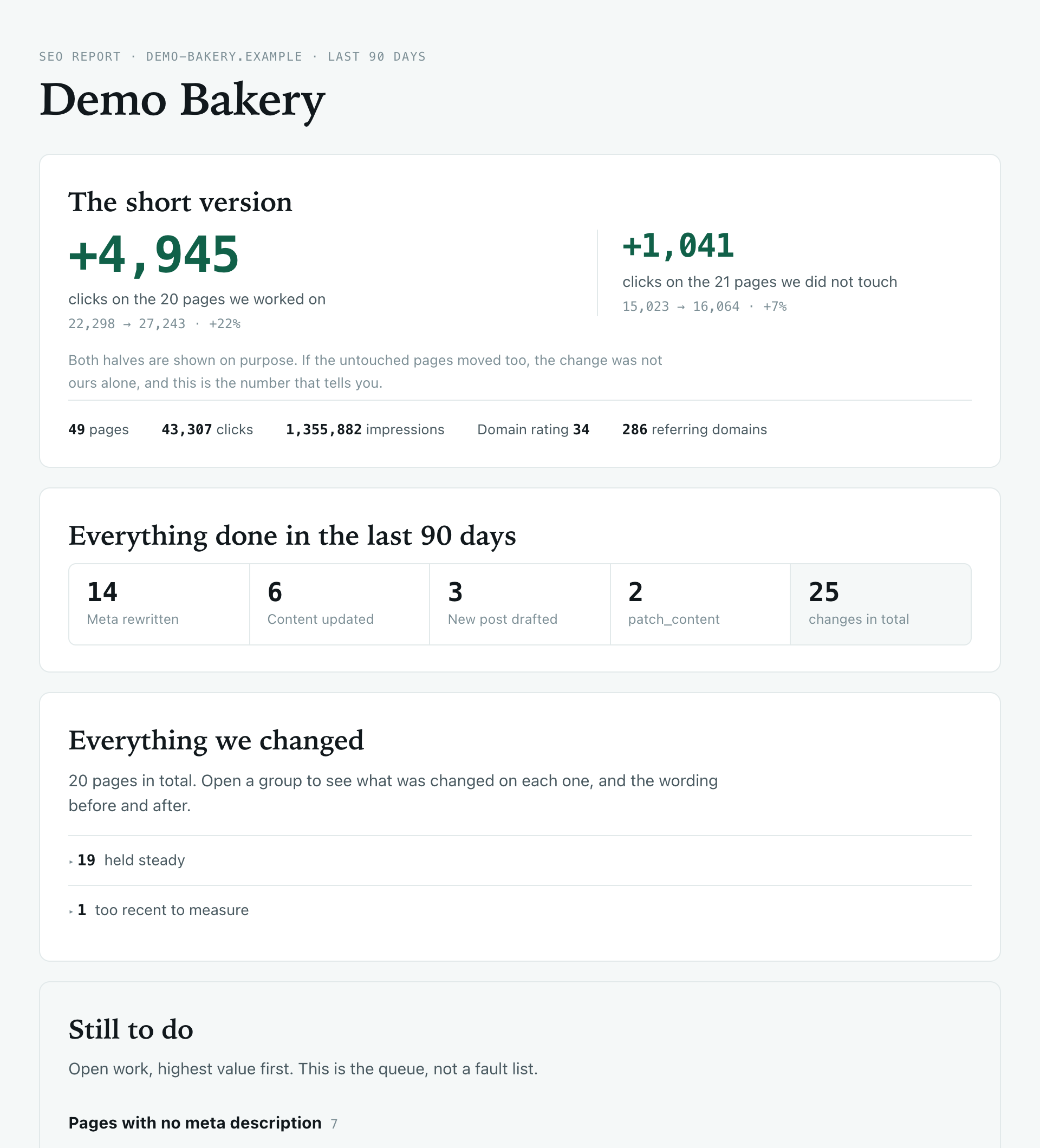
This report starts from the work. Roborank already logs every change made to the site, so the report can say exactly which pages you touched, what they said before, what they say now, and how those pages did compared with the rest of the site.
Why clients actually read it
- It's honest: extra clicks on the pages you worked on sit next to the change on pages you didn't touch, so if everything went up, the client can see that too
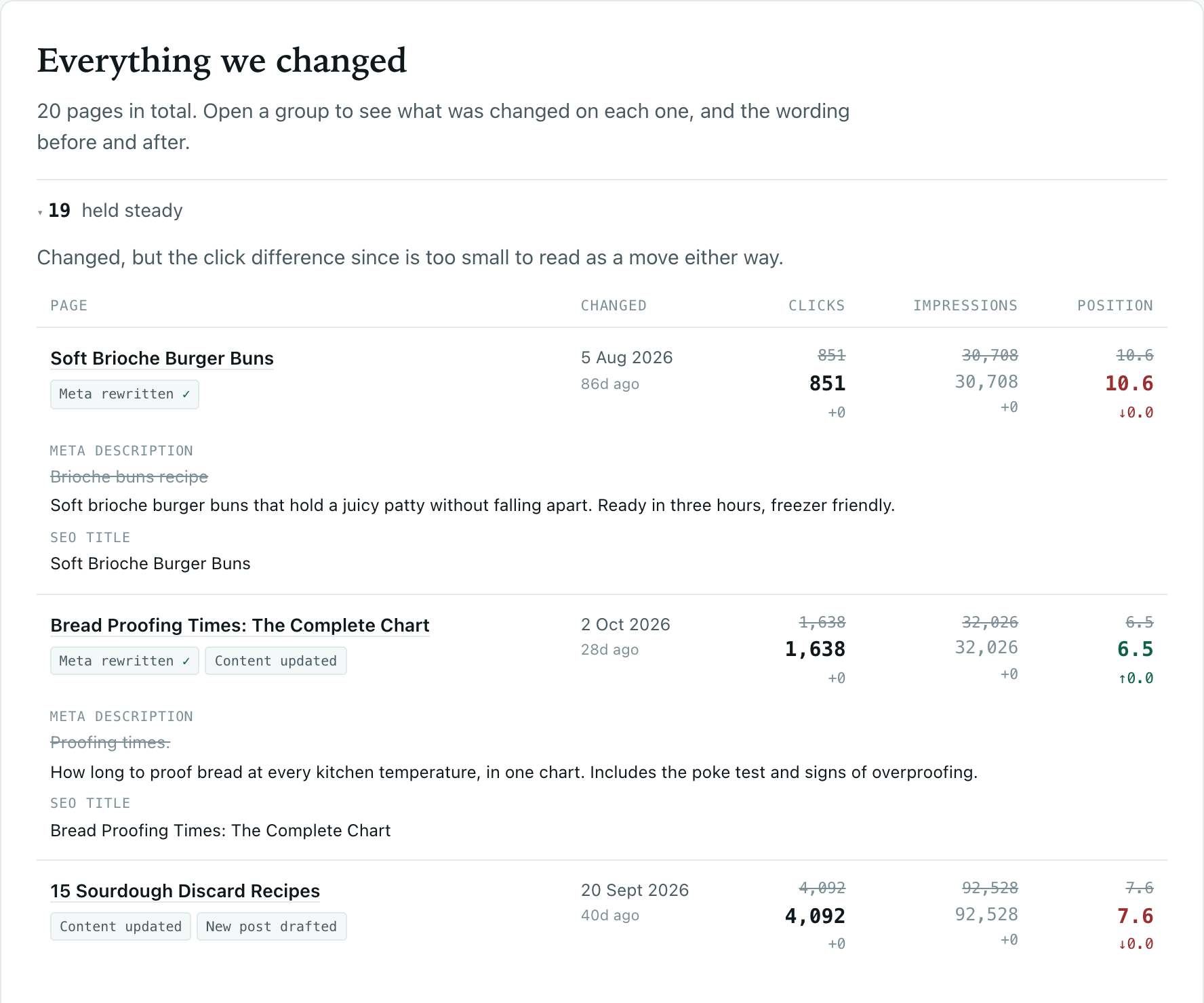
- It's specific: every page, with the old and new wording one click away
- It points forward: the open work, highest value first, as the queue for next month
- It's theirs: their site name, their numbers, nothing else
That honesty is what makes the rest believable.
What's in the report
| Feature | What it does |
|---|---|
| The short version | Extra clicks on the pages you worked on, next to the pages you didn't |
| Everything done | A count of meta rewrites, content updates, new posts and patches |
| Everything changed | Every page, grouped by how it's doing, with the old and new wording |
| Still to do | Pages with no meta description, pages that rank but rarely get clicked, pages not updated in a year |
| Site context | Pages, clicks, impressions and referring domains |
| 90-day window | The same window Search Console uses, so before and after are measured the same way |

Who uses a white label SEO reporting tool?
- SEO agencies sending monthly reports to several clients
- Freelancers who want their work to look as solid as it is
- In-house teams reporting to a boss who wants to know what changed
- Consultants who need to show progress without showing their tools
Agencies run every client site from one Roborank account, so each report is a click away.

How does it work?
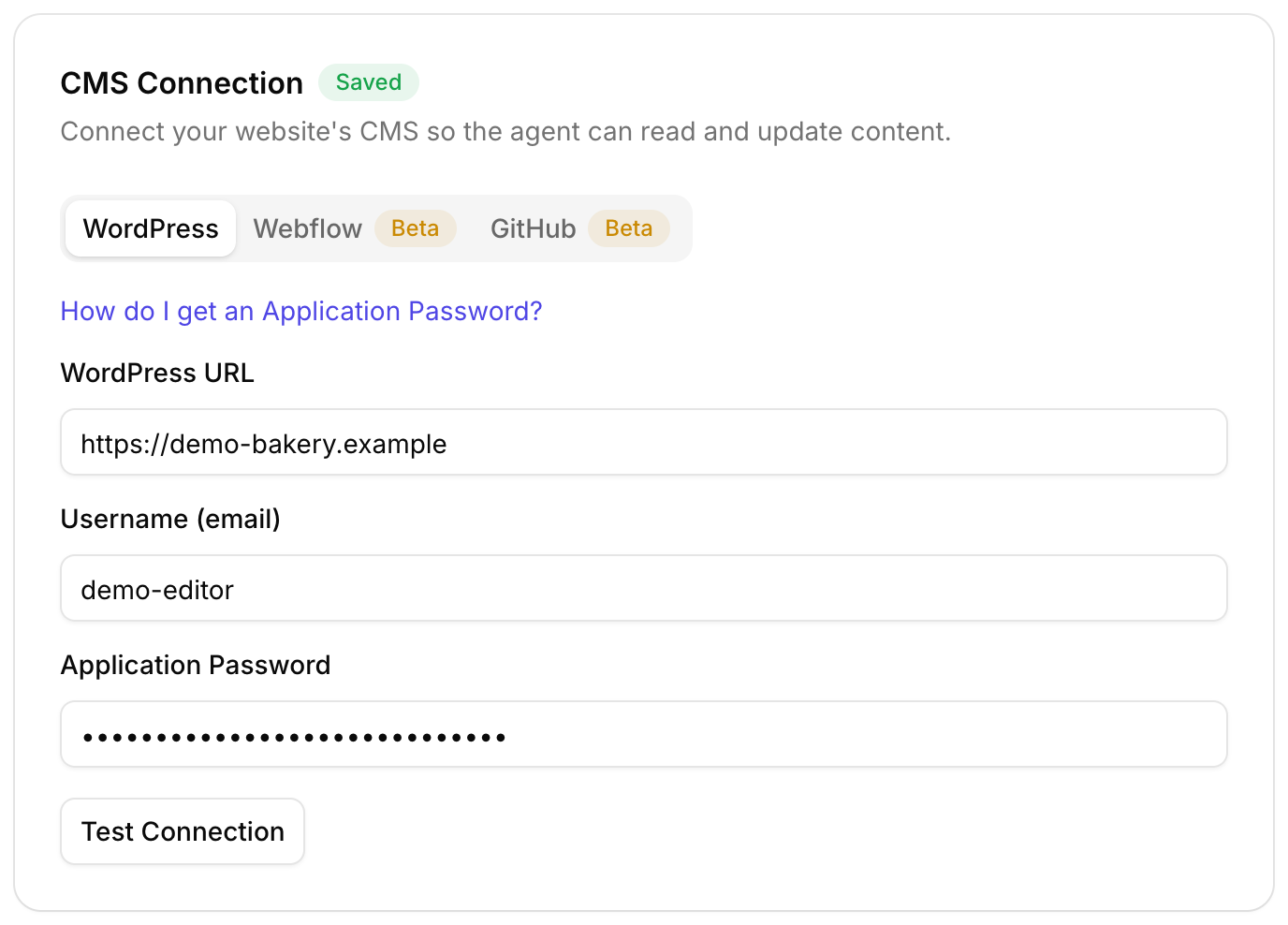
- Add the client's site and connect their Search Console
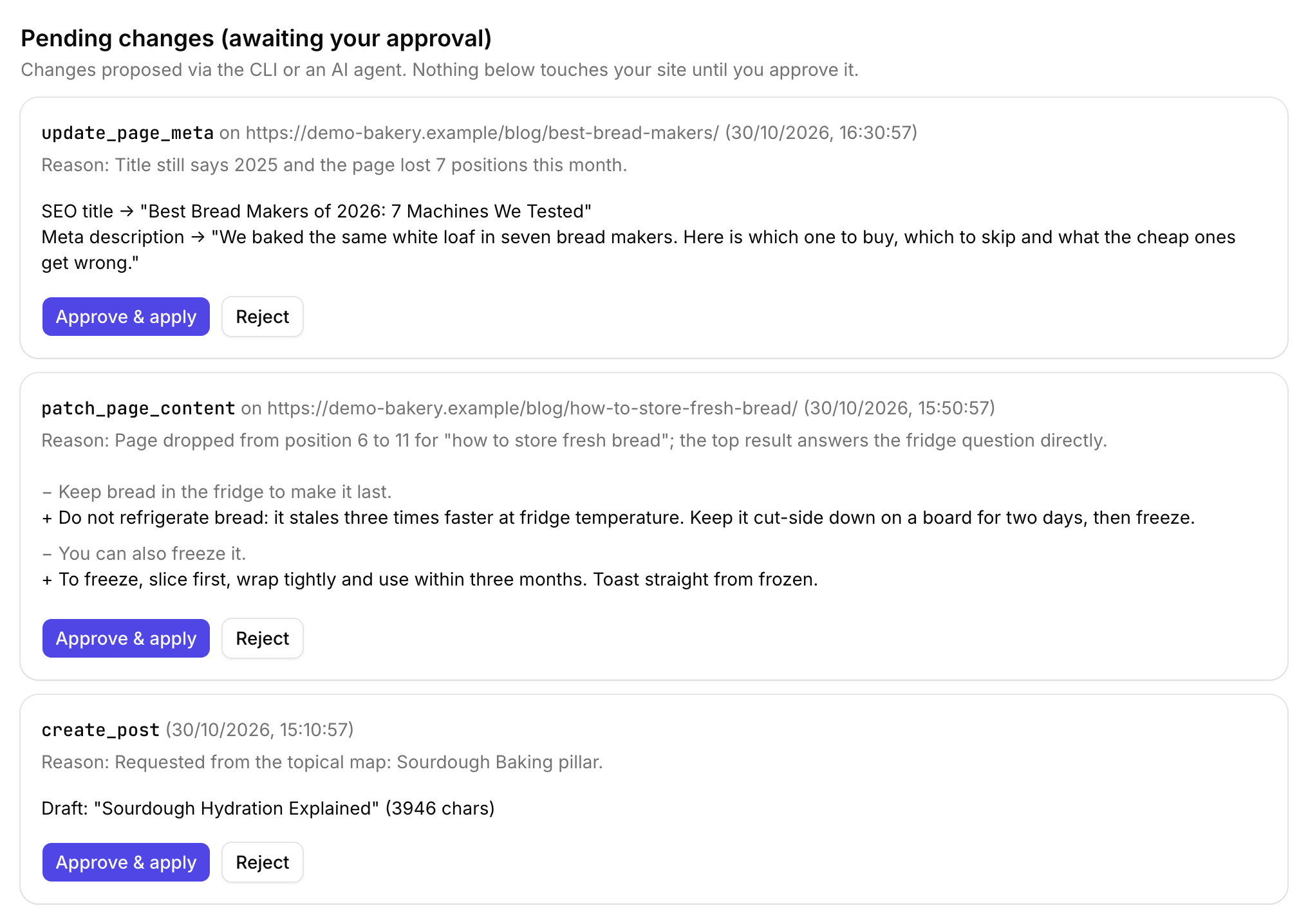
- Let the agent find and ship the fixes, approving what goes live
- The changelog fills itself as the work ships
- Make a report link whenever you want to show progress
- Send it: it works without a login and expires after 30 days
No Roborank anywhere
The report lives at clientsreports.net/r/..., a neutral address. There's no Roborank logo, no Roborank name in the page, nothing in the link that says which tool made it, and the page tells search engines not to index it.
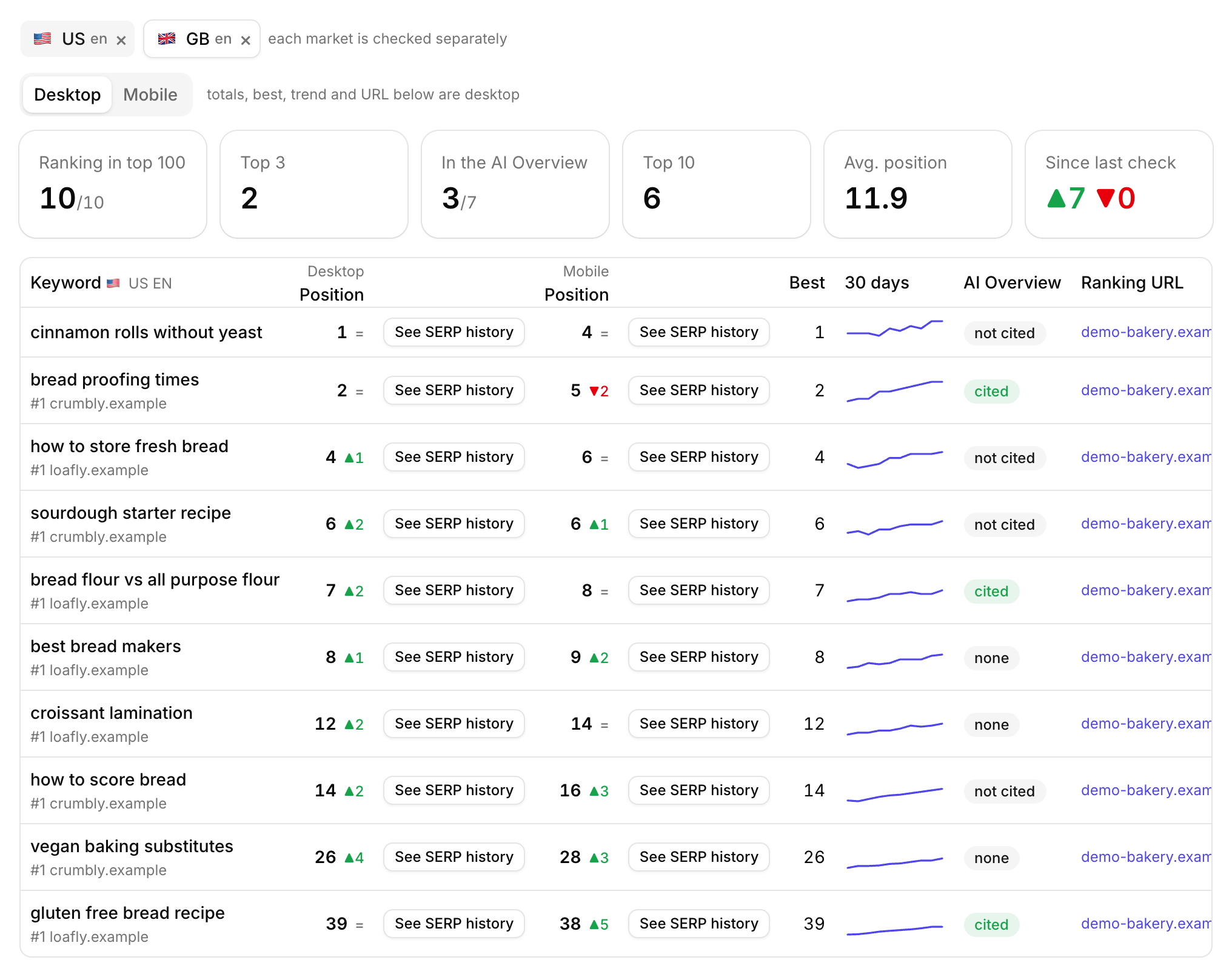
If clients are starting to ask whether they show up in ChatGPT, the AI visibility tracker answers that from the same account, and the rank tracker covers Google.
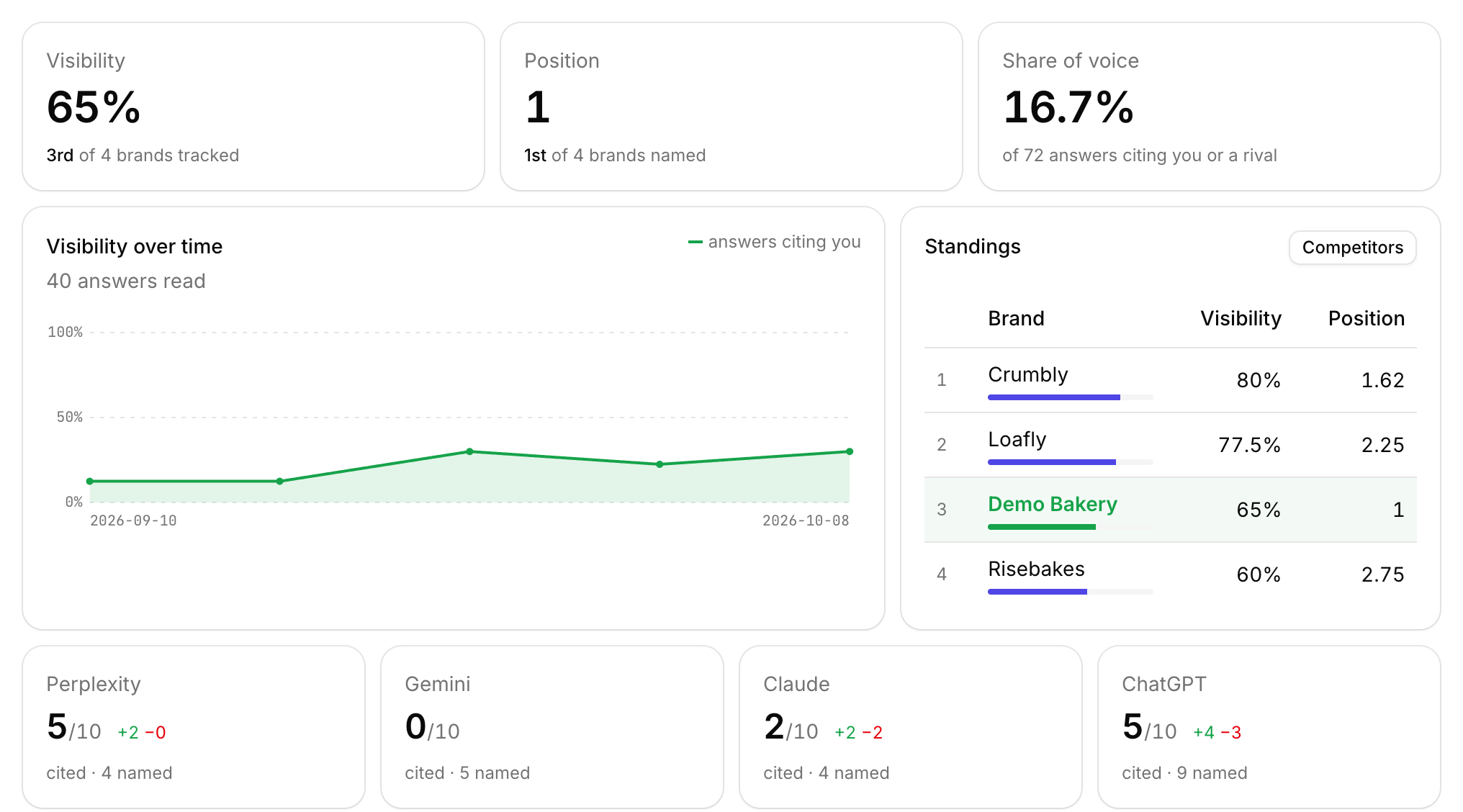
Add a client site, connect their Search Console, and the report builds itself from the work you ship.
Start free with Search ConsoleSEO changes written to live sites
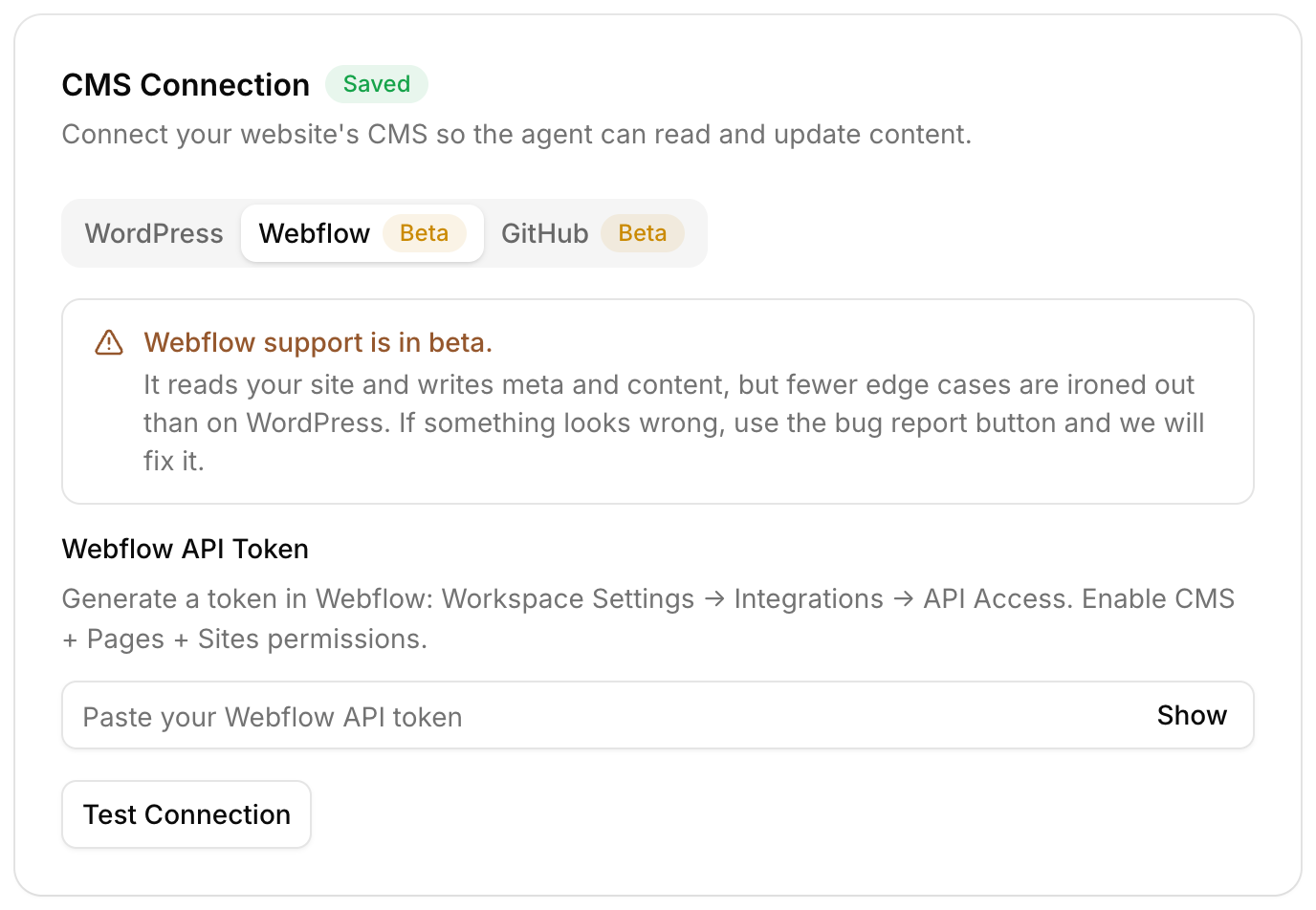
sites worked on, WordPress, Webflow and more
change logged with a before and after
1. Does the report mention Roborank anywhere?
No. It is served from clientsreports.net, a neutral address, and the page carries the client's site name only. It is also marked noindex and sends no referrer.
2. Can I add my agency logo?
Not yet. Right now the report shows the client's site name and nothing else, which is what most agencies have asked for. Custom branding is planned.
3. How long does a report link last?
30 days. You can make a new link whenever you want, and each one shows the latest data at the moment it is opened.
4. Where do the numbers come from?
Clicks and impressions come from the client's Google Search Console. The list of changes comes from the Roborank changelog, so it only includes work done through Roborank.
5. Can someone else open a report for a site that is not mine?
No. A report can only be created for a site on your own account, or one shared with you.
More features