Roborank
Markdown in a repo, fixed with a commit.
GitHub Pages SEO
If your site is markdown files in a GitHub repo, Roborank reads them, finds the posts worth fixing from your Search Console, and commits the change to your branch, front matter and all.
Free to start. No credit card needed.
SEO for sites that live in a repo
Static site generators are great until you want to fix forty meta descriptions. That's forty files, forty front matter blocks, and a pile of Search Console exports to work out which forty mattered in the first place.
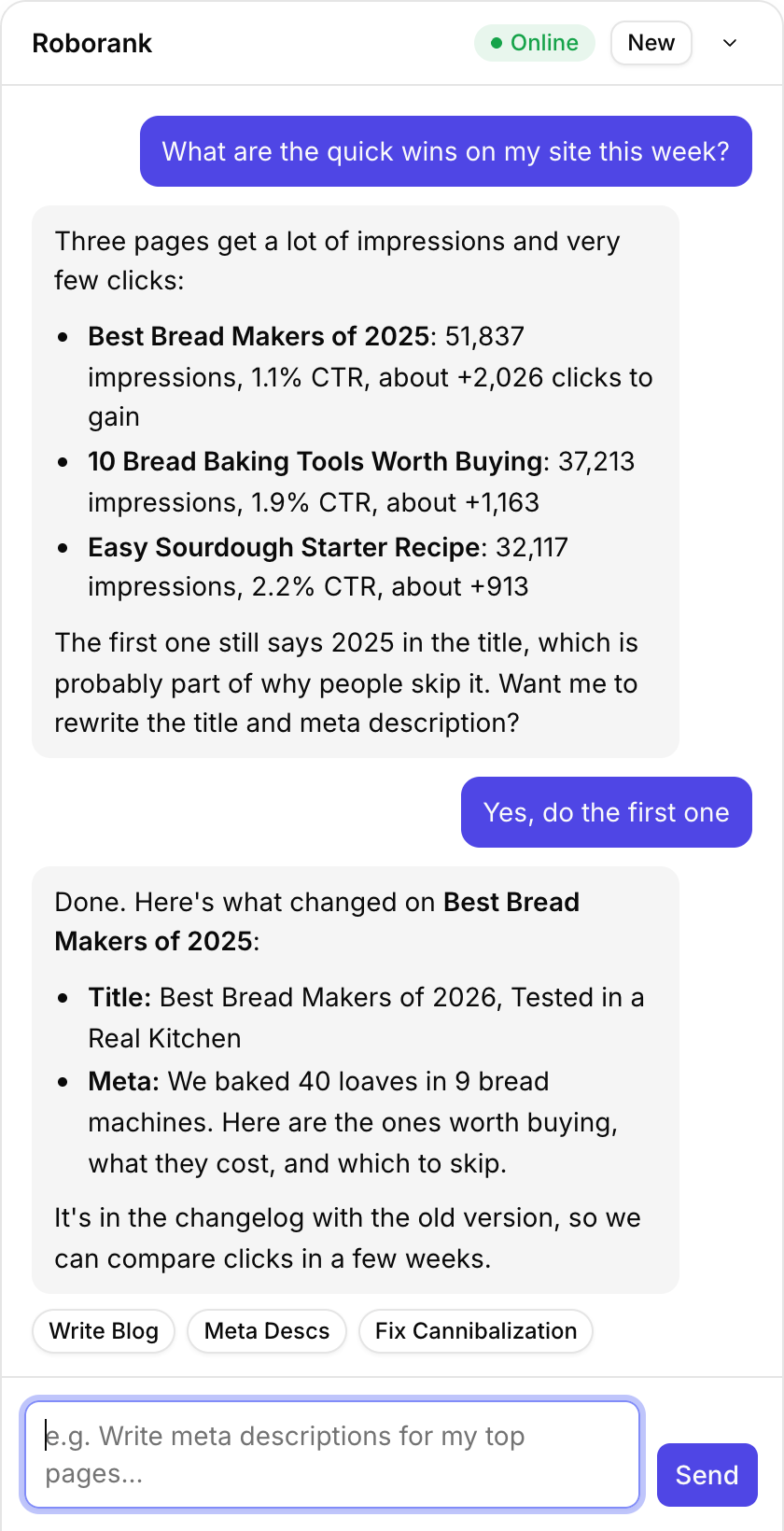
Roborank connects to the repo. It reads your markdown and its front matter, matches each file to the URL it publishes and the queries it gets, and commits the fix with a clear message, like "Update meta description for Sourdough Basics".
Why static sites lose easy clicks
- Front matter written once and never looked at again
- Descriptions left empty, so the snippet is whatever Google picks
- Posts that rank but don't answer the question people search
- Internal links forgotten because nobody greps the whole content folder
Roborank counts internal links across your markdown, so it can see which posts nothing points to.

What it works with
| Feature | What it does |
|---|---|
| Generators | Detects Hugo, Jekyll, Astro, Next.js and Eleventy from the repo |
| Content folder | Found on connect, or paste the folder or a github.com URL |
| Front matter | Finds your title, description, SEO title, slug and date fields by name |
| Edits | Committed to your branch with a message saying what changed |
| New pages | The writer opens a pull request with draft: true in the front matter |
| Pull requests for edits | Coming soon. Today edits are direct commits |

Who is it for?
- Developers with a blog on GitHub Pages, Netlify or Vercel
- Docs and product teams whose content is markdown in a repo
- Indie makers with a Hugo, Jekyll or Astro site and no CMS
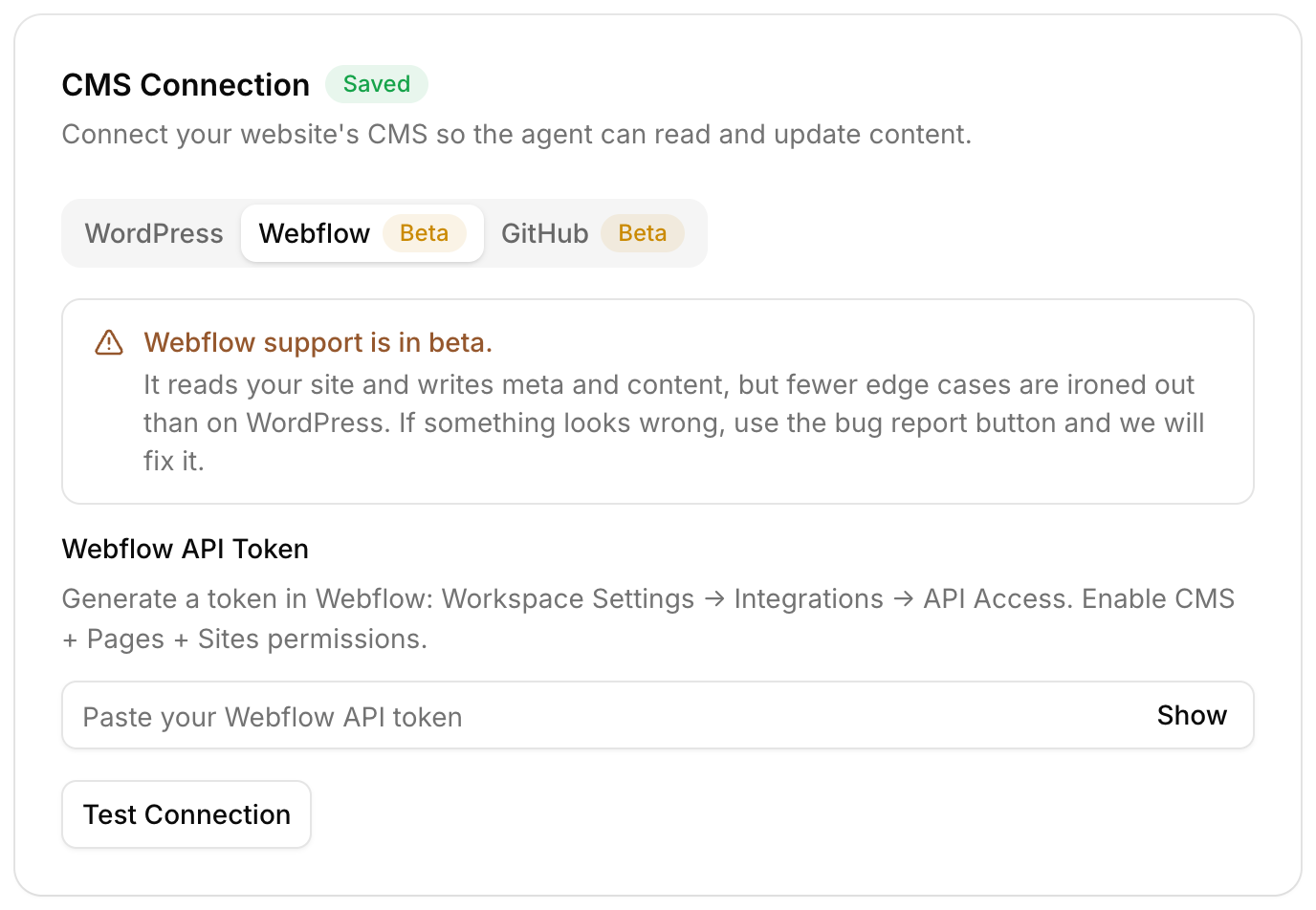
GitHub support is in beta. It reads your site and writes meta and content, with fewer edge cases ironed out than on WordPress.

How do you connect a repo?
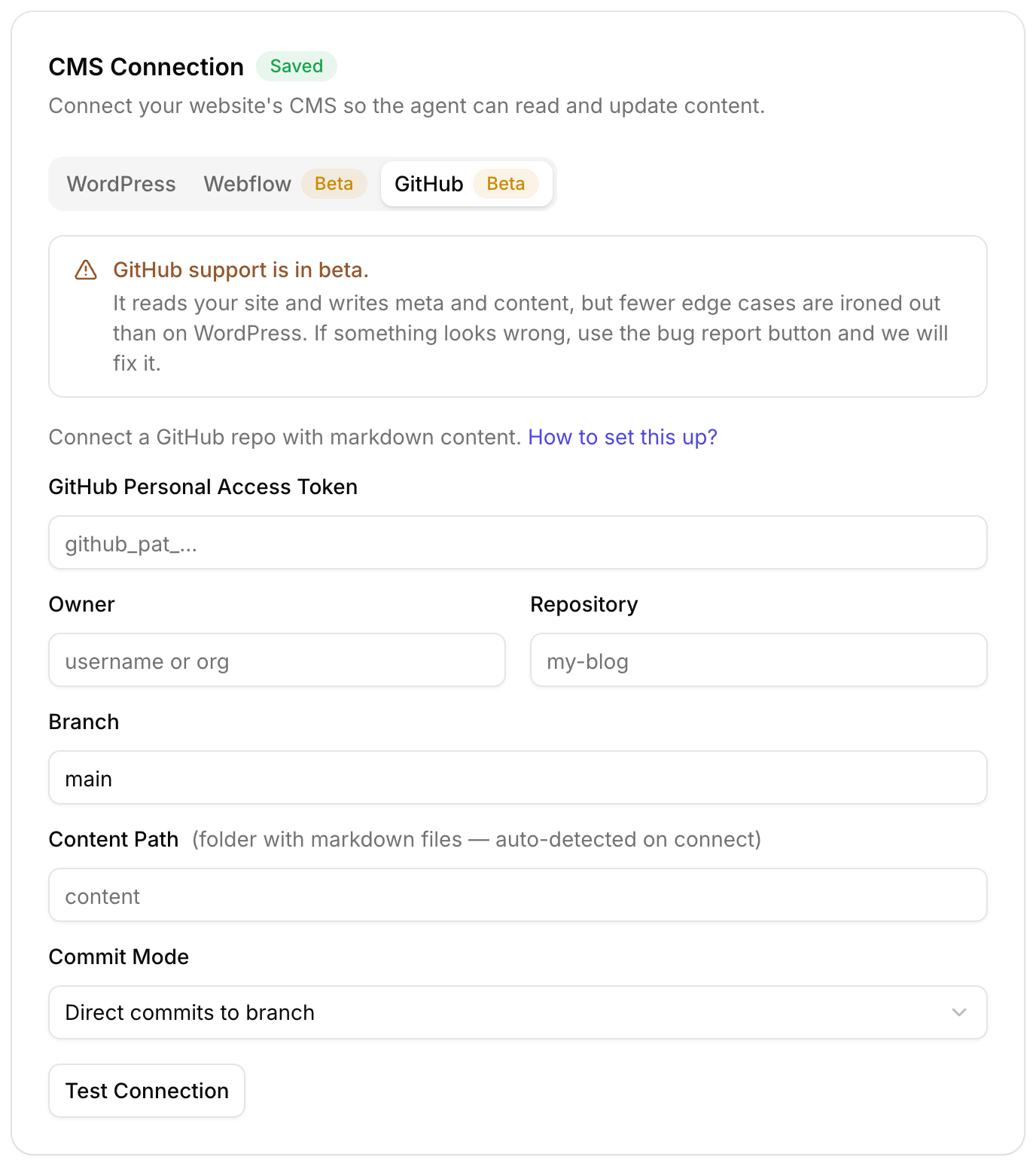
- Create a fine-grained personal access token with access to that repo's contents
- Add the owner, repo and branch in Roborank
- Let it find your content folder, or paste it
- Connect Search Console so the work starts from real queries
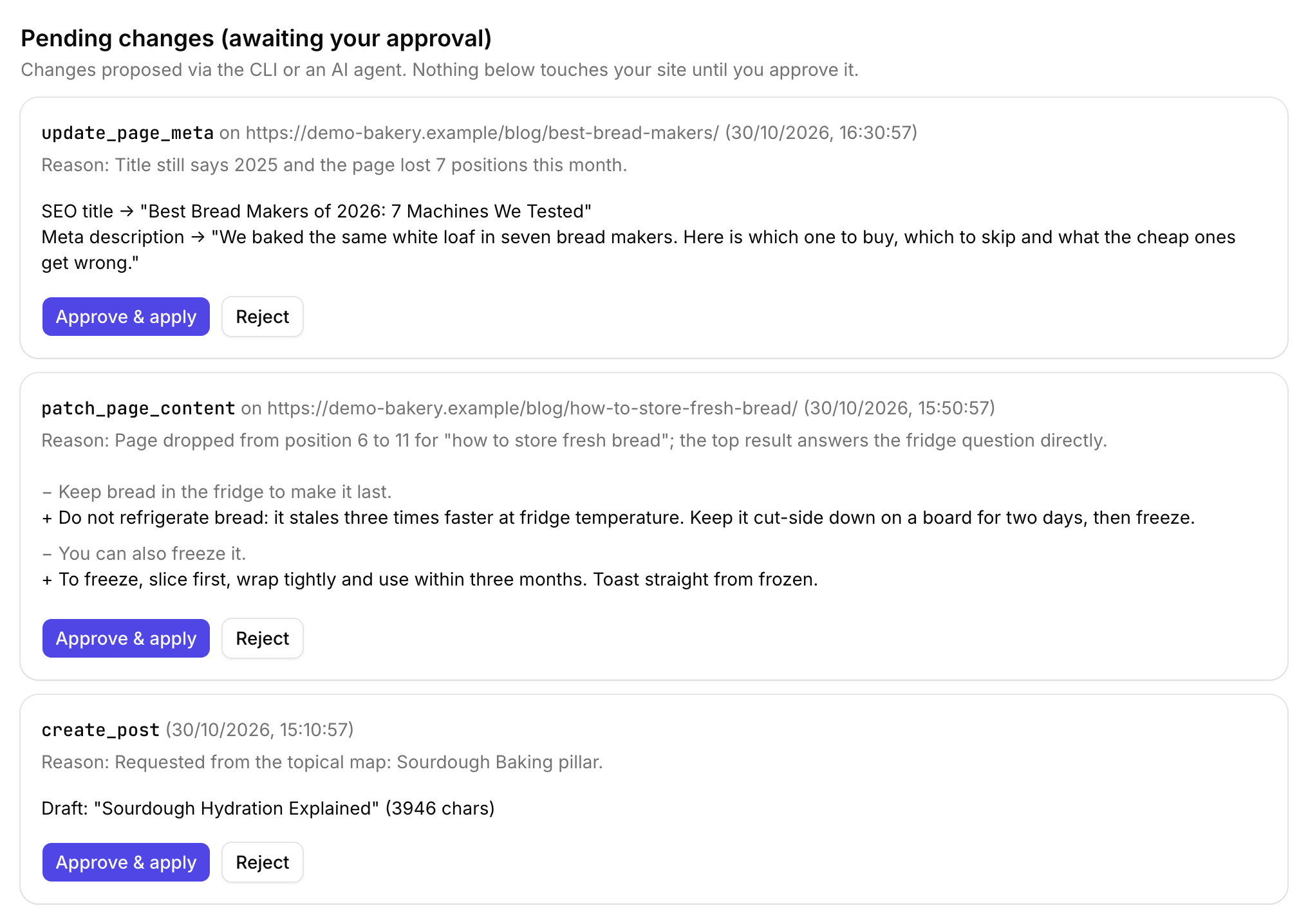
- Approve the fixes, and your usual build deploys them
Or work from your editor
If you live in Claude Code or Cursor, connect Roborank there and ask for the fix next to your code. No repo access at all? Plain HTML sites work by domain, with the edits applied to your local files.
Want a fix list first? Run the free SEO audit on your site.

Connect your repo and Search Console, and see which posts to fix first.
Start free with Search ConsoleSEO changes written to live sites
sites worked on, WordPress, Webflow and more
change logged with a before and after
1. Which static site generators does it support?
It works on markdown files with YAML front matter, and detects Hugo, Jekyll, Astro, Next.js and Eleventy from the repo. Other generators that use markdown and front matter usually work too, since that is what Roborank reads.
2. Does it open pull requests?
New pages from the writer arrive as a pull request with draft: true. Edits to existing files are direct commits to your branch today; a pull request mode for edits is coming.
3. What access does the token need?
Read and write access to the contents of that one repository. A fine-grained token limited to the repo is the safest choice.
4. Does it work with GitHub Pages?
Yes. Roborank commits to the repo, and GitHub Pages, Netlify, Vercel or whatever builds your site picks the change up as usual.
5. Is GitHub support finished?
It is in beta. It reads your site and writes meta and content, with fewer edge cases ironed out than on WordPress.
More features