 Roborank
One URL. Every AI app. Your real SEO data.
SEO MCP Server
Add one URL to the AI app you already use and sign in. It reads your Search Console, rankings and pages, and queues fixes to your site for you to approve.
Free to start. No credit card needed.
Connect it to any AI app
The server URL is the same everywhere:
https://mcp.roborank.io/mcpMost apps sign in to Roborank on their own. You enter your email, click Allow, and there is no token to copy around.
Add to Cursor Install in VS Code
| Feature | What it does |
|---|---|
| Claude | claude.ai, Claude Desktop and Claude Code |
| ChatGPT | Custom MCP server with OAuth |
| Code editors | Cursor, VS Code (Copilot), Windsurf, Zed, JetBrains |
| Terminals | Codex CLI, Gemini CLI, OpenCode, Grok Build |
| Everything else | Any app that adds a remote MCP server, plus the Claude, OpenAI and xAI APIs |
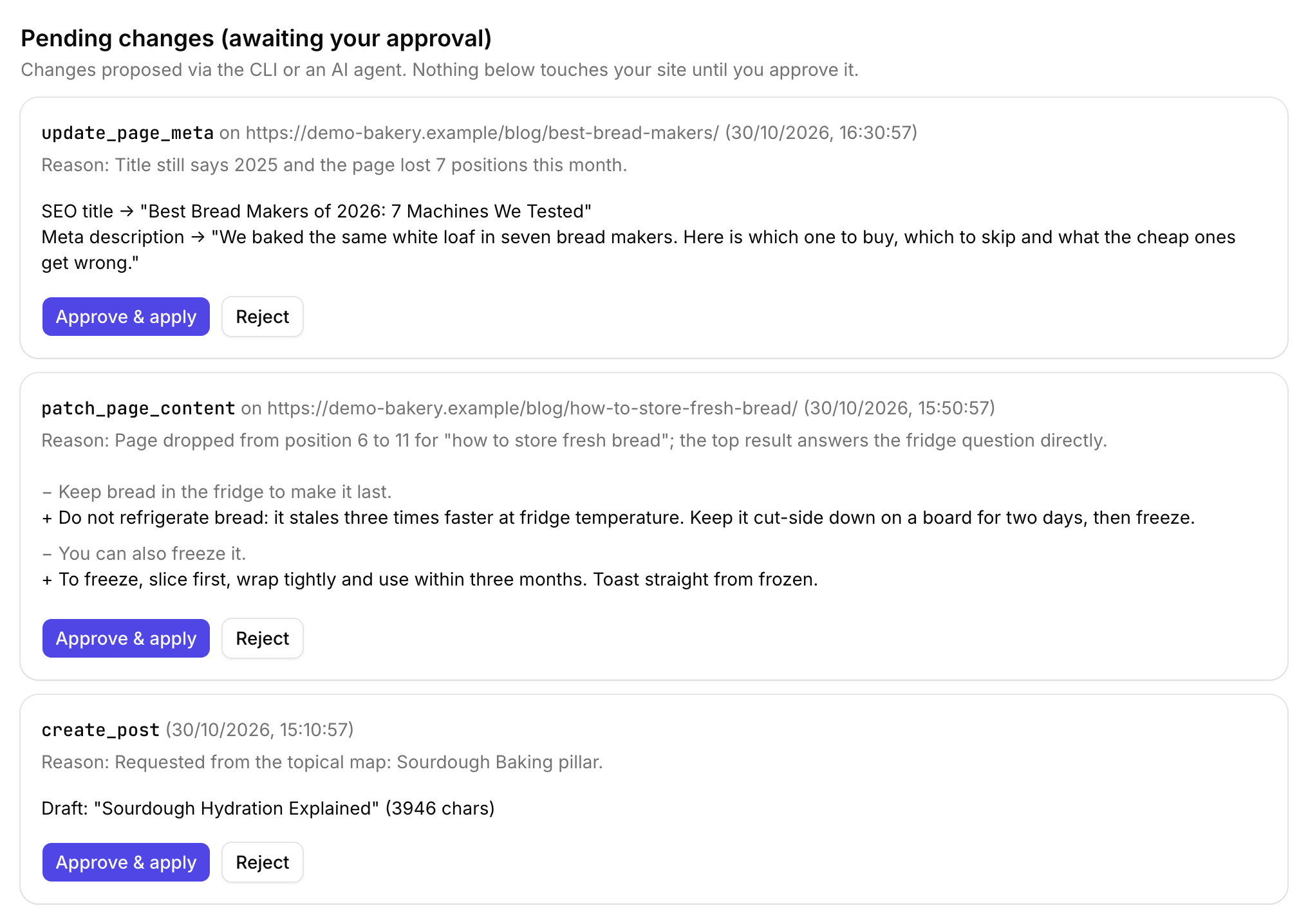
Set up in one line
Claude Code:
claude mcp add --scope user \
  --transport http roborank \
  https://mcp.roborank.io/mcp
Gemini CLI:
gemini mcp add --transport http \
  roborank https://mcp.roborank.io/mcp
Codex:
codex mcp add roborank --url https://mcp.roborank.io/mcpclaude.ai and ChatGPT: add a custom connector with the URL above. The setup guide has the steps and config for every app, and a token option for apps that can't sign in.
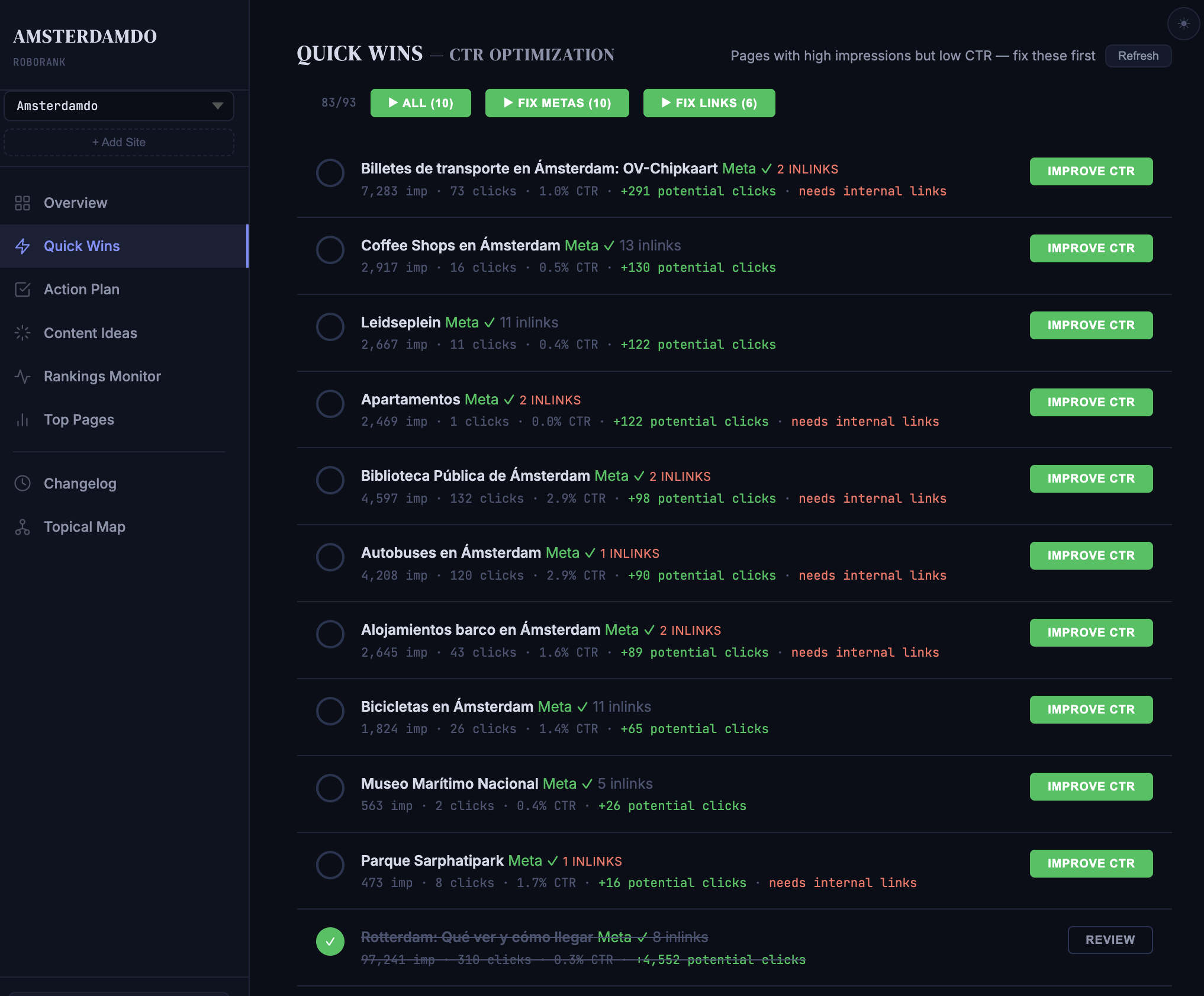
What your assistant can do with it
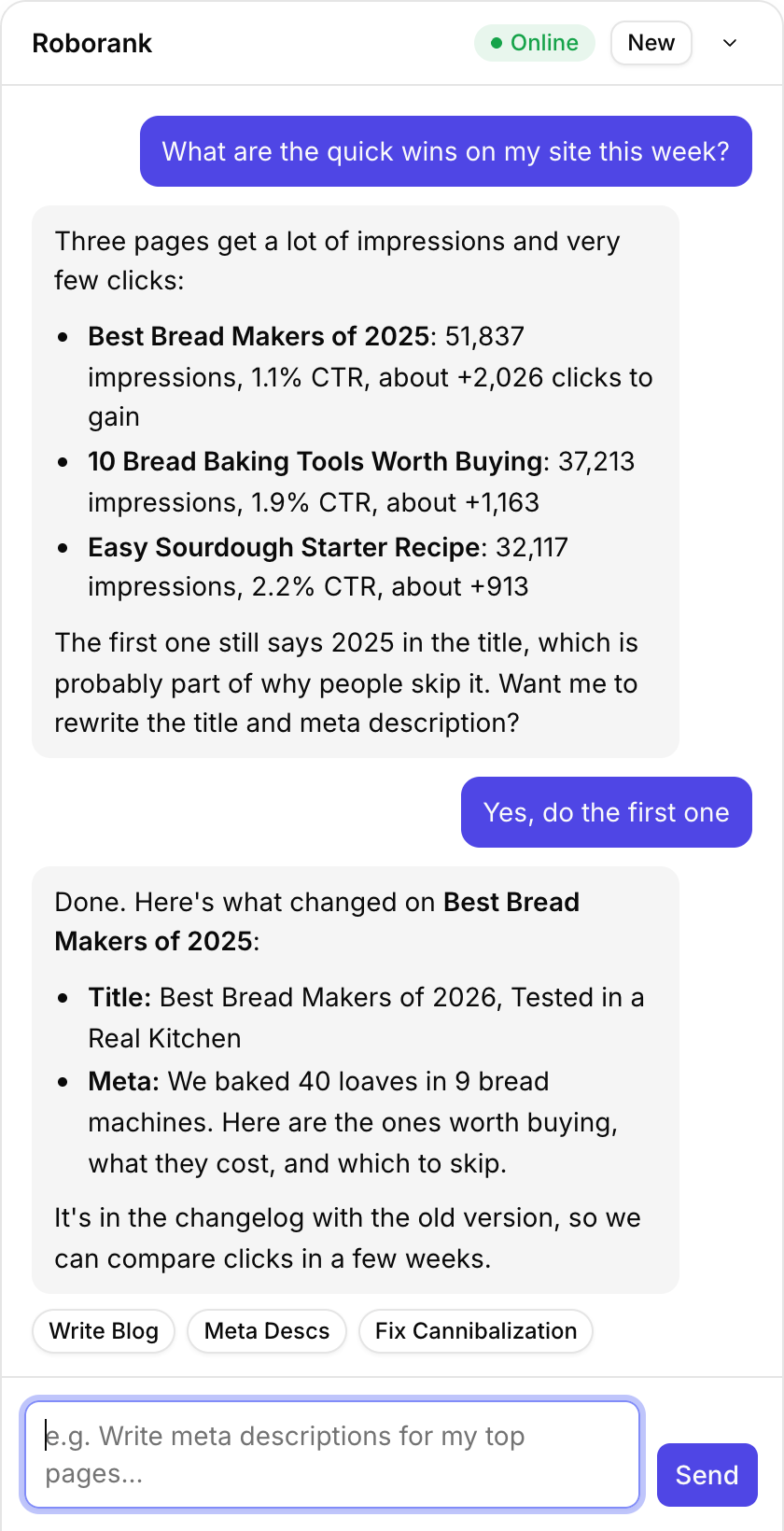
- "What are the quick wins on my site this week?"
- "Which pages lost clicks in the last 28 days, and why?"
- "Rewrite the titles on my five worst click-through pages."
- "Are any of my pages competing for the same keyword?"
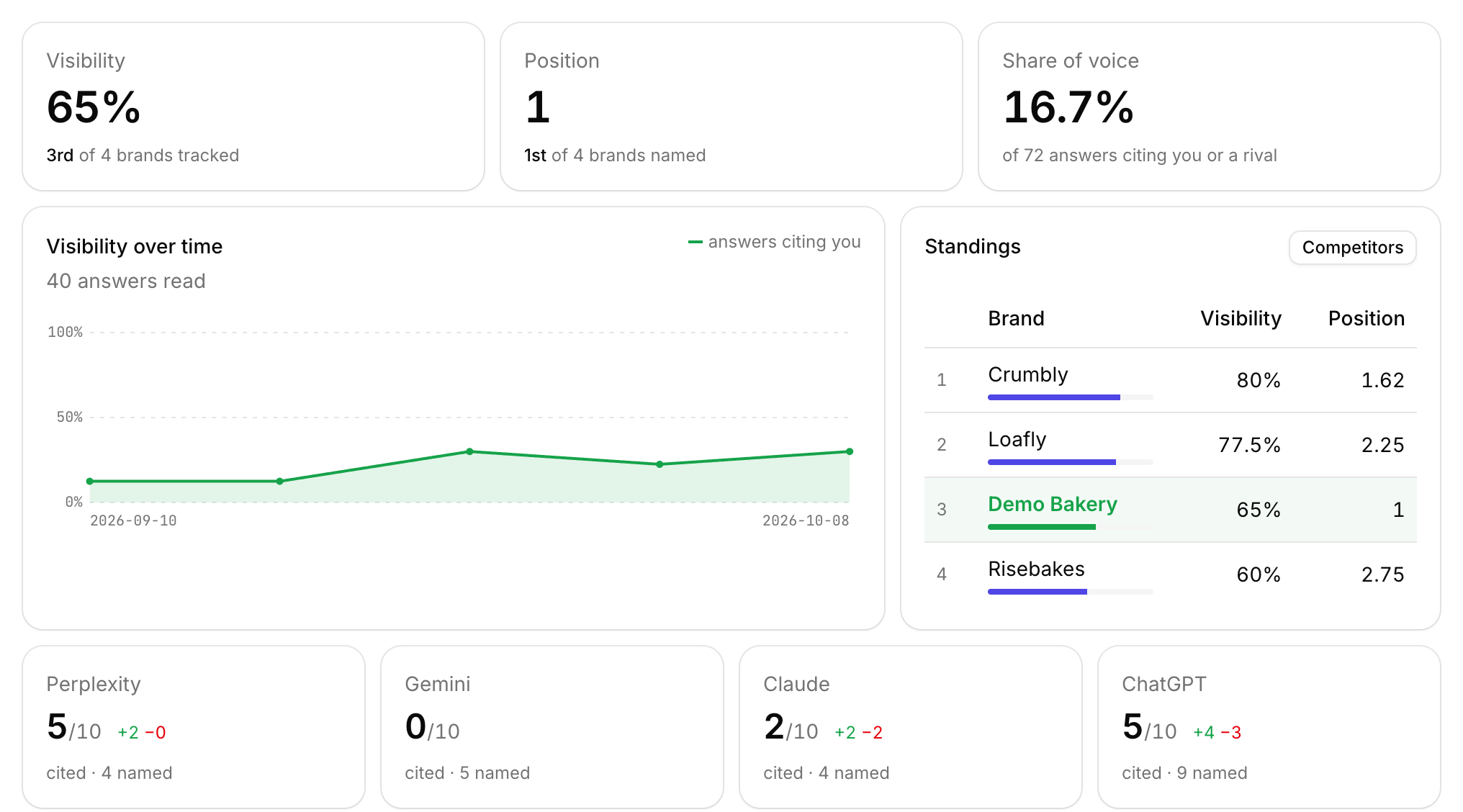
- "Is ChatGPT citing us for our main questions?"
| Feature | What it does |
|---|---|
| Search Console | Queries, clicks and positions for each page |
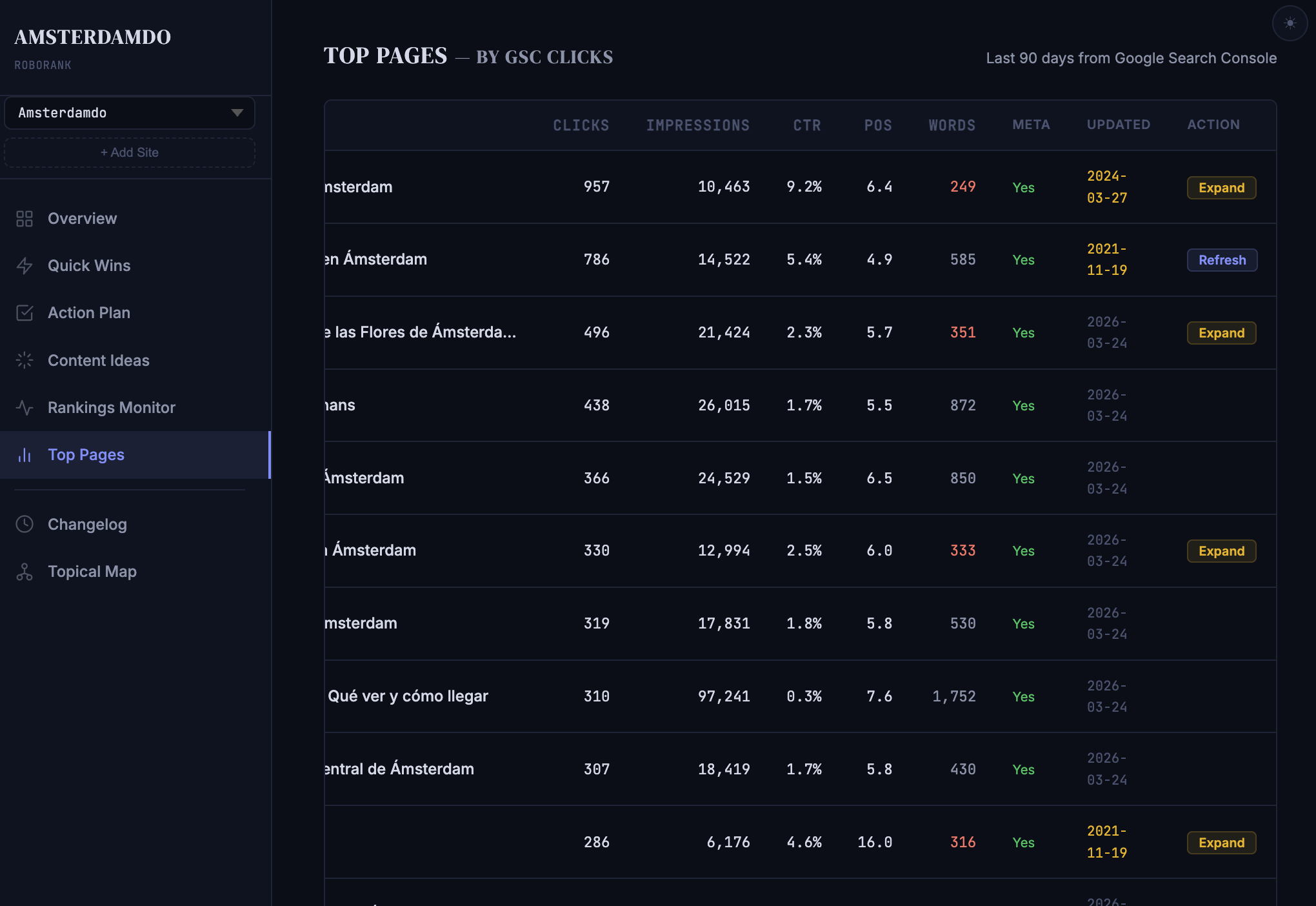
| Site data | Quick wins, decay, cannibalization, consolidation, internal links, top pages |
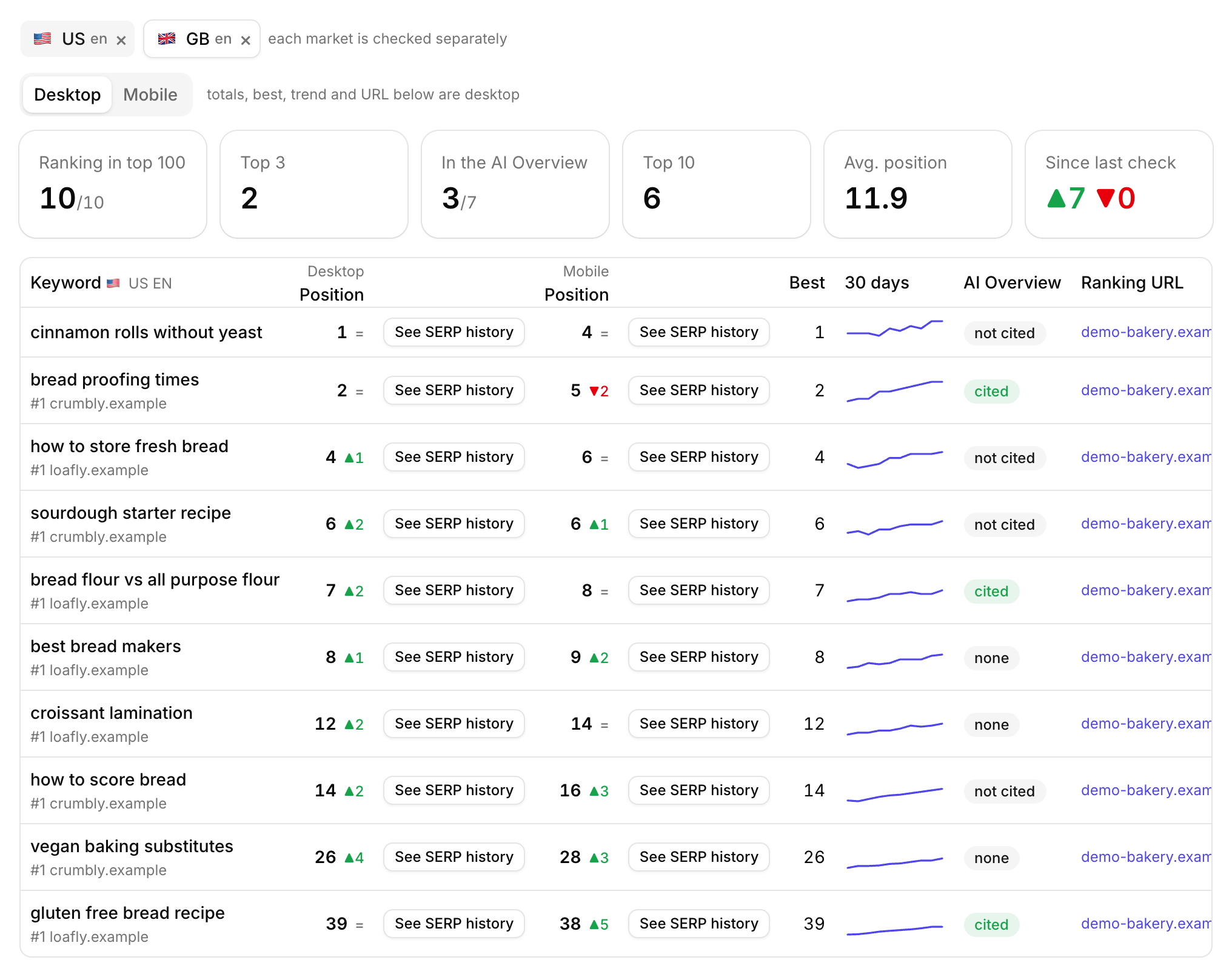
| Tracking | Google rankings and AI visibility |
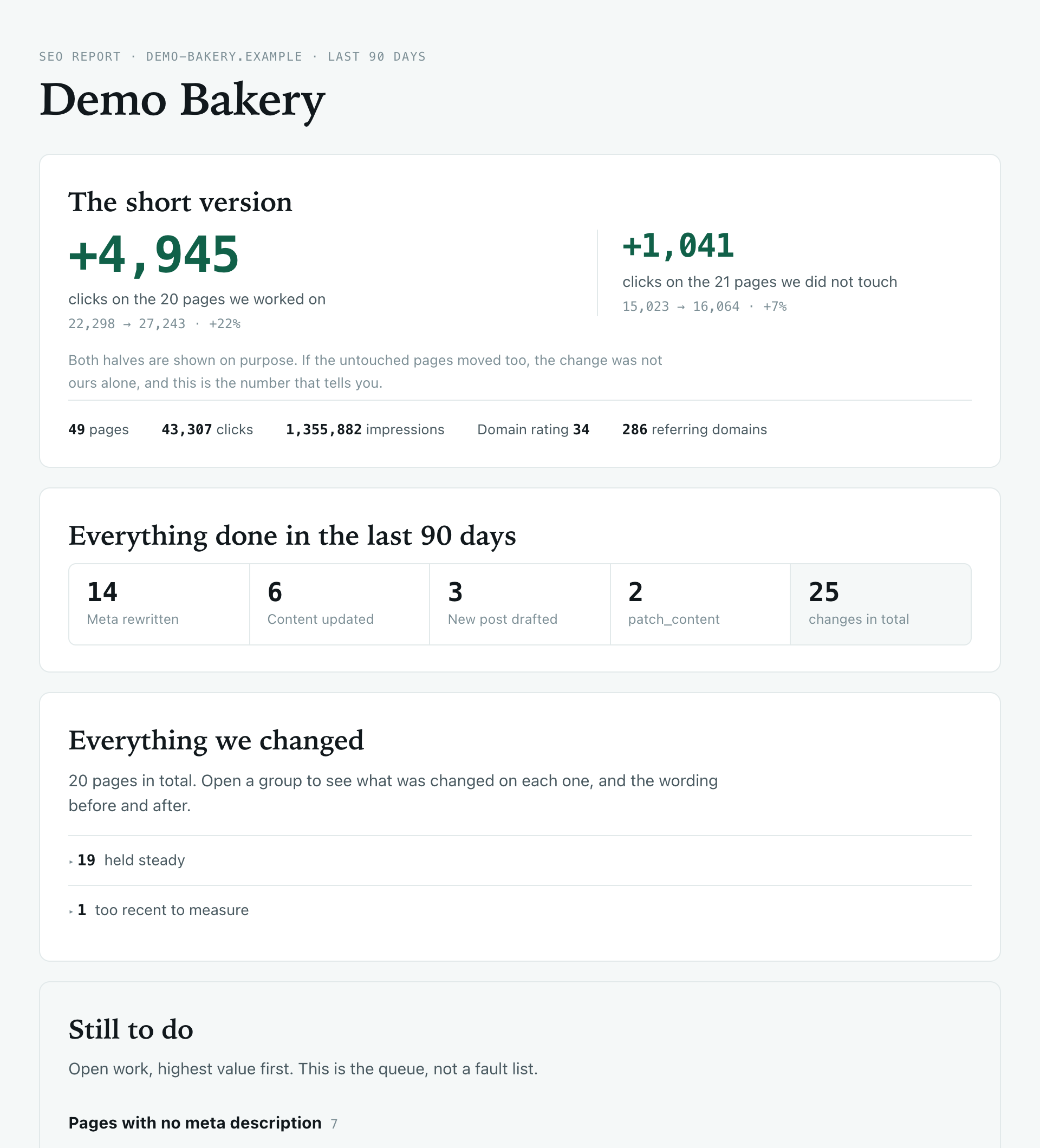
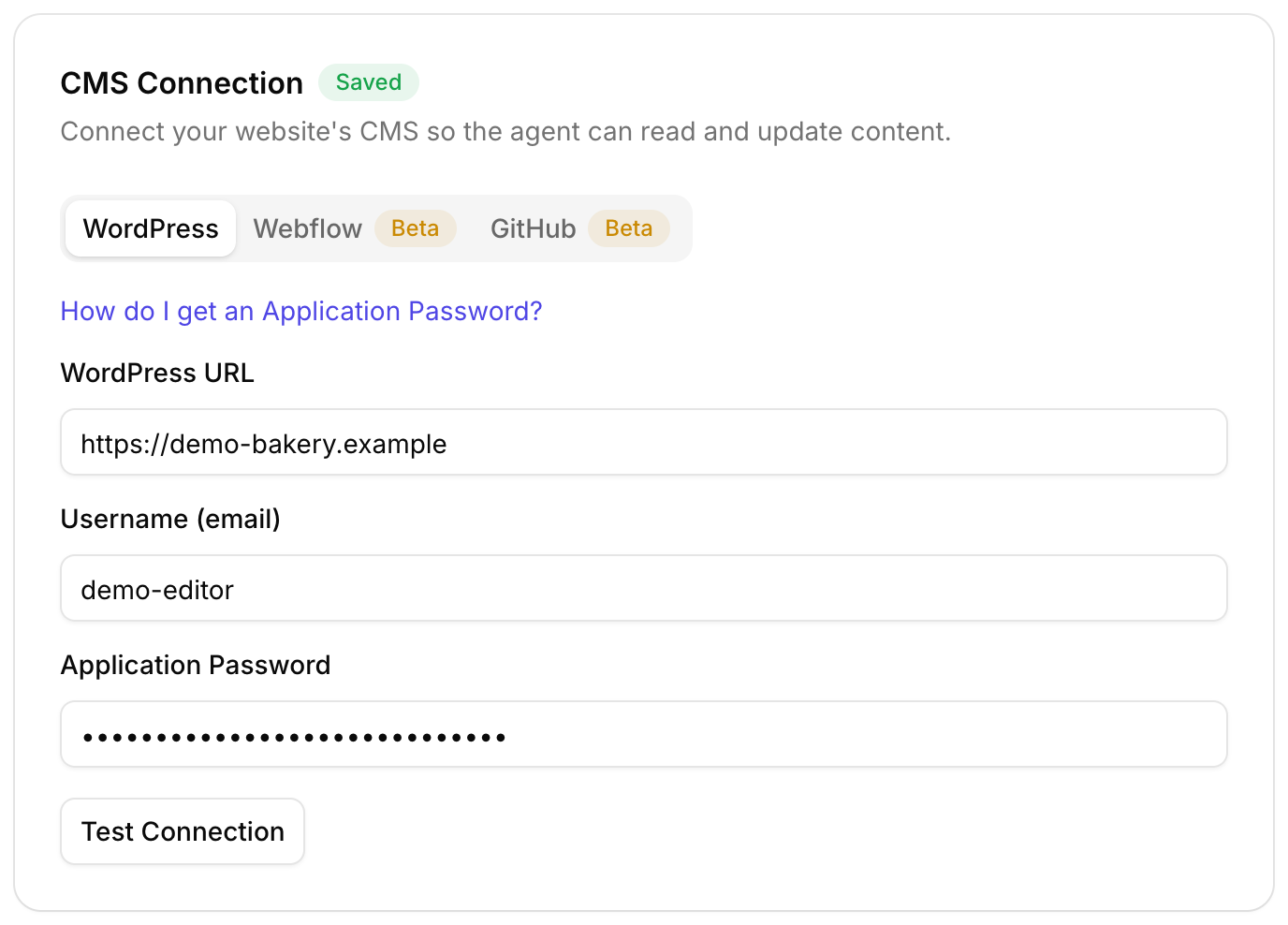
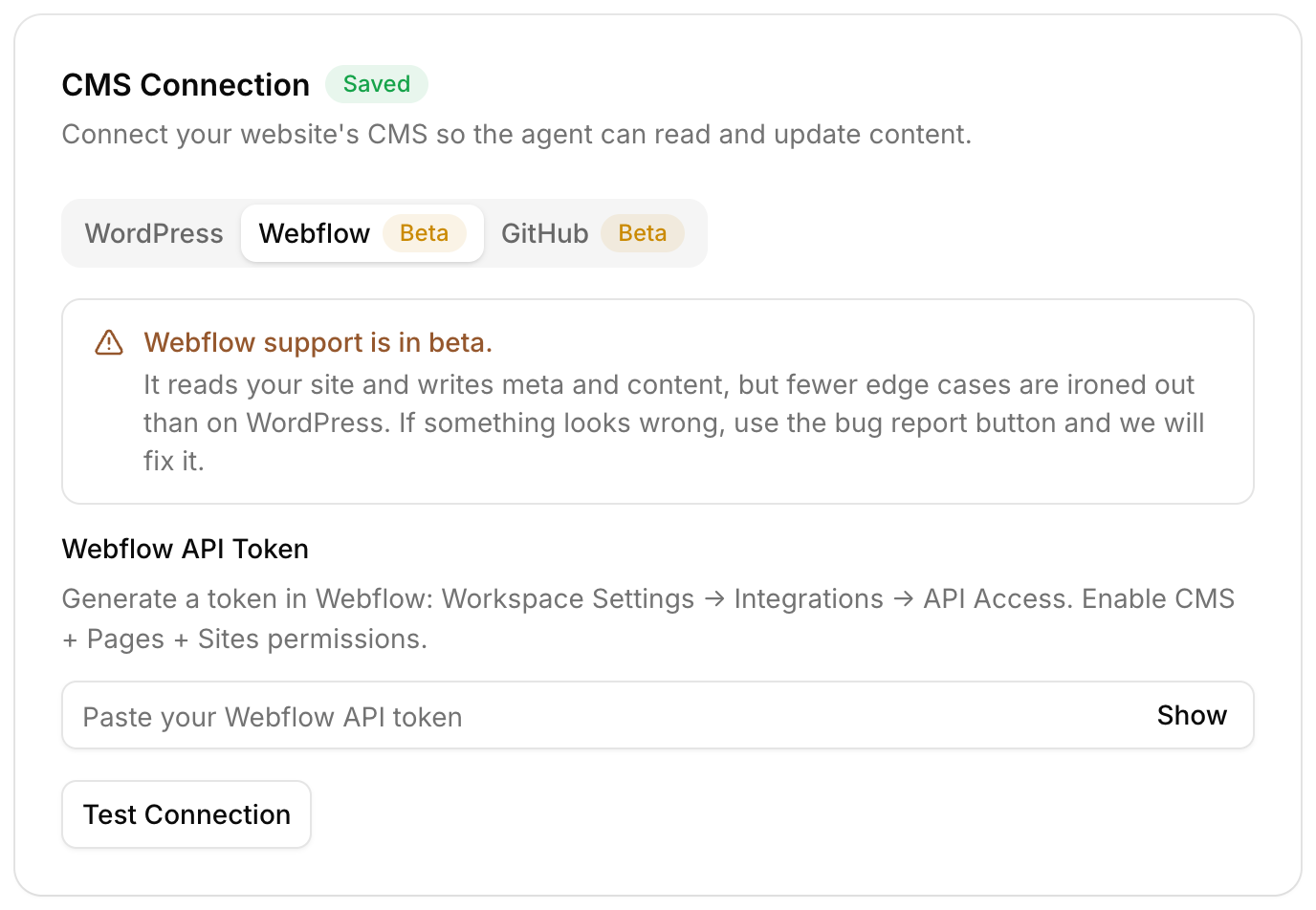
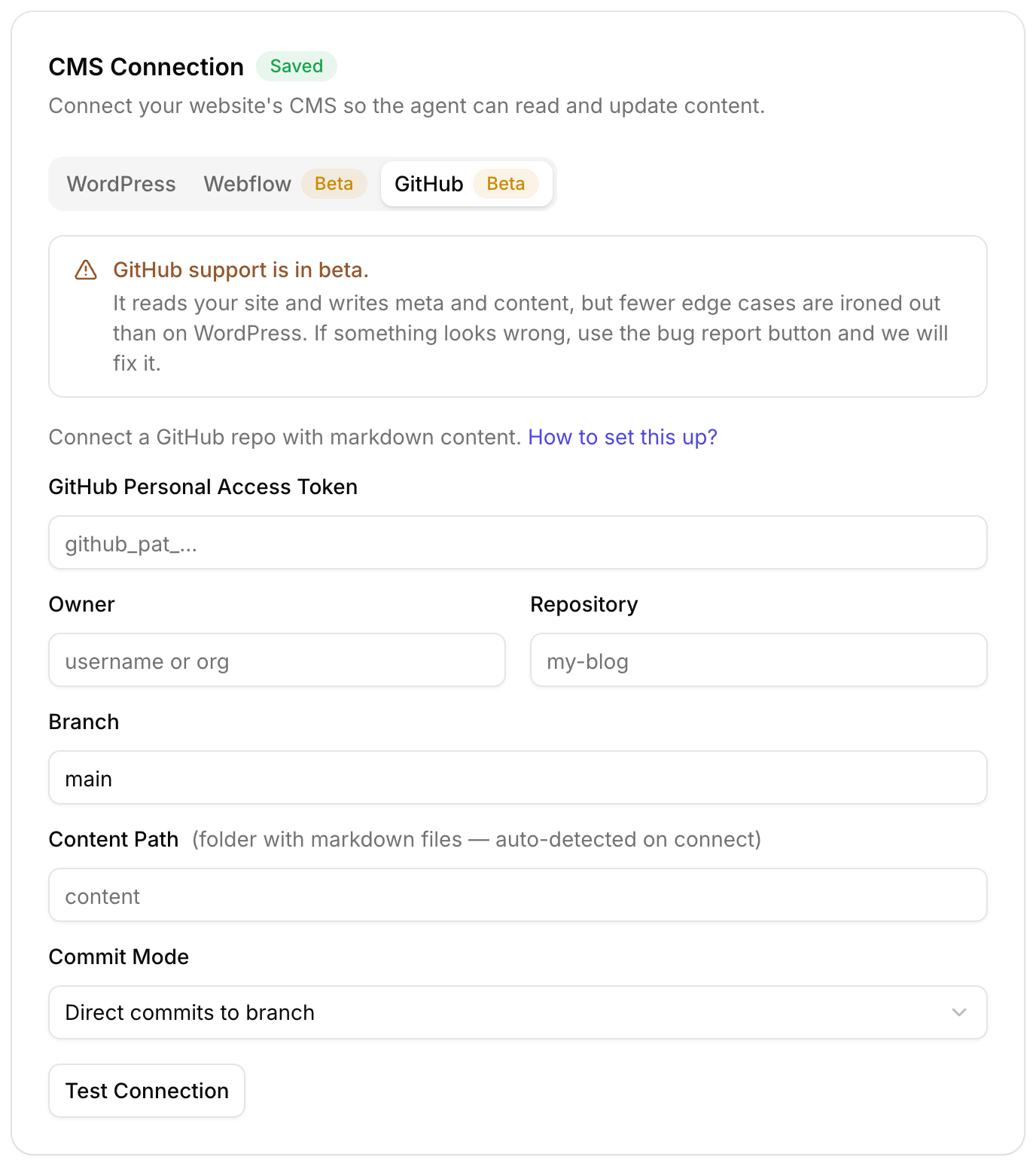
| Writes | Titles, meta, content edits and new drafts on WordPress, Webflow and GitHub |
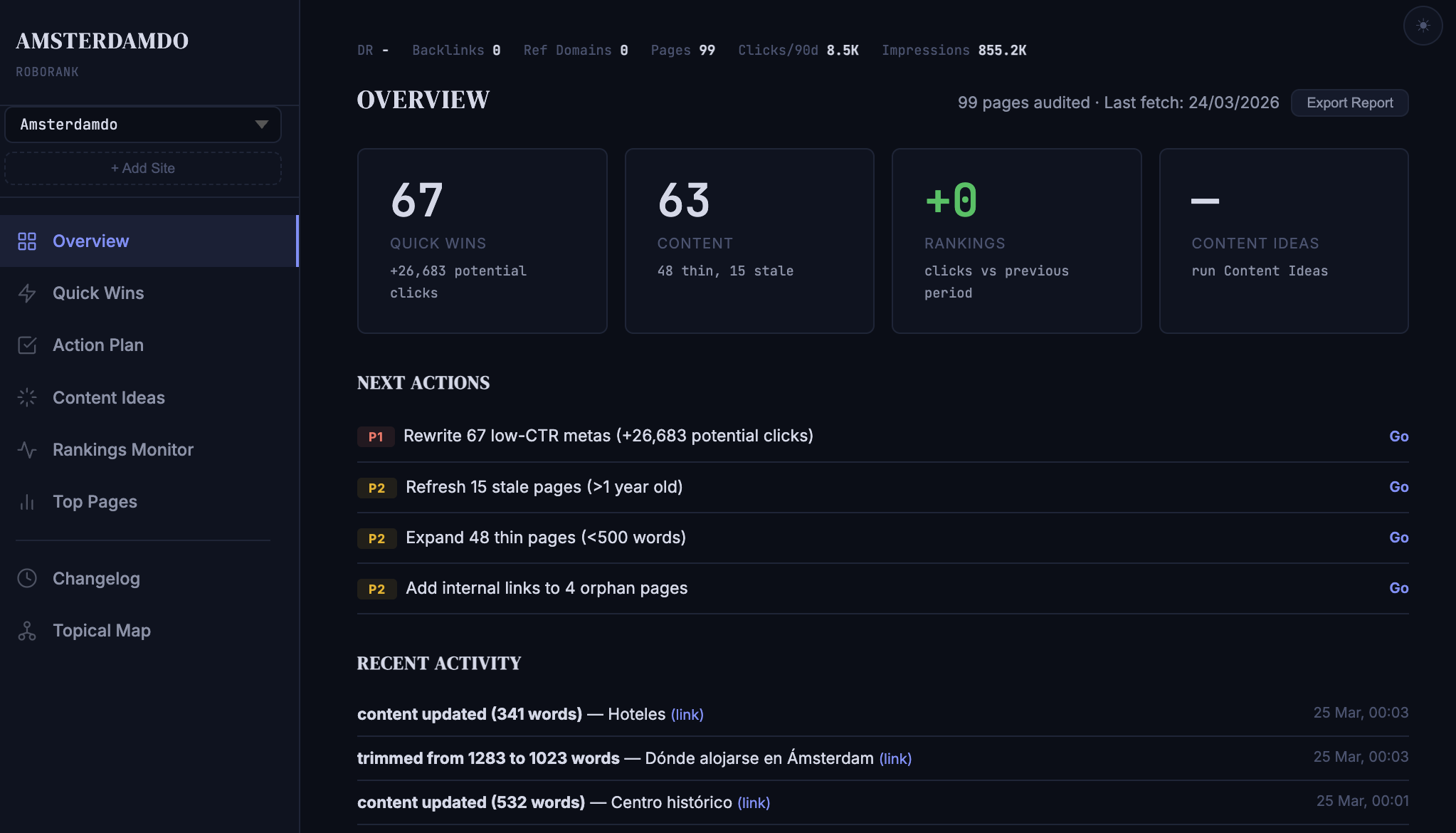
Safe by default
- Writing is off until you turn on remote edits for that site
- Every change waits for your approval in the dashboard. The assistant can't approve its own changes
- New posts and pages are always drafts
- No deletes, and no access to plugins, themes or users
- Disconnect any app from Settings in one click
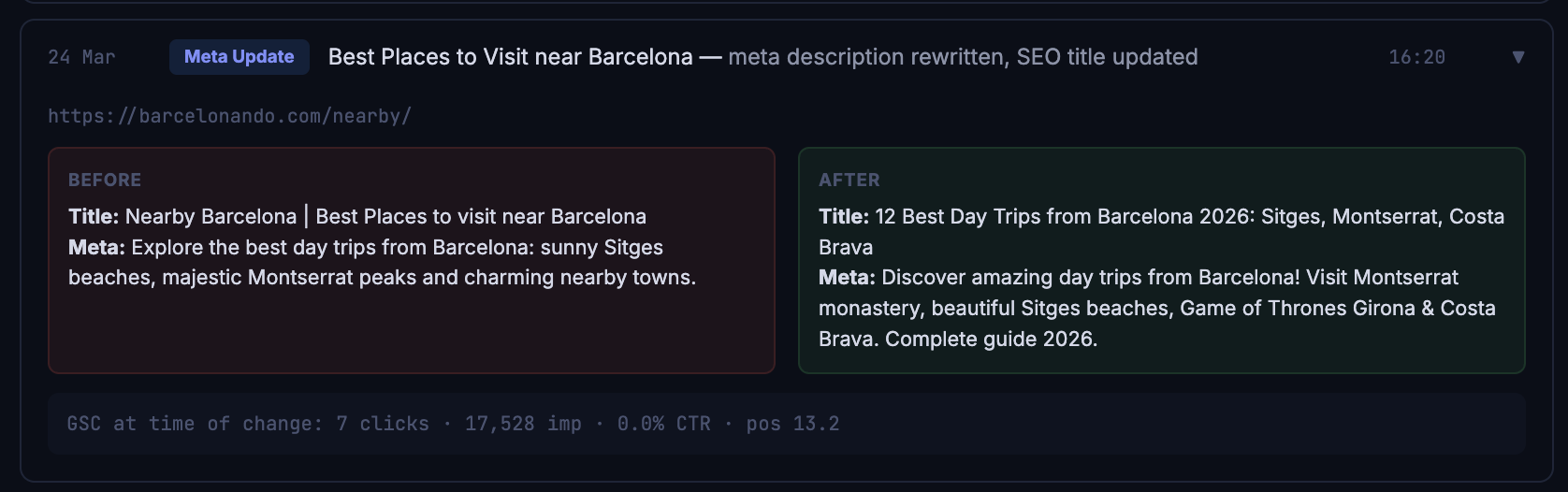
Create your account, connect Search Console, then add Roborank to the AI app you use.
Start free with Search ConsoleSEO changes written to live sites
sites worked on, WordPress, Webflow and more
change logged with a before and after
1. What is an SEO MCP server?
MCP (Model Context Protocol) is the standard way to plug outside tools into an AI app. An SEO MCP server gives the app your SEO data and the ability to make changes, so you can ask Claude or ChatGPT about your own site instead of getting general advice.
2. Which apps work with it?
claude.ai, Claude Desktop, Claude Code, ChatGPT, Cursor, VS Code with Copilot, Windsurf, Zed, JetBrains AI Assistant, Codex CLI, Gemini CLI, OpenCode, grok.com and Grok Build, and any other app that can add a remote MCP server.
3. Do I need an API key or a token?
No. Most apps sign in to Roborank with your email. For apps that only take a header, you can create a token in Roborank Settings instead.
4. Does it cost extra?
No. The MCP server is part of every Roborank plan. Reading your data is free; rank checks and AI prompt checks use credits, the same as in the dashboard.
5. Which sites can it change?
WordPress, Webflow and GitHub sites. For plain HTML sites, the assistant gets a patch to apply to your files.
More features